
Leap Work for Intune PC
LeapXpert
Download Leap Work for Intune on PC With GameLoop Emulator
Leap Work for Intune on PC
Leap Work for Intune, coming from the developer LeapXpert, is running on Android systerm in the past.
Now, You can play Leap Work for Intune on PC with GameLoop smoothly.
Download it in the GameLoop library or search results. No more eyeing the battery or frustrating calls at the wrong time any more.
Just enjoy Leap Work for Intune PC on the large screen for free!
Leap Work for Intune Introduction
Only download this app if you are a Microsoft Intune customer. Specifically designed for the Microsoft Intune secure mobility platform, this app allows both Leap Work and Microsoft Intune customers to take advantage of Leap Work features in a secure Microsoft Endpoint Manager.
If you are not a Microsoft Intune customer, you can download the main Leap Work Android application from the Play store here https://play.google.com/store/apps/details?id=com.leapxpert.public.manager
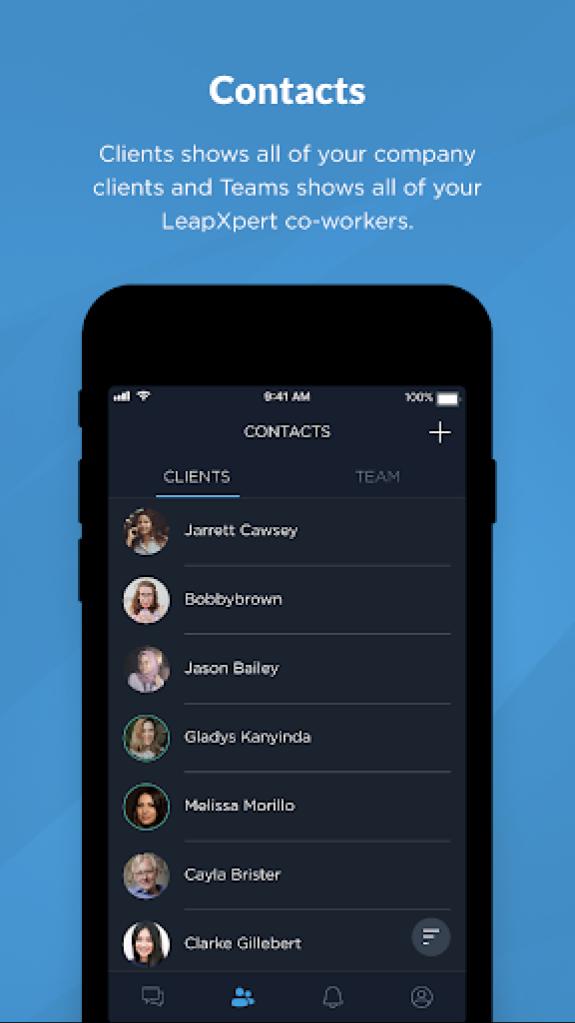
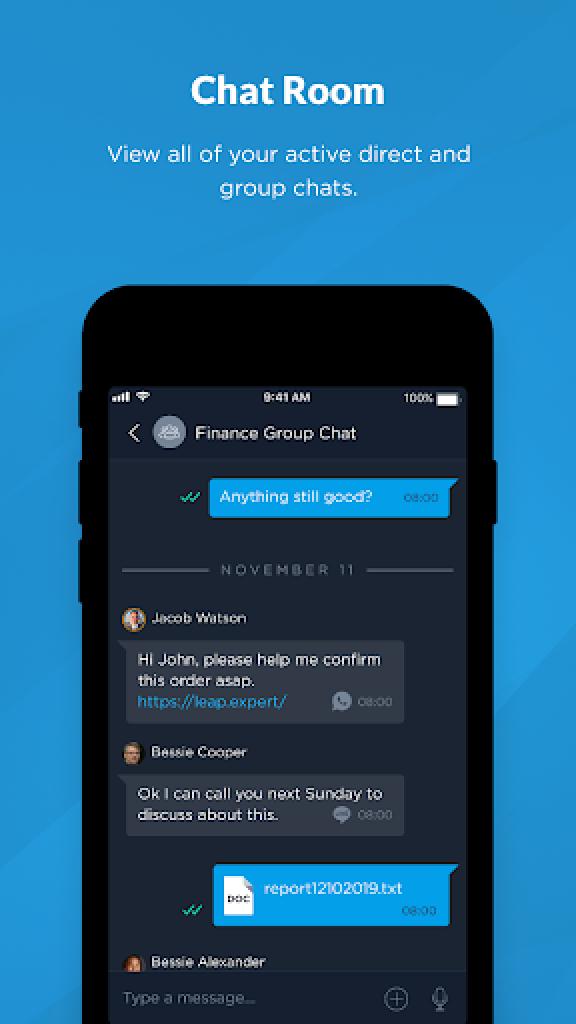
Leap Work is a B2C communication app. Employees can call or send text, voice and file messages to client's messengers of their choice: WhatsApp ™, WeChat ™ , Telegram ™ , Line ™, SMS and others. Leap Work is a part of LeapXpert's Federated Messaging Orchestration Platform (FMOP). FMOP concept allows the promotion of messaging to a formal business communication channel, similar to calling or emailing. Use Leap Work to:
- Reach clients on their messengers
- Own and control all company's communication data
- Gather employees and clients communication on one platform
- Allow group chats between employees and clients
- Keep company communication history always available for monitoring and compliance purposes
LeapXpert - Federated Messaging Orchestration
Contact us: info@leap.expert (edited)
Preview
Tags
CommunicationsInformation
Developer
LeapXpert
Latest Version
2.7.1
Last Updated
2025-08-17
Category
Communications
Available on
Google Play
Show More
How to play Leap Work for Intune with GameLoop on PC
1. Download GameLoop from the official website, then run the exe file to install GameLoop
2. Open GameLoop and search for “Leap Work for Intune” , find Leap Work for Intune in the search results and click “Install”
3. Enjoy playing Leap Work for Intune on GameLoop
Minimum requirements
OS
Windows 8.1 64-bit or Windows 10 64-bit
GPU
GTX 1050
CPU
i3-8300
Memory
8GB RAM
Storage
1GB available space
Recommended requirements
OS
Windows 8.1 64-bit or Windows 10 64-bit
GPU
GTX 1050
CPU
i3-9320
Memory
16GB RAM
Storage
1GB available space