
Grand M Stickers PC
yourayan
Download Grand M Stickers on PC With GameLoop Emulator
Grand M Stickers on PC
Grand M Stickers, coming from the developer yourayan, is running on Android systerm in the past.
Now, You can play Grand M Stickers on PC with GameLoop smoothly.
Download it in the GameLoop library or search results. No more eyeing the battery or frustrating calls at the wrong time any more.
Just enjoy Grand M Stickers PC on the large screen for free!
Grand M Stickers Introduction
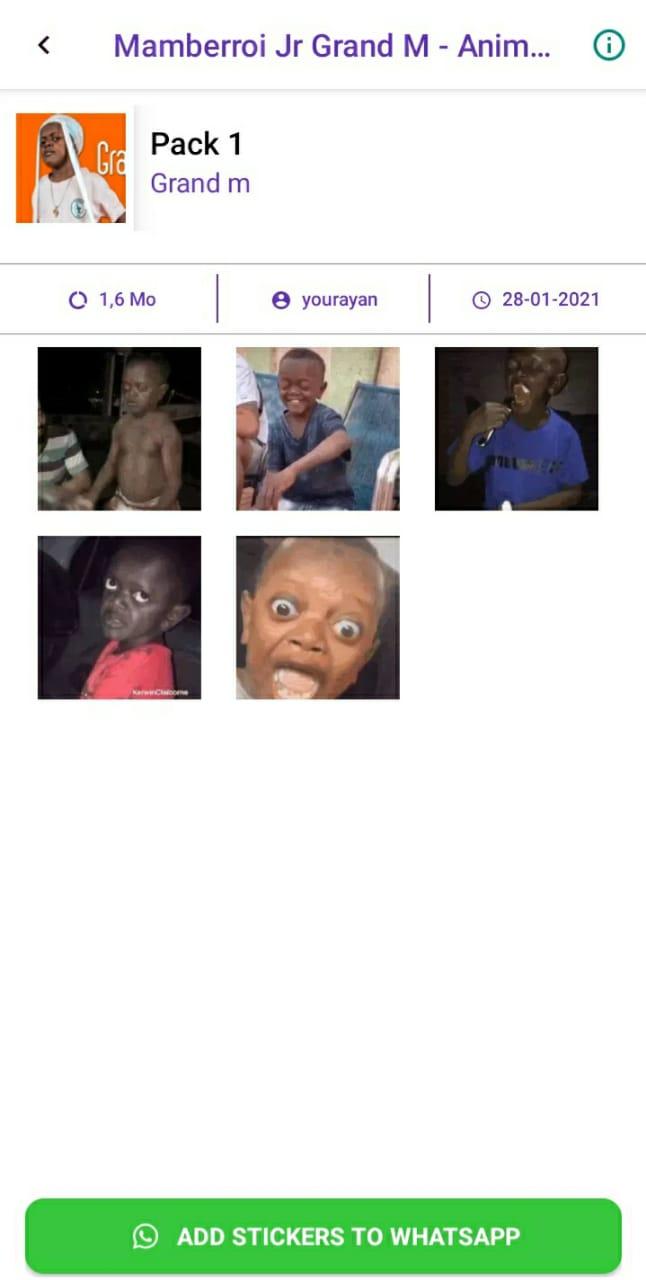
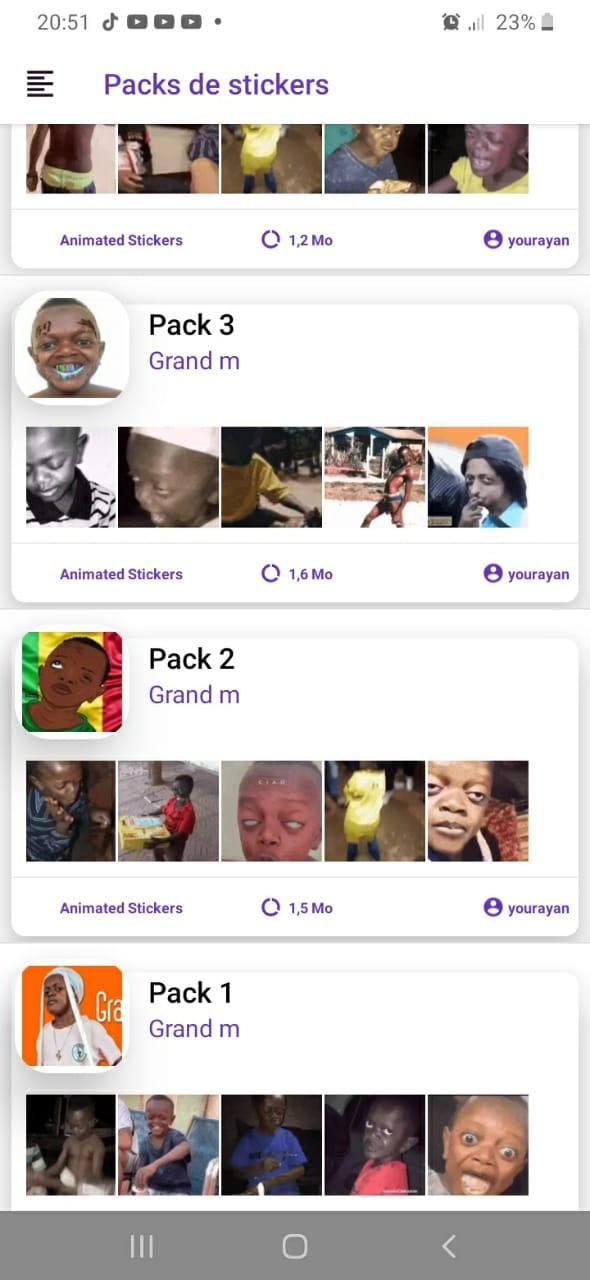
It's a pleasure to share with you this new animated Mamberroi Jr Grand M sticker with you, we bring you series of comic animated stickers to make you laugh
Download this application and enjoy the new best Mamberroi Jr Grand M sticekrs packs
Now you can have the ideal stickers for every special moments, you will have the opportunity to convey that same feeling to everyone around you,whether they are friends or family,
with our app “ Grand M Mamberroi Jr - Stickers - WAStickerApps” you’ll make everything easy in conversations with a helpful kiss stickers when you lazy to type messages, also you’ll get a funny chats with this WAStickerApps Stickers.
more about this application
This Application is not endorsed or affiliated by WhatsApp.
Most Stickers are based on free use or user-generated.
We made these stickers based on resources that are on :
- www.giphy.com
- www.tenor.com
- www.picmix.com
- www.gfycat.com
If you believe that this content infringes your copyright please send us an email to arif.youssef1@gmail.com
copyright goes to its rightful owners.
Preview
Tags
CommunicationsInformation
Developer
yourayan
Latest Version
v1.2
Last Updated
2021-05-26
Category
Communications
Available on
Google Play
Show More
How to play Grand M Stickers with GameLoop on PC
1. Download GameLoop from the official website, then run the exe file to install GameLoop
2. Open GameLoop and search for “Grand M Stickers” , find Grand M Stickers in the search results and click “Install”
3. Enjoy playing Grand M Stickers on GameLoop
Minimum requirements
OS
Windows 8.1 64-bit or Windows 10 64-bit
GPU
GTX 1050
CPU
i3-8300
Memory
8GB RAM
Storage
1GB available space
Recommended requirements
OS
Windows 8.1 64-bit or Windows 10 64-bit
GPU
GTX 1050
CPU
i3-9320
Memory
16GB RAM
Storage
1GB available space