
Cyber999 Mobile Application PC
CyberSecurity Malaysia
Download Cyber999 Mobile Application on PC With GameLoop Emulator
Cyber999 Mobile Application on PC
Cyber999 Mobile Application, coming from the developer CyberSecurity Malaysia, is running on Android systerm in the past.
Now, You can play Cyber999 Mobile Application on PC with GameLoop smoothly.
Download it in the GameLoop library or search results. No more eyeing the battery or frustrating calls at the wrong time any more.
Just enjoy Cyber999 Mobile Application PC on the large screen for free!
Cyber999 Mobile Application Introduction
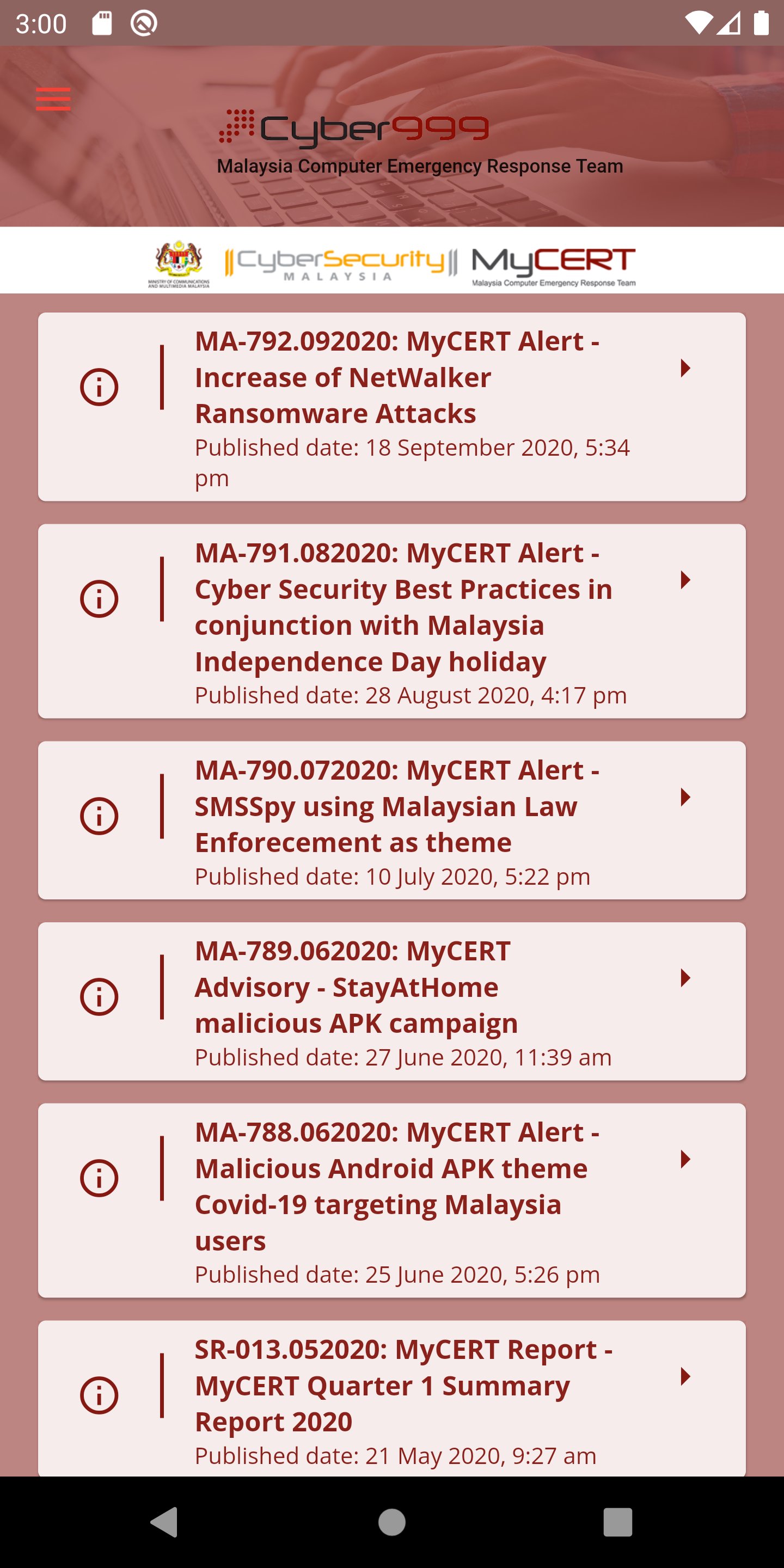
The Cyber999 app is a tool for reporting cyber security incidents or online threats to the Cyber999 Help Centre of CyberSecurity Malaysia. It is free, easy-to-use, and suitable for users of Android and iOS smart phones.
The Cyber999 app will transmit the reports from users via secure Internet connection to the Cyber999 incident handling team who will then contact the users (complainants) to assist in resolving the incidents.
Example of incidents commonly reported to CyberSecurity Malaysia are: Cyber Fraud, Phishing and Scams; Malware or Virus Infection, Spams, System Intrusion, Web defacement and DDoS; Cyber Harassment, Defamation, Seditious and Inappropriate Contents.
The Cyber999 Help Centre of CyberSecurity Malaysia is always innovating so as to assist Internet users efficiently, timely and effectively.
We developed this app so you can get immediate assistance in cyber world!
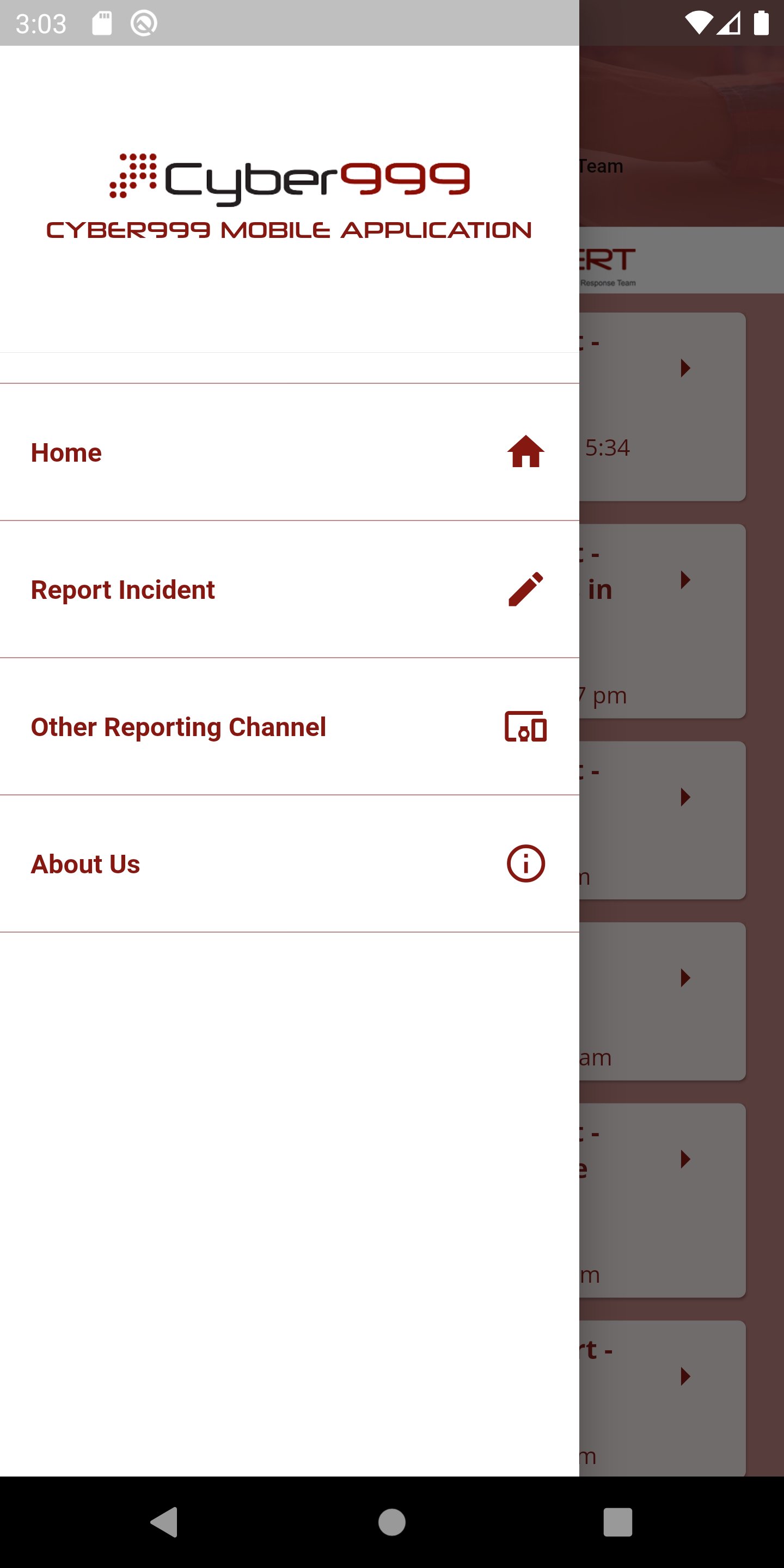
To activate, simply tap on the Cyber999 icon on your android or iOS smart phone. The Cyber999 app will immediately provide the following options:
• Report an incident now
• Choose other reporting channel
• Read about Cyber999 services.
Thank you for using the Cyber999 app.
Preview
Tags
CommunicationsInformation
Developer
CyberSecurity Malaysia
Latest Version
3.0.0
Last Updated
2024-04-18
Category
Communications
Available on
Google Play
Show More
How to play Cyber999 Mobile Application with GameLoop on PC
1. Download GameLoop from the official website, then run the exe file to install GameLoop
2. Open GameLoop and search for “Cyber999 Mobile Application” , find Cyber999 Mobile Application in the search results and click “Install”
3. Enjoy playing Cyber999 Mobile Application on GameLoop
Minimum requirements
OS
Windows 8.1 64-bit or Windows 10 64-bit
GPU
GTX 1050
CPU
i3-8300
Memory
8GB RAM
Storage
1GB available space
Recommended requirements
OS
Windows 8.1 64-bit or Windows 10 64-bit
GPU
GTX 1050
CPU
i3-9320
Memory
16GB RAM
Storage
1GB available space