
CorrLinks PC
Advanced Technologies Group, LLC
Download CorrLinks on PC With GameLoop Emulator
CorrLinks on PC
CorrLinks, coming from the developer Advanced Technologies Group, LLC, is running on Android systerm in the past.
Now, You can play CorrLinks on PC with GameLoop smoothly.
Download it in the GameLoop library or search results. No more eyeing the battery or frustrating calls at the wrong time any more.
Just enjoy CorrLinks PC on the large screen for free!
CorrLinks Introduction
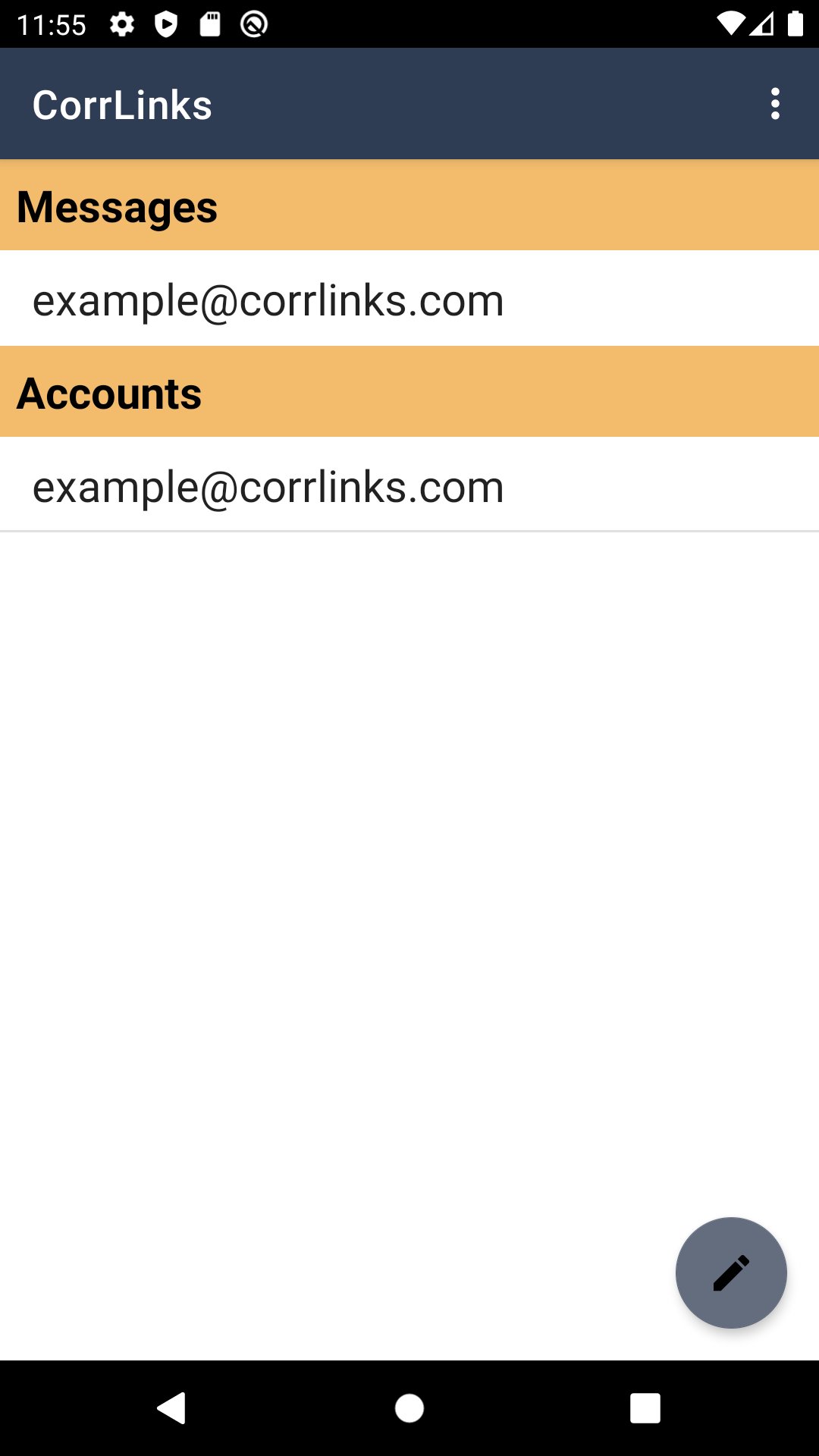
CorrLinks is a way for family and friends to electronically communicate with their loved ones incarcerated in institutions. Established through a relationship between a corrections agency and ATG, this system allows family and friends to subscribe to CorrLinks services. Currently all Federal Bureau of Prisons, US Navy Brig (Charleston and Miramar), and Department of Corrections (DOC) for the States of Iowa, Maine, Massachusetts, Nevada, and Wisconsin institutions allow such communication.
Note: To use this app, you must have a paid Premier Account subscription.
The app has the following features:
• Stay in contact with your loved ones with real time alerts. Receive immediate push notifications to your device every time you receive a new message!
• Eliminates login on a mobile device!
• Messages downloaded significantly faster!
• Messages previously read are in your inbox and don’t need to be downloaded again!
• Retain messages on your device for 60 days – server still only keep 30 day.
• Attach up to 3 mobile devices (iOS, Android) to your account!
• Eliminates Captcha on the mobile app – making it much easier to interact.
If you have issues with the app, please contact CorrLinks support at: https://www.corrlinks.com/Help.aspx
Preview

Tags
CommunicationsInformation
Developer
Advanced Technologies Group, LLC
Latest Version
5.0.19
Last Updated
2025-12-17
Category
Communications
Available on
Google Play
Show More
How to play CorrLinks with GameLoop on PC
1. Download GameLoop from the official website, then run the exe file to install GameLoop
2. Open GameLoop and search for “CorrLinks” , find CorrLinks in the search results and click “Install”
3. Enjoy playing CorrLinks on GameLoop
Minimum requirements
OS
Windows 8.1 64-bit or Windows 10 64-bit
GPU
GTX 1050
CPU
i3-8300
Memory
8GB RAM
Storage
1GB available space
Recommended requirements
OS
Windows 8.1 64-bit or Windows 10 64-bit
GPU
GTX 1050
CPU
i3-9320
Memory
16GB RAM
Storage
1GB available space