
Contacts, Dialer and Phone PC
Gazman
Download Contacts, Dialer and Phone on PC With GameLoop Emulator
Contacts, Dialer and Phone on PC
Contacts, Dialer and Phone, coming from the developer Gazman, is running on Android systerm in the past.
Now, You can play Contacts, Dialer and Phone on PC with GameLoop smoothly.
Download it in the GameLoop library or search results. No more eyeing the battery or frustrating calls at the wrong time any more.
Just enjoy Contacts, Dialer and Phone PC on the large screen for free!
Contacts, Dialer and Phone Introduction
Getting lost in your address book? Let Facetocall figure it out for you!
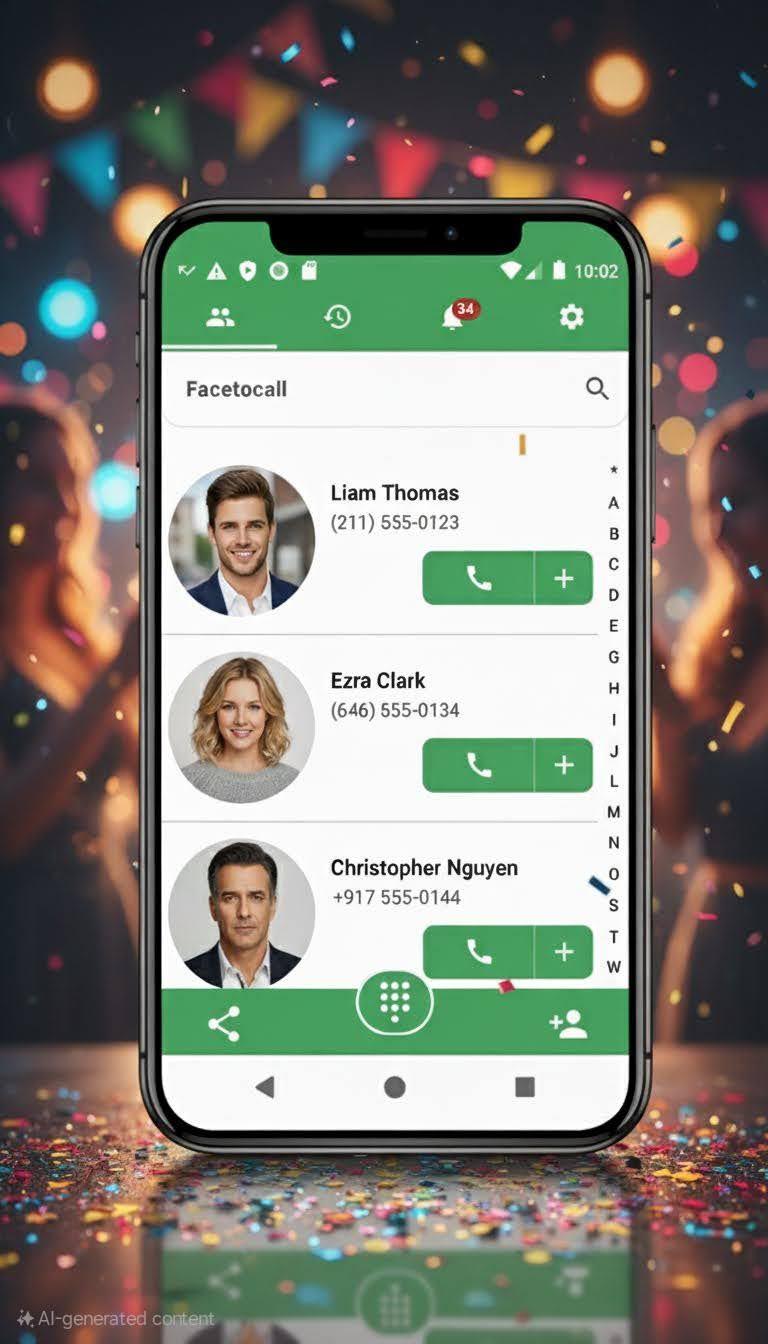
Facetocall makes calls easy with large contacts images, large dialer keypad, and smart contact management!
One click actions
○ Call a contact
○ Send a WhatsApp message. It works even if the person is not on your WhatsApp contacts list
○ Send an SMS
○ Send an email
Dual SIM support
○ DSDS - Dual SIM Dual Standby
○ DSDA - Dual SIM Dual Active
○ TSTS - Triple SIM Triple Standby
Block calls
○ Block numbers with a single click, right from the logs tab
○ Block numbers by Geographic region
○ Block private numbers
○ Block unknown numbers; it's any number that is not in your address book.
Large interface
○ Large contact photos and images
○ Large numbers on incoming and outgoing calls
○ Large dialer with big buttons
Simple address book
○ Automatically find your favorite contacts with Facetocall smart algorithm
○ See all call history with a selected contact
○ Effortlessly manage your contacts with intuitive categorization and search functionality, making it simple to navigate through your address book.
Simple dialer
○ The dialer includes a copy/paste buttons
○ One tap to call your favorite and frequently used contacts
○ Quick access to voicemail, ensuring you never miss an important message.
Merge duplicate contacts
○ Merge all duplicate contacts with one tap
○ Find and merge contacts with similar names.
○ Find and Merge contacts with duplicate phone or email.
○ Find and Merge contacts with an identical image.
○ Keep your address book tidy and organized by eliminating redundant information with ease.
VIP contacts
○ Choose who are the contacts that when they call you, your phone will ring on full volume, even if it's in a silent mode or even if it's in a do not disturb mode your VIP contacts call will bypass it and make you hear their call.
○ Smart configs, configure VIP contacts to ring on full volume only after a few missed calls.
○ Personalize your VIP list to ensure that critical calls from family, friends, or colleagues always stand out.
Broadcasting
○ Allow incoming calls from the contacts that you choose, to be automatically converted to a broadcast
○ Smart configs, configure Broadcast calls to trigger only after a few missed calls, you can even combine it with VIP contacts
○ Transform your phone into a more dynamic and responsive device, adapting to your specific needs and preferences.
Customization and Ease of Use
○ Personalize Facetocall settings to match your lifestyle, with customizable themes, ringtones, and call screens.
○ Enjoy a seamless user experience designed for efficiency, reducing the time spent on managing communications.
Contact us
Feel free to contact us directly if you need any support: https://www.facebook.com/facetocall
And visit our website
https://facetocall.com
Join the Facetocall Community
○ Engage with a community of users who appreciate the finer aspects of a well-organized phone.
○ Share tips, tricks, and insights to get the most out of Facetocall.
Discover the joy of streamlined communication with Facetocall's "Contacts, Dialer and Phone." Say goodbye to the hassle of traditional contact management and hello to a world of clarity, simplicity, and efficiency. With Facetocall, your phone becomes more than just a device; it's your ultimate communication partner.
Preview

Tags
CommunicationsInformation
Developer
Gazman
Latest Version
4.00.28
Last Updated
2025-09-30
Category
Communications
Available on
Google Play
Show More
How to play Contacts, Dialer and Phone with GameLoop on PC
1. Download GameLoop from the official website, then run the exe file to install GameLoop
2. Open GameLoop and search for “Contacts, Dialer and Phone” , find Contacts, Dialer and Phone in the search results and click “Install”
3. Enjoy playing Contacts, Dialer and Phone on GameLoop
Minimum requirements
OS
Windows 8.1 64-bit or Windows 10 64-bit
GPU
GTX 1050
CPU
i3-8300
Memory
8GB RAM
Storage
1GB available space
Recommended requirements
OS
Windows 8.1 64-bit or Windows 10 64-bit
GPU
GTX 1050
CPU
i3-9320
Memory
16GB RAM
Storage
1GB available space