
HSE Observation PC
Webware
Download HSE Observation on PC With GameLoop Emulator
HSE Observation on PC
HSE Observation, coming from the developer Webware, is running on Android systerm in the past.
Now, You can play HSE Observation on PC with GameLoop smoothly.
Download it in the GameLoop library or search results. No more eyeing the battery or frustrating calls at the wrong time any more.
Just enjoy HSE Observation PC on the large screen for free!
HSE Observation Introduction
For any company, the employee safety and health is a factor of prime concern. There are certain standards laid by the safety engineers and organisations regarding this, and we need to follow these best practices to stay safe and work effortlessly.
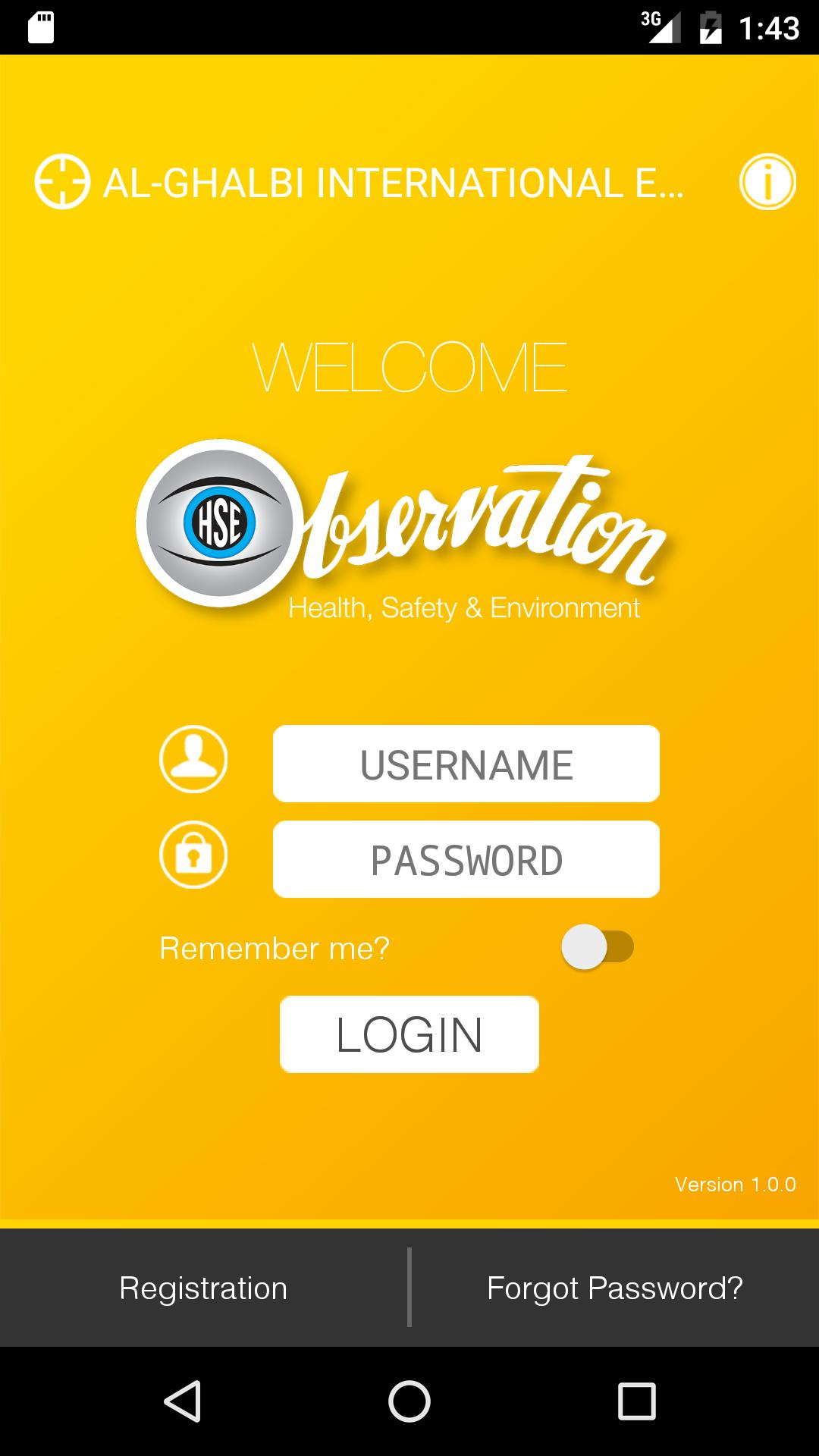
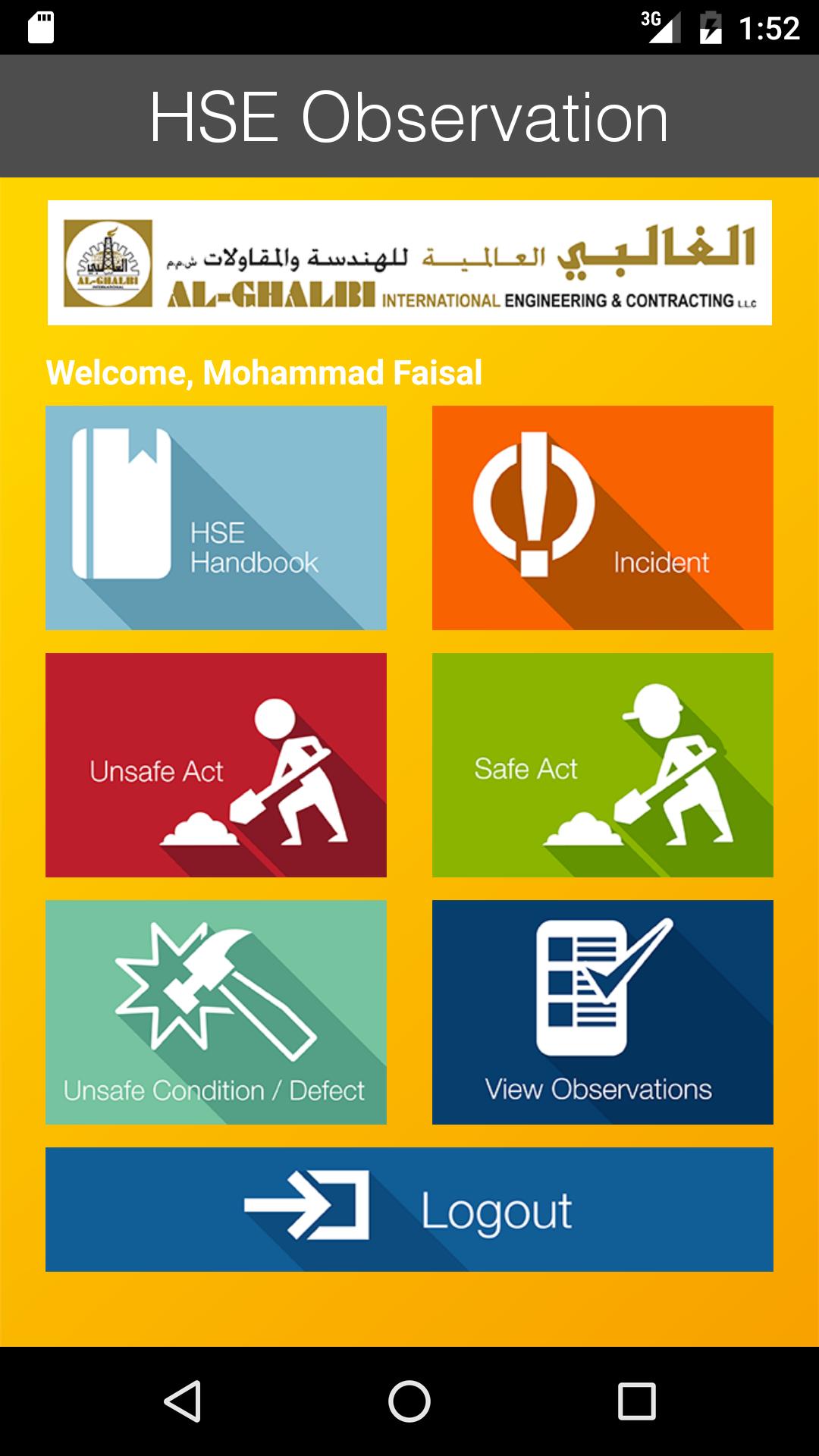
The HSE Observation tool enables users to report an issue using a mobile or tablet, on the spot to the management with the help of captured images and detailing of the situation. The safety measures and concerns differs from site to site; so this is specially taken into consideration in this application. Moreover a detailing of the best practices is also available. The reported observations are delivered to the authorised HSE managers who maintain a web based application in order to take necessary actions to avoid unsafe acts/incidents in future.
Preview
Information
Developer
Webware
Latest Version
1.2
Last Updated
2017-12-24
Category
Communications
Available on
Google Play
Show More
How to play HSE Observation with GameLoop on PC
1. Download GameLoop from the official website, then run the exe file to install GameLoop
2. Open GameLoop and search for “HSE Observation” , find HSE Observation in the search results and click “Install”
3. Enjoy playing HSE Observation on GameLoop
Minimum requirements
OS
Windows 8.1 64-bit or Windows 10 64-bit
GPU
GTX 1050
CPU
i3-8300
Memory
8GB RAM
Storage
1GB available space
Recommended requirements
OS
Windows 8.1 64-bit or Windows 10 64-bit
GPU
GTX 1050
CPU
i3-9320
Memory
16GB RAM
Storage
1GB available space