
Puma Browser: private local Ai PC
Puma Technologies
Download Puma Browser: private local Ai on PC With GameLoop Emulator
Puma Browser: private local Ai on PC
Puma Browser: private local Ai, coming from the developer Puma Technologies, is running on Android systerm in the past.
Now, You can play Puma Browser: private local Ai on PC with GameLoop smoothly.
Download it in the GameLoop library or search results. No more eyeing the battery or frustrating calls at the wrong time any more.
Just enjoy Puma Browser: private local Ai PC on the large screen for free!
Puma Browser: private local Ai Introduction
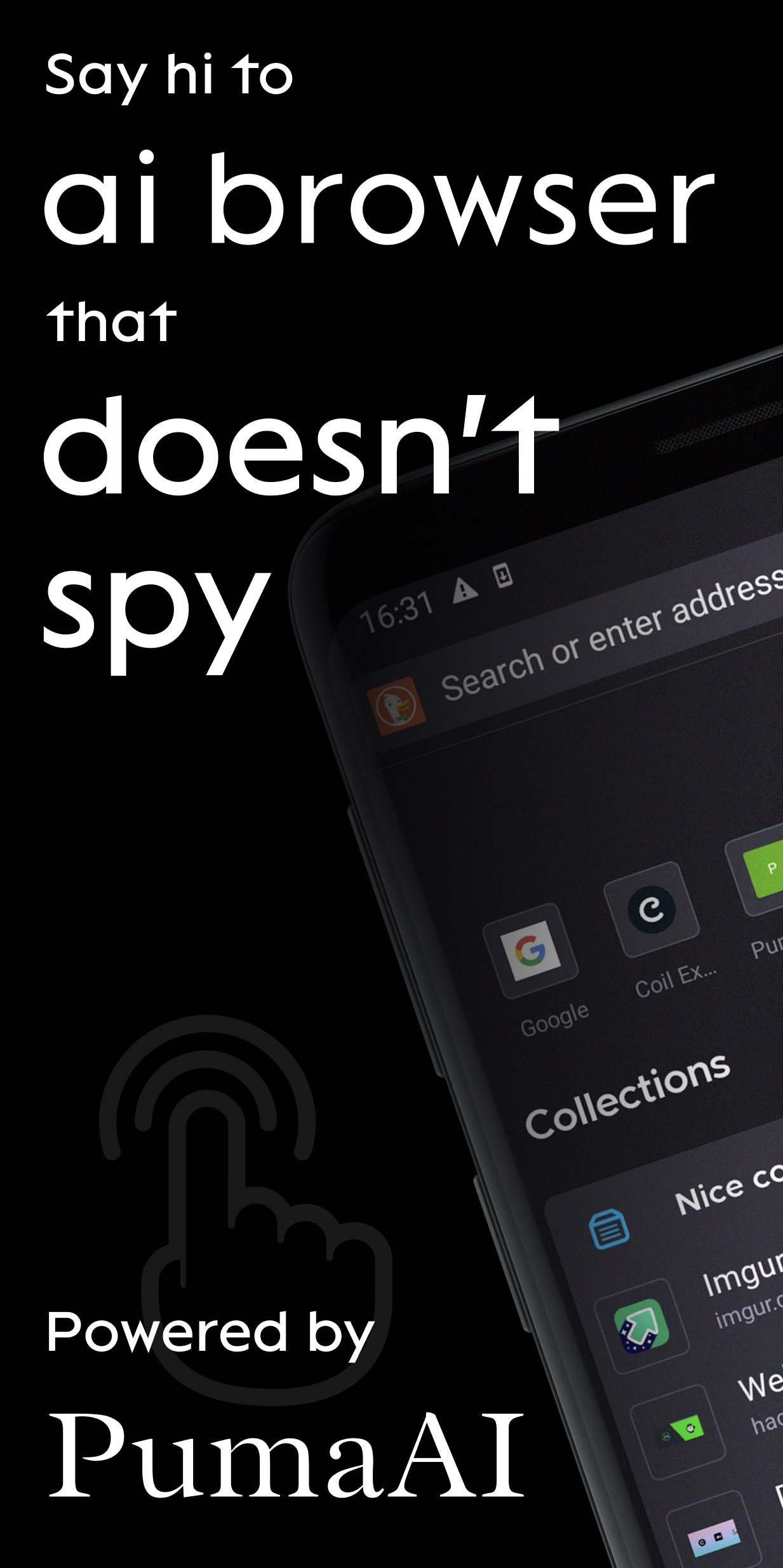
Puma is a mobile browser for Ai agents. Private by design.
Today with Puma you can:
1. Chat with Gemma, Qwen, Ministral and other LLMs locally and never have your conversations leave your device
2. Summarize content and have follow-up chat via OpenAI, Anthropic and Gemini APIs
3. Access ENS, IPFS websites
BETTER SEARCH
Take ownership of your online activity from big corporations. Select a default search engine you love most and perform à la carte searches from today’s top sites:
- DuckDuckGo: simple, private search with contextual rather than personalized ads. Puma Browser’s default.
- Ecosia: go green while you surf! One tree gets planted for about every 45 searches.
- Google: available for those who want it.
- Twitter: search trends, hashtags, and topics that are happening and being discussed by the world right now.
- Wikipedia: the free online encyclopedia built and nurtured by volunteers around the world and hosted by the Wikimedia Foundation.
BETTER COMMUNITY
Help us guide the web to a better future with your ideas, feedback, and questions. Tweet at: @PumaBrowser | Join the conversation on Discord: chat.puma.tech | Email: support@pumabrowser.com.
Made with love by the Puma Browser Team.
Preview
Tags
CommunicationsInformation
Developer
Puma Technologies
Latest Version
3.9.15
Last Updated
2026-07-28
Category
Communications
Available on
Google Play
Show More
How to play Puma Browser: private local Ai with GameLoop on PC
1. Download GameLoop from the official website, then run the exe file to install GameLoop
2. Open GameLoop and search for “Puma Browser: private local Ai” , find Puma Browser: private local Ai in the search results and click “Install”
3. Enjoy playing Puma Browser: private local Ai on GameLoop
Minimum requirements
OS
Windows 8.1 64-bit or Windows 10 64-bit
GPU
GTX 1050
CPU
i3-8300
Memory
8GB RAM
Storage
1GB available space
Recommended requirements
OS
Windows 8.1 64-bit or Windows 10 64-bit
GPU
GTX 1050
CPU
i3-9320
Memory
16GB RAM
Storage
1GB available space