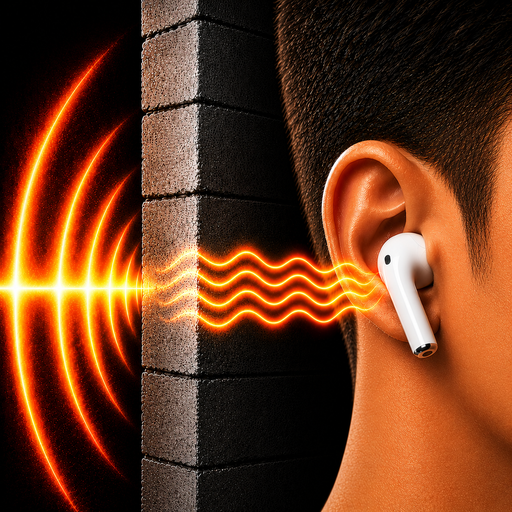
Hear Through Walls PC
Ronasoft Media
Download Hear Through Walls on PC With GameLoop Emulator
Hear Through Walls on PC
Hear Through Walls, coming from the developer Ronasoft Media, is running on Android systerm in the past.
Now, You can play Hear Through Walls on PC with GameLoop smoothly.
Download it in the GameLoop library or search results. No more eyeing the battery or frustrating calls at the wrong time any more.
Just enjoy Hear Through Walls PC on the large screen for free!
Hear Through Walls Introduction
Hear Through Walls app lets you hear sounds from another room by leaving your phone near the sound source in the target room and listening through earbuds or Bluetooth headphones. Connect your Bluetooth headphones or earbuds, place your phone near the sound source (such as TV or baby crib) then tap Listen. Live audio picked up by your phone microphone streams directly to your connected headphones or earbuds in real time.
Use Hear Through Walls when you want to hear what is happening in a room without staying beside the sound source. Leave your phone near a television, speaker, conversation, baby crib area, or another sound source and continue listening through your Bluetooth headphones or earbuds while you move around within connection range.
Hear Through Walls does not amplify sound through walls themselves. Instead, your phone captures the sounds inside the room where it is placed and streams them directly to your connected headphones or earbuds. This lets you hear what your phone microphone picks up while you remain within the supported Bluetooth connection range.
LISTEN TO WHAT’S HAPPENING IN A ROOM
Place your phone inside the room you want to listen to. Your phone microphone captures nearby sounds and sends them directly to your Bluetooth headphones or earbuds.
Leave your phone near the sound source and listen to what is happening inside that room while you cook, clean, work, move around your home, or stay elsewhere within Bluetooth range.
LISTEN TO TV
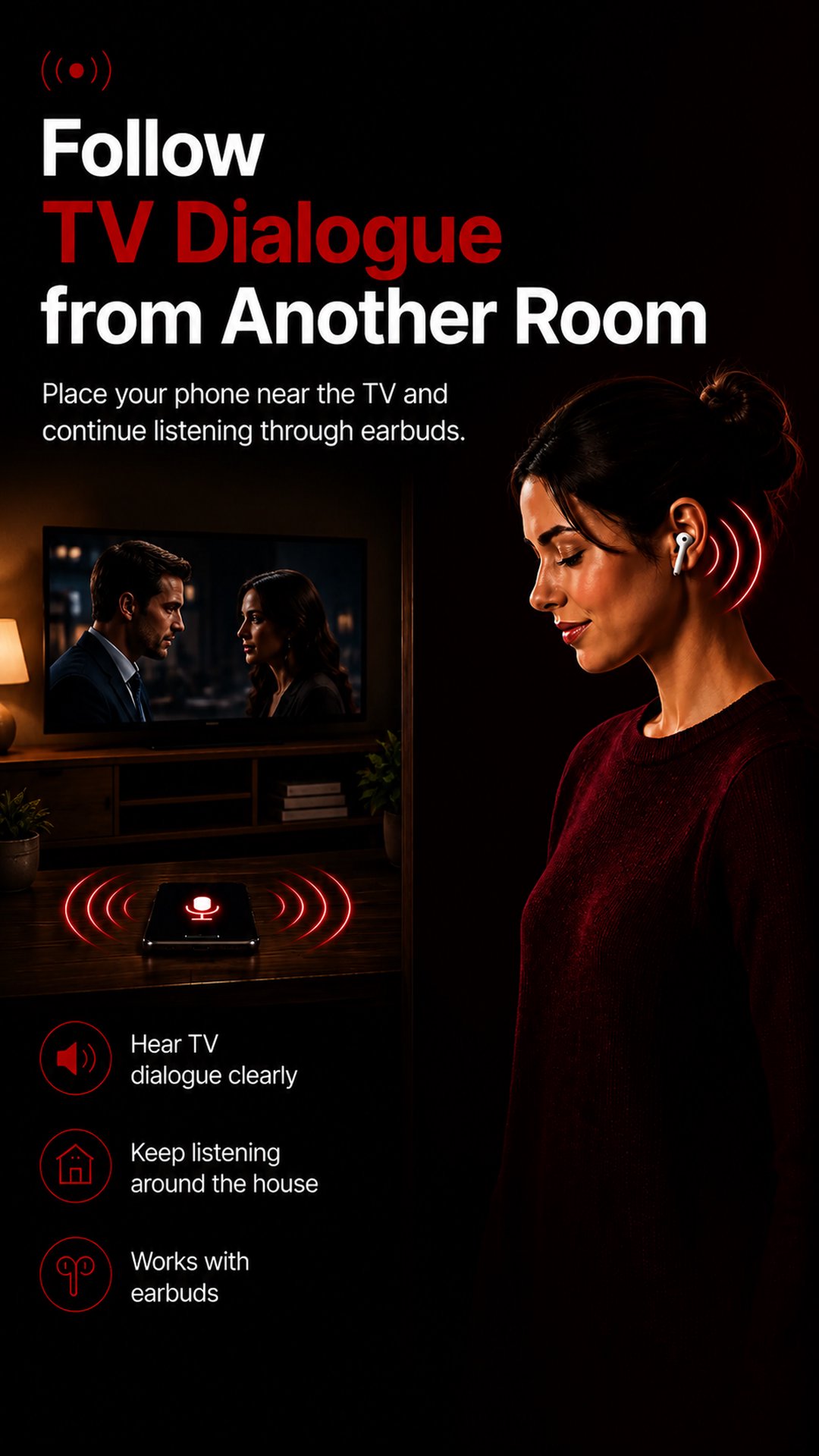
Want to keep listening to the TV without staying beside it? Place your Android phone near the television, connect your Bluetooth headphones or earbuds, and continue following dialogue while you cook, clean, do laundry, work, or move around.
Hear Through Walls lets you hear TV audio directly through your headphones or earbuds without turning up the volume for everyone else.
AUDIO BABY MONITOR
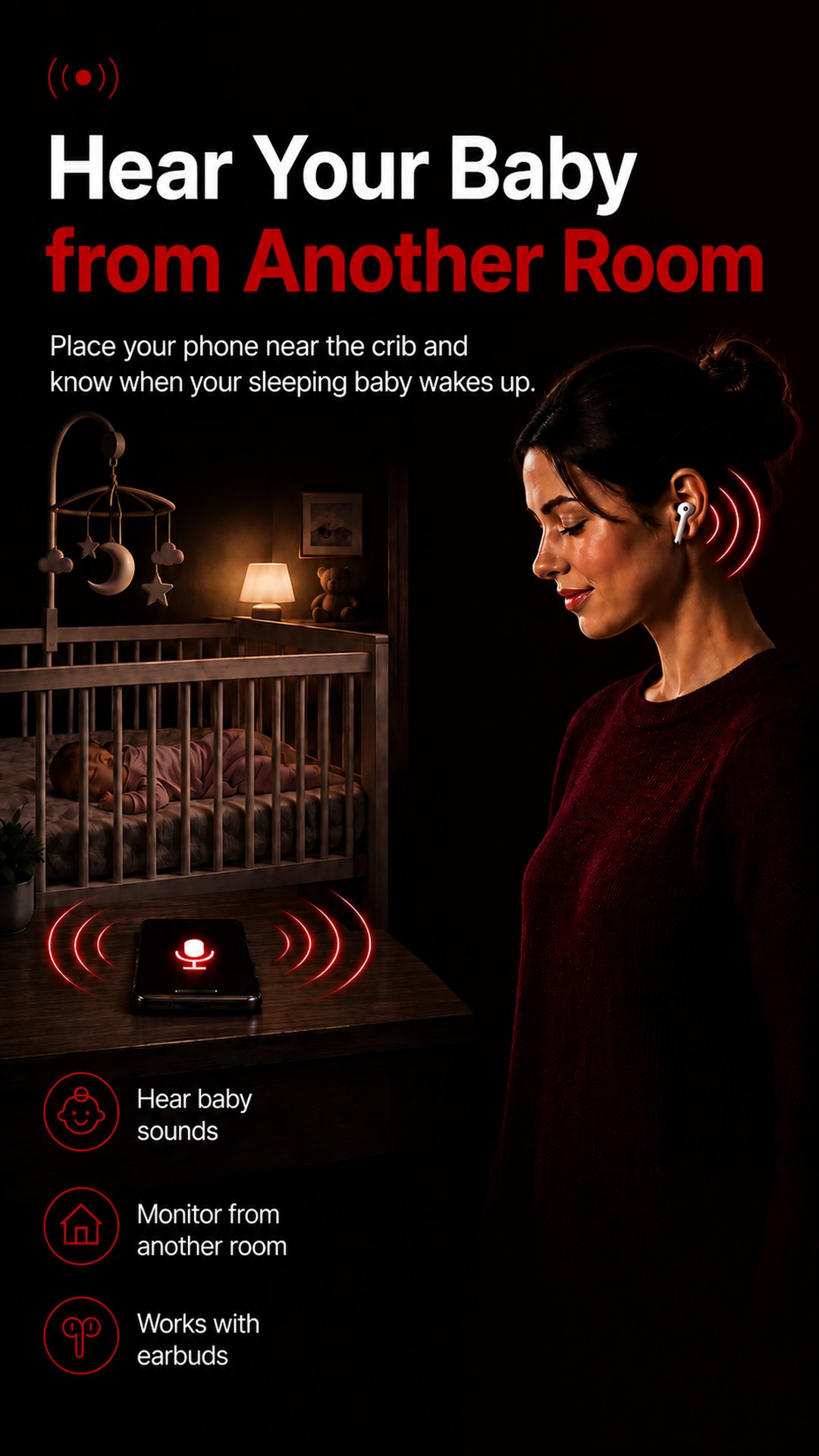
Hear Through Walls can also be used as a makeshift audio baby monitor at home. Place your Android phone safely near the baby’s crib area or inside the baby’s room and listen to the sounds picked up by your phone microphone through your connected Bluetooth headphones or earbuds.
Hear crying, movement, soft noises, waking sounds, and other sounds while you continue your activities within Bluetooth range.
LIVE REMOTE MICROPHONE
Hear Through Walls captures nearby sounds through your Android phone microphone and streams the live audio directly to your connected Bluetooth headphones or earbuds.
Use Hear Through Walls to:
• Hear what is happening inside another room at home
• Continue following along with TV dialogue while moving around the house
• Listen to your baby from another room
• Listen to lectures or presentations from the back row
Preview
Tags
CommunicationsInformation
Developer
Ronasoft Media
Latest Version
1.1.3
Last Updated
2026-09-08
Category
Communications
Available on
Google Play
Show More
How to play Hear Through Walls with GameLoop on PC
1. Download GameLoop from the official website, then run the exe file to install GameLoop
2. Open GameLoop and search for “Hear Through Walls” , find Hear Through Walls in the search results and click “Install”
3. Enjoy playing Hear Through Walls on GameLoop
Minimum requirements
OS
Windows 8.1 64-bit or Windows 10 64-bit
GPU
GTX 1050
CPU
i3-8300
Memory
8GB RAM
Storage
1GB available space
Recommended requirements
OS
Windows 8.1 64-bit or Windows 10 64-bit
GPU
GTX 1050
CPU
i3-9320
Memory
16GB RAM
Storage
1GB available space