
TelePlus Messenger PC
ETHIOTECH
Download TelePlus Messenger on PC With GameLoop Emulator
TelePlus Messenger on PC
TelePlus Messenger, coming from the developer ETHIOTECH, is running on Android systerm in the past.
Now, You can play TelePlus Messenger on PC with GameLoop smoothly.
Download it in the GameLoop library or search results. No more eyeing the battery or frustrating calls at the wrong time any more.
Just enjoy TelePlus Messenger PC on the large screen for free!
TelePlus Messenger Introduction
TelePlus brings a lot of feature
+Download Manager, manage and schedule your downloads with a multi queue download manager.
+Support and customize any type of theme, telegram theme or Plus theme or Mobo theme.
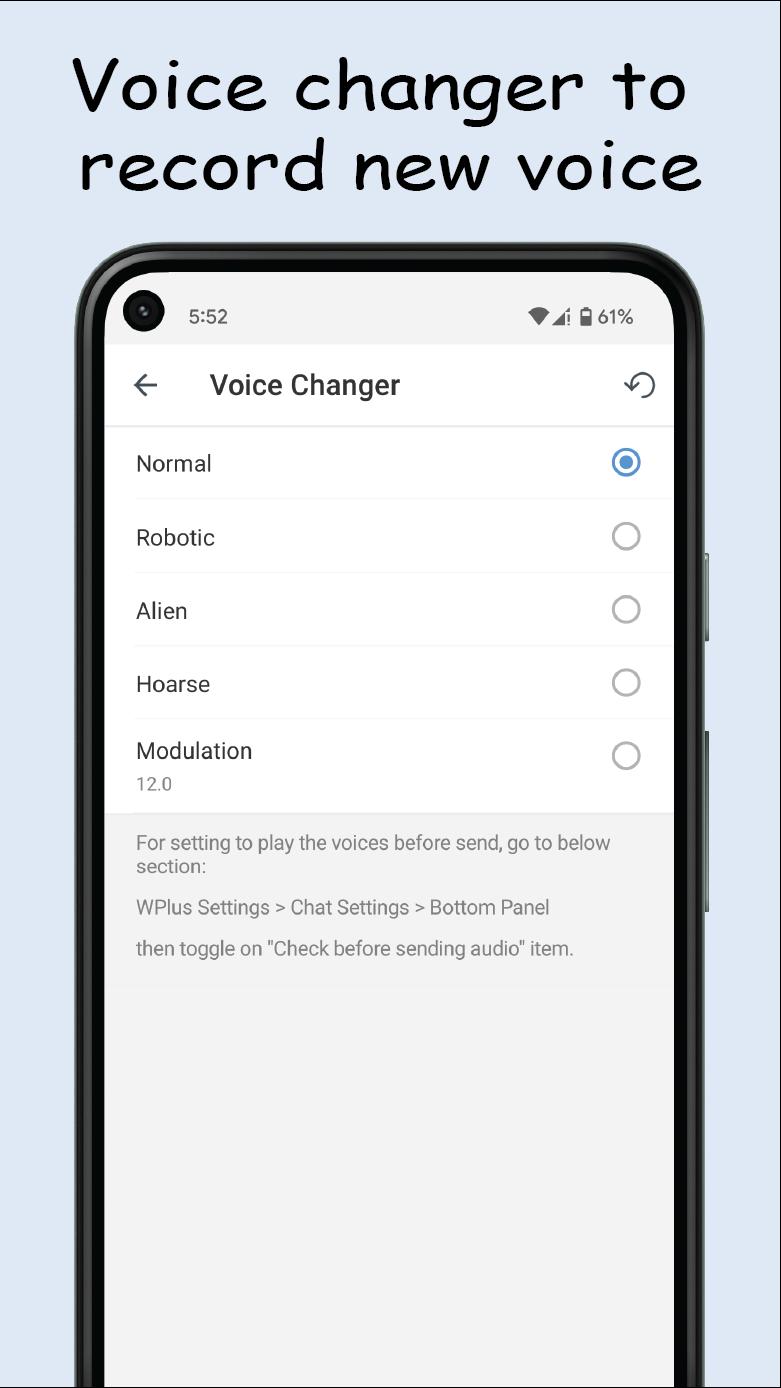
+Voice changer, change your voice when send voice messages.
+Hidden section, hide your chats and contacts and set password or pattern lock for them.
+Lock chats, lock your chats and set password or pattern lock for them.
+Auto answer machine, send auto message to contact when you can't answer.
+Separated tabs for chats: users, groups, channels, bots, unread, admin/creator.
+Contact changes, can show contact changes like change name, avatar and phone in one page.
+Special contact, notify you when your special contact is online.
+TelePlus settings, you can customize your TelePlus app in TelePlus settings.
+ID Finder by writing down each person's username, talk to them or enter the channel or group of that username.
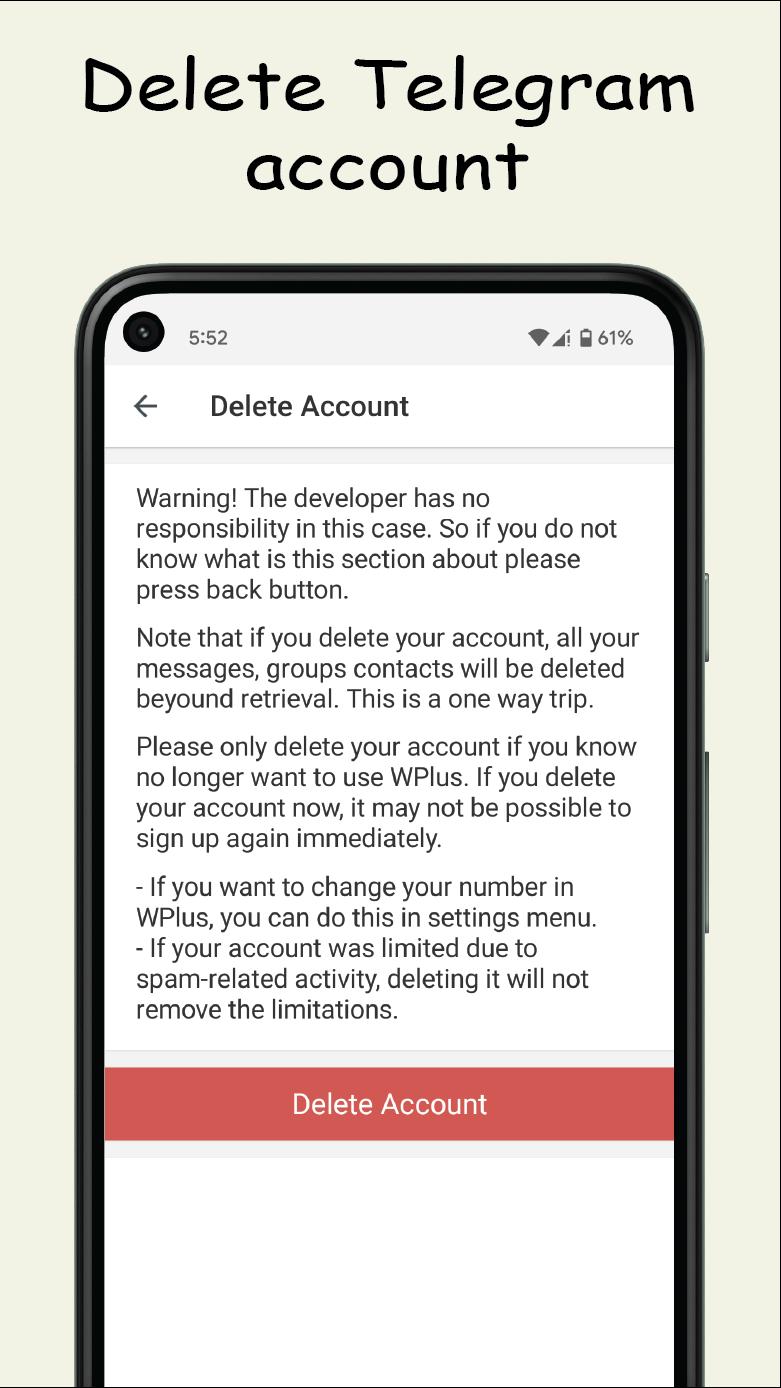
+Delete telegram account with one button.
+Forward messages without quoting. Edit message/caption before forwarding.
+Translate messages without sending. Edit and Translate message/caption before sending
+Professional proxy settings, Multi delete, share and copy. Sort by ping time.
+Smart connect to proxy by ping time.
Preview
Tags
CommunicationsInformation
Developer
ETHIOTECH
Latest Version
8.7.4
Last Updated
2023-01-12
Category
Communications
Available on
Google Play
Show More
How to play TelePlus Messenger with GameLoop on PC
1. Download GameLoop from the official website, then run the exe file to install GameLoop
2. Open GameLoop and search for “TelePlus Messenger” , find TelePlus Messenger in the search results and click “Install”
3. Enjoy playing TelePlus Messenger on GameLoop
Minimum requirements
OS
Windows 8.1 64-bit or Windows 10 64-bit
GPU
GTX 1050
CPU
i3-8300
Memory
8GB RAM
Storage
1GB available space
Recommended requirements
OS
Windows 8.1 64-bit or Windows 10 64-bit
GPU
GTX 1050
CPU
i3-9320
Memory
16GB RAM
Storage
1GB available space