Business Telephony PC
Swisscom (Switzerland) Ltd
Download Business Telephony on PC With GameLoop Emulator
Business Telephony on PC
Business Telephony, coming from the developer Swisscom (Switzerland) Ltd, is running on Android systerm in the past.
Now, You can play Business Telephony on PC with GameLoop smoothly.
Download it in the GameLoop library or search results. No more eyeing the battery or frustrating calls at the wrong time any more.
Just enjoy Business Telephony PC on the large screen for free!
Business Telephony Introduction
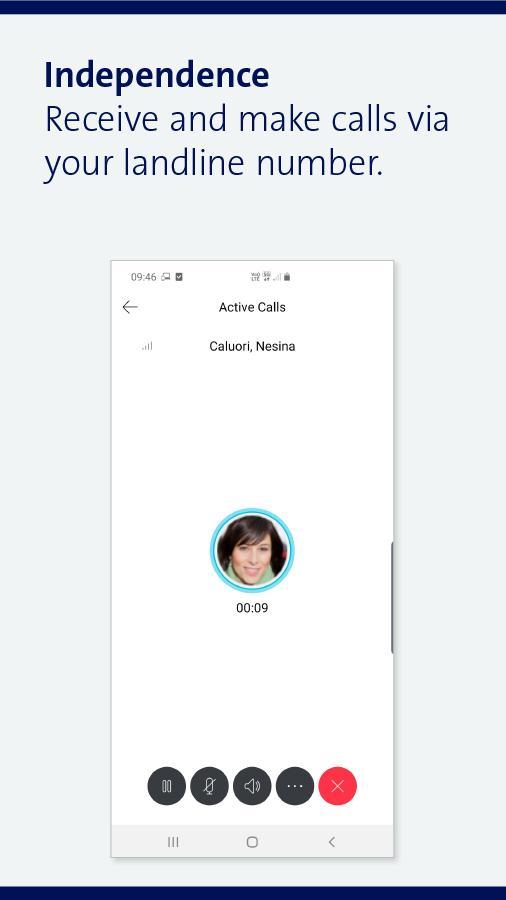
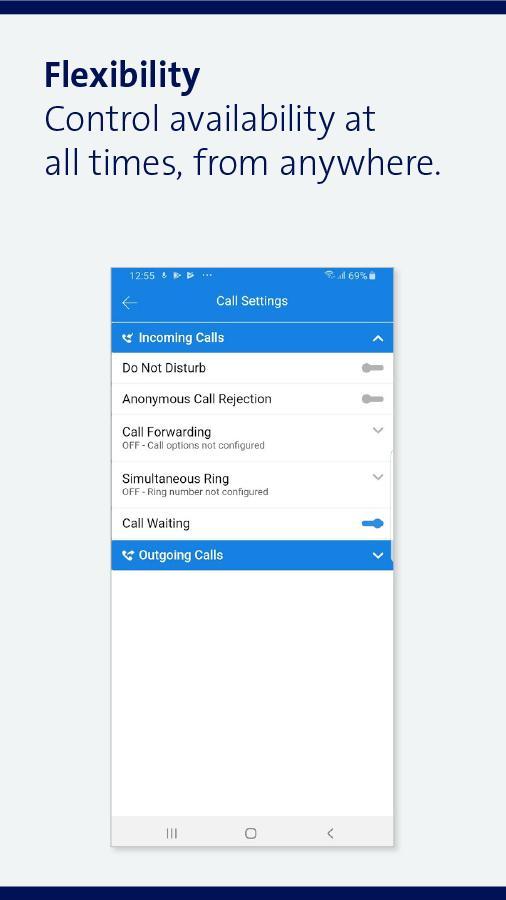
With the Business Telephony app and client, you can make calls from your business landline number with your mobile, PC or laptop, even when you are away from the office. You can also receive incoming calls to your landline number on your mobile, PC or laptop. You can control your availability at all times, wherever you are. With the app, you can also use all your usual landline functions, regardless of your location, via your mobile, PC and laptop.
Fixed-network telephony is being reinvented and is no longer limited to the office. Using Business Telephony on your smartphone, PC or Mac creates new possibilities:
> No more hassle with call diversion: set your call diversion preferences wherever you are.
> Your private NATEL® number stays private. Business calls during a family meal or holiday are a thing of the past. Now you can protect your private life.
> Make a good impression with a landline number. Now you only have to give out your business number, which will create a professional appearance.
In order to wake up the app from the energy saving mode and to ensure the availability for incoming calls, a network-based wake-up service ("push notification") from the respective app store operator is used.
With the Business Telephony app, your phone calls go over the Internet. We recommend therefore that if you intend to use the Business Telephony app on a smartphone, you should purchase an Infinity subscription (at least infinity M) with an Internet flat rate. This way you will have full control over your Internet costs.
Business telephony is included only in the product inOne myKMU Office. Tablet is not supported
Preview
Tags
CommunicationsInformation
Developer
Swisscom (Switzerland) Ltd
Latest Version
23.9.22.200
Last Updated
2021-09-22
Category
Communications
Available on
Google Play
Show More
How to play Business Telephony with GameLoop on PC
1. Download GameLoop from the official website, then run the exe file to install GameLoop
2. Open GameLoop and search for “Business Telephony” , find Business Telephony in the search results and click “Install”
3. Enjoy playing Business Telephony on GameLoop
Minimum requirements
OS
Windows 8.1 64-bit or Windows 10 64-bit
GPU
GTX 1050
CPU
i3-8300
Memory
8GB RAM
Storage
1GB available space
Recommended requirements
OS
Windows 8.1 64-bit or Windows 10 64-bit
GPU
GTX 1050
CPU
i3-9320
Memory
16GB RAM
Storage
1GB available space