Arabic Speech to Text PC
Bloser117
Download Arabic Speech to Text on PC With GameLoop Emulator
Arabic Speech to Text on PC
Arabic Speech to Text, coming from the developer Bloser117, is running on Android systerm in the past.
Now, You can play Arabic Speech to Text on PC with GameLoop smoothly.
Download it in the GameLoop library or search results. No more eyeing the battery or frustrating calls at the wrong time any more.
Just enjoy Arabic Speech to Text PC on the large screen for free!
Arabic Speech to Text Introduction
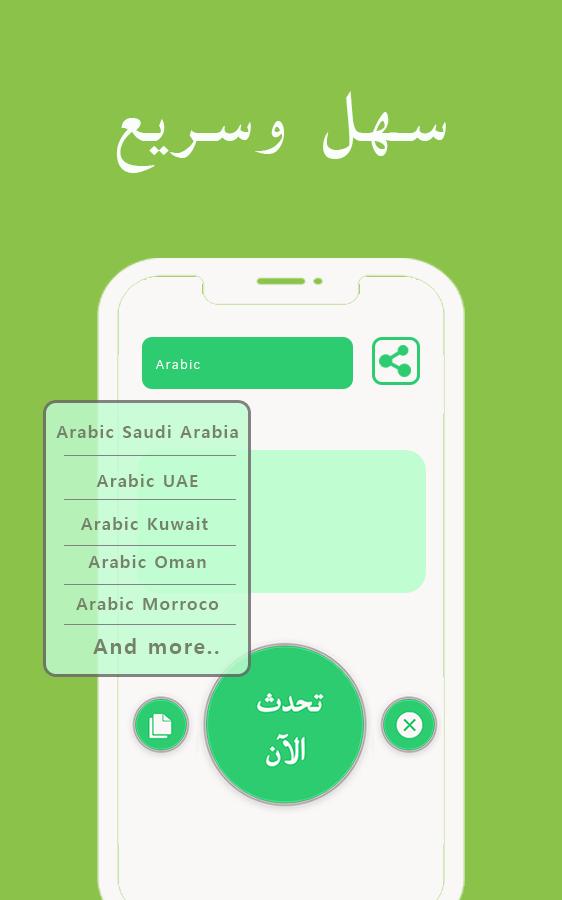
Arabic speech to text is the best utility app for the users looking to save their time by typing with their voice, The voice typing arabic is specially designed for them for to type Arabic with more ease. They can type by selecting their specific arabic accent from languages list with Arabic speech to text. Try our best Arabic speech to text app which makes Arabic voice typing easier like never before.
How to use Arabic speech to text?
- Install Arabic speech to text and launch
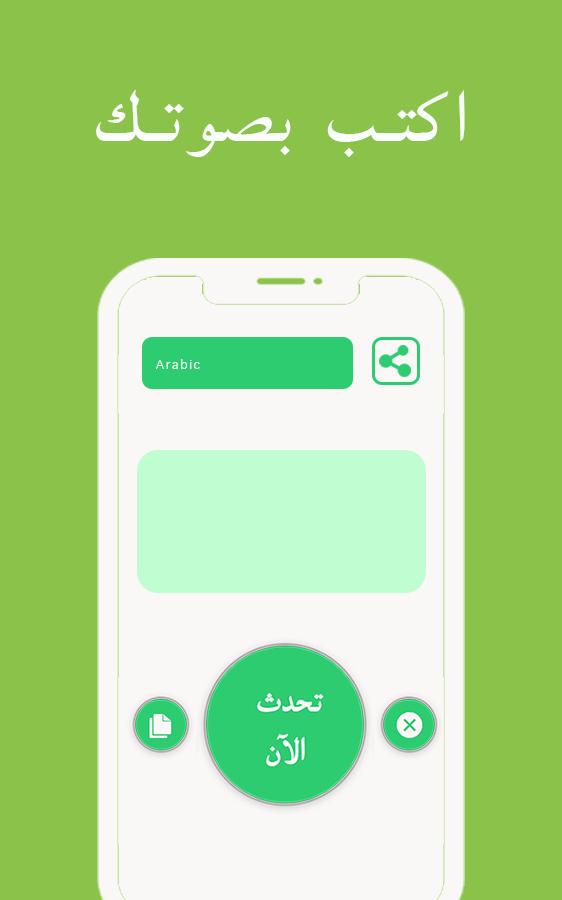
- Click the languages button to choose your respective accent
- Now click on speak button and start arabic voice typing with Arabic speech to text
- You can copy and clear easily with buttons located above
- Enjoy using Arabic speech to text app
Why?
- Quick detection of Arabic voice
Arabic speech to text will quickly detect your voice and convert it to Arabic text easily.
- Easy ui:
Arabic voice typing app has an easy ui.
- Copy/paste/edit
you can copy/paste and even edit your voice typed text with Arabic speech to text
- Free:
Arabic speech to text is a free tool
Try Arabic speech to text with Arabic voice typing and rate us.336943b993
Preview
Tags
CommunicationsInformation
Developer
Bloser117
Latest Version
1.1.0146
Last Updated
2019-12-12
Category
Communications
Available on
Google Play
Show More
How to play Arabic Speech to Text with GameLoop on PC
1. Download GameLoop from the official website, then run the exe file to install GameLoop
2. Open GameLoop and search for “Arabic Speech to Text” , find Arabic Speech to Text in the search results and click “Install”
3. Enjoy playing Arabic Speech to Text on GameLoop
Minimum requirements
OS
Windows 8.1 64-bit or Windows 10 64-bit
GPU
GTX 1050
CPU
i3-8300
Memory
8GB RAM
Storage
1GB available space
Recommended requirements
OS
Windows 8.1 64-bit or Windows 10 64-bit
GPU
GTX 1050
CPU
i3-9320
Memory
16GB RAM
Storage
1GB available space