
CallSwitch One PC
Why Now Inc.
Download CallSwitch One on PC With GameLoop Emulator
CallSwitch One on PC
CallSwitch One, coming from the developer Why Now Inc., is running on Android systerm in the past.
Now, You can play CallSwitch One on PC with GameLoop smoothly.
Download it in the GameLoop library or search results. No more eyeing the battery or frustrating calls at the wrong time any more.
Just enjoy CallSwitch One PC on the large screen for free!
CallSwitch One Introduction
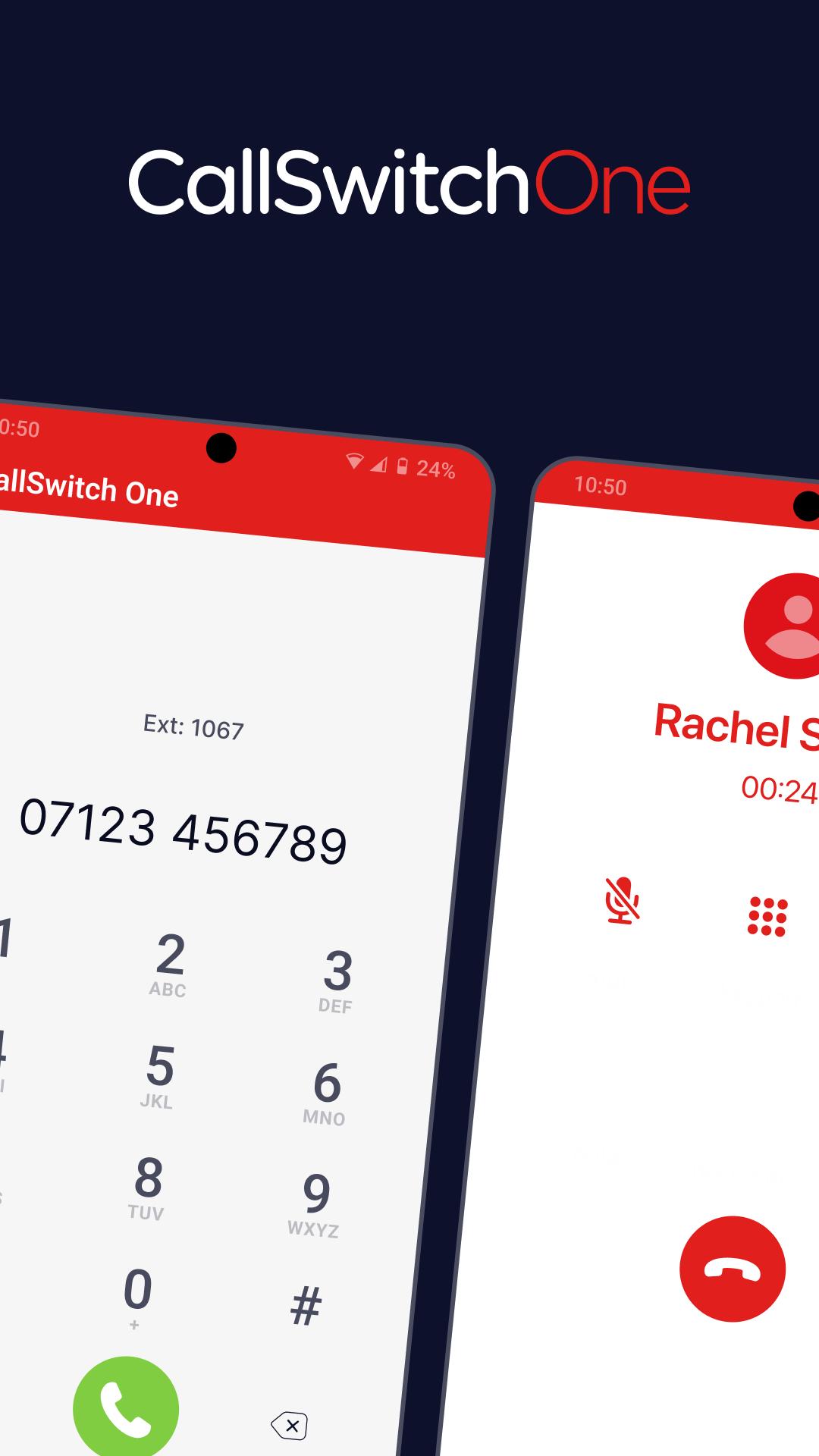
The CallSwitch One mobile app allows users to take their communications channels with them wherever they go, however they work, and on whatever device they choose, with HD voice calls and advanced communications features.
Make and receive business phone calls from your landline number by default.
Take your business phone directory on the road, wherever your work takes you.
Enjoy powerful voice and video conferencing tools that include screenshare.
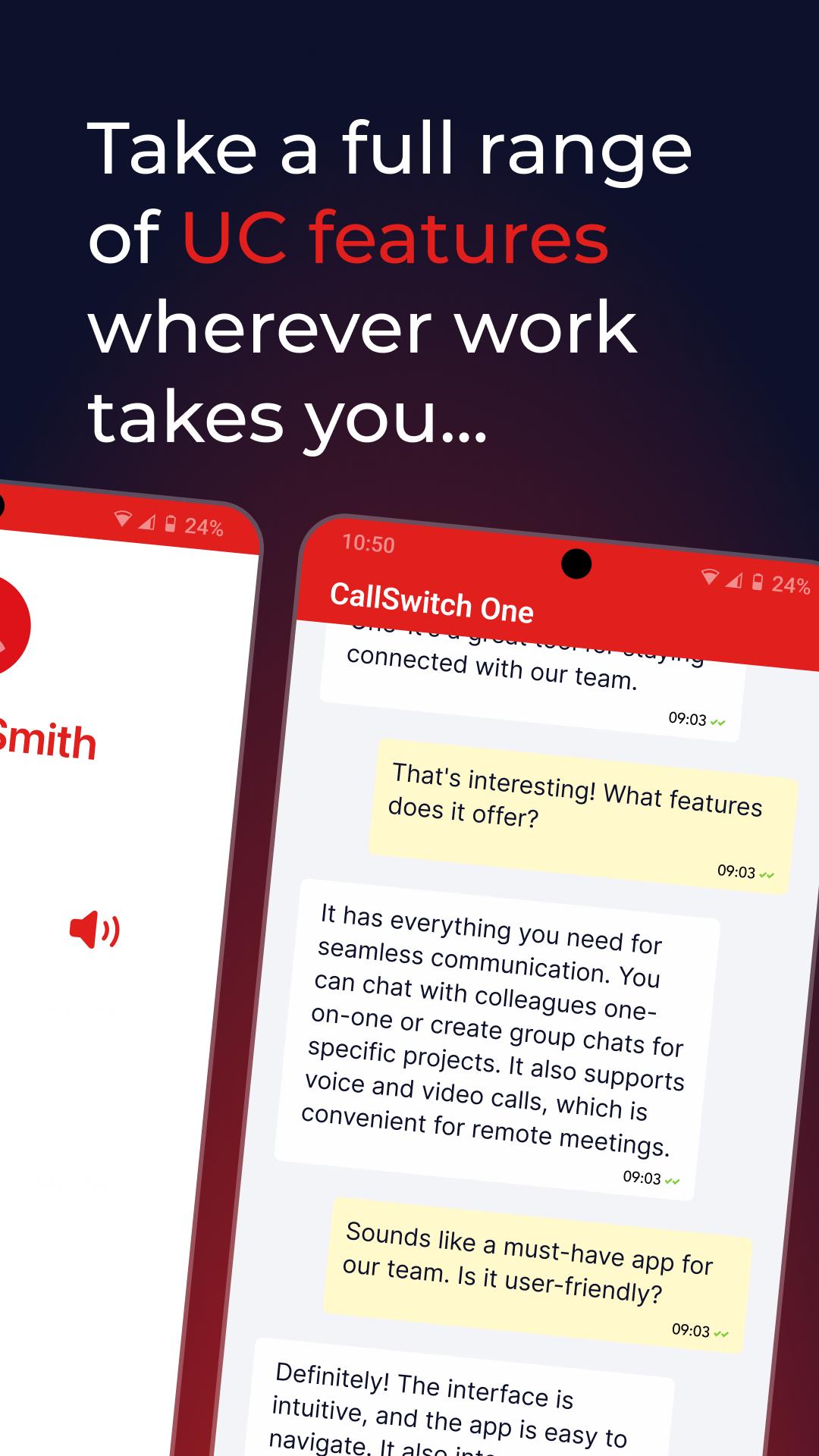
Chat with colleagues one-to-one, or in group chats that include file sharing and voice note capabilities.
Set presence settings so your colleagues know when you’re available.
Configure advanced call flows, leveraging features that include IVRs, hold music, call queues, and more.
Integrate with 20+ cloud platforms to enable CallSwitch One to work with all the tools you rely on.
Synchronise and access your call log history.
Use of the CallSwitch One mobile app requires a CallSwitch One subscription.
Preview
Tags
CommunicationsInformation
Developer
Why Now Inc.
Latest Version
8.3.5
Last Updated
2025-09-18
Category
Communications
Available on
Google Play
Show More
How to play CallSwitch One with GameLoop on PC
1. Download GameLoop from the official website, then run the exe file to install GameLoop
2. Open GameLoop and search for “CallSwitch One” , find CallSwitch One in the search results and click “Install”
3. Enjoy playing CallSwitch One on GameLoop
Minimum requirements
OS
Windows 8.1 64-bit or Windows 10 64-bit
GPU
GTX 1050
CPU
i3-8300
Memory
8GB RAM
Storage
1GB available space
Recommended requirements
OS
Windows 8.1 64-bit or Windows 10 64-bit
GPU
GTX 1050
CPU
i3-9320
Memory
16GB RAM
Storage
1GB available space