
Alcon PRO PC
TASSTA
Download Alcon PRO on PC With GameLoop Emulator
Alcon PRO on PC
Alcon PRO, coming from the developer TASSTA, is running on Android systerm in the past.
Now, You can play Alcon PRO on PC with GameLoop smoothly.
Download it in the GameLoop library or search results. No more eyeing the battery or frustrating calls at the wrong time any more.
Just enjoy Alcon PRO PC on the large screen for free!
Alcon PRO Introduction
Alcon PRO is an all-in-one mission critical communications powerhouse that connects people in a variety of ways in a wide range of situations. Its capabilities comprise voice and video calls, messaging, tracking (including indoor localization), task management and more. The uses of the app are versatile. For some users, it helps ensure smooth operation of their business. For others, it's part of the security toolset. Importantly, it can be vital in responding to dangerous incidents where lives depend on timely communication. Whether you're a logistics specialist, a guard on patrol, a firefighter or a police officer, you will appreciate the reliable power of Alcon PRO, its focus and ease of use.
This app is the client-side component of the Alcon framework. Alcon provides mission critical push-to-talk (MC-PTT) capabilities in LTE networks over the Internet Protocol (IP) and builds a comprehensive communications and emergency response solution on that foundation. The following are some highlights of the Alcon features that Alcon PRO implements.
Voice communication features
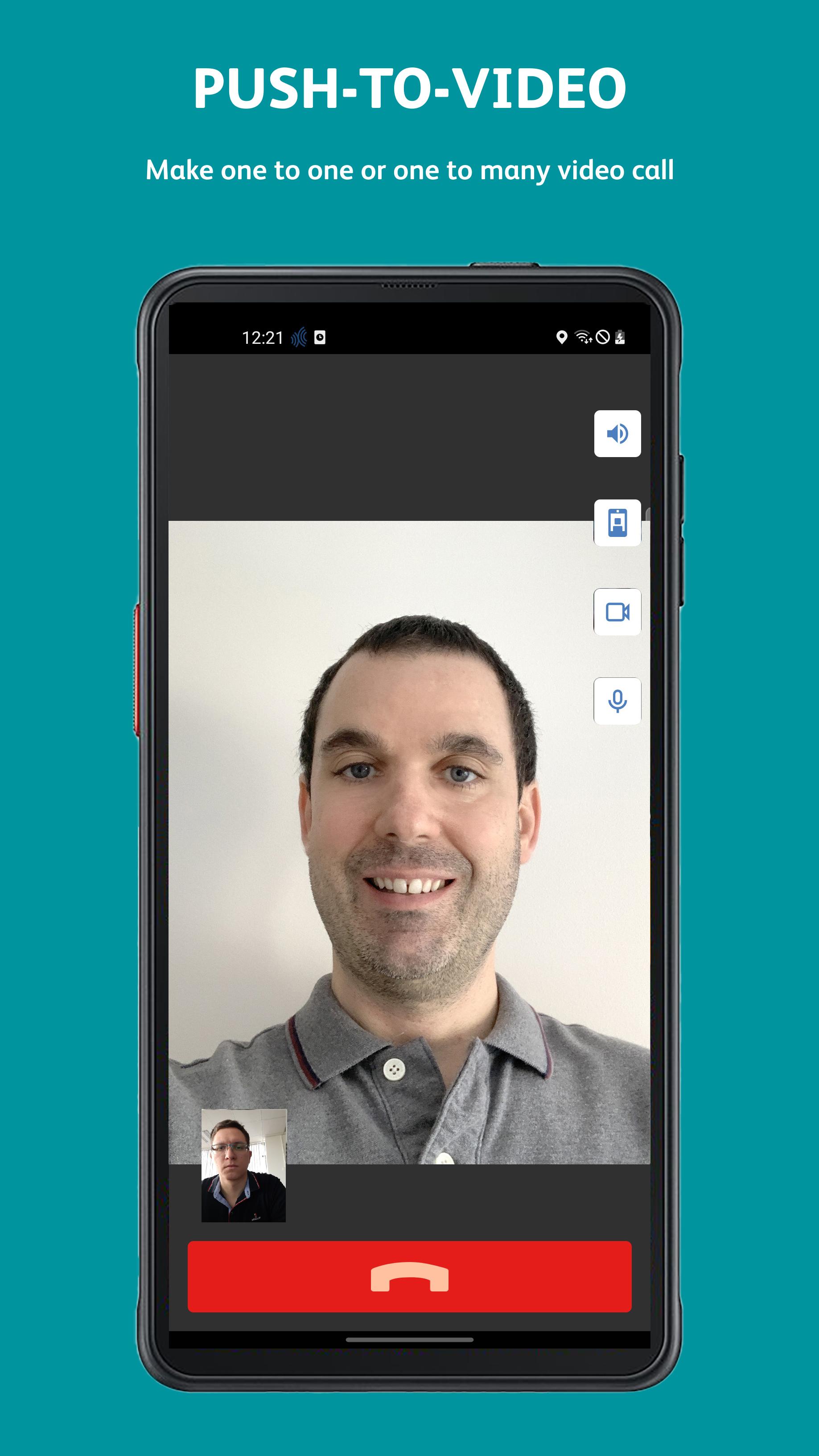
Call capabilities are at the heart of mission-critical communications. In addition to the obligatory group and individual calls, Alcon PRO offers an extended set of voice and video call types.
• Individual, group and channel calls
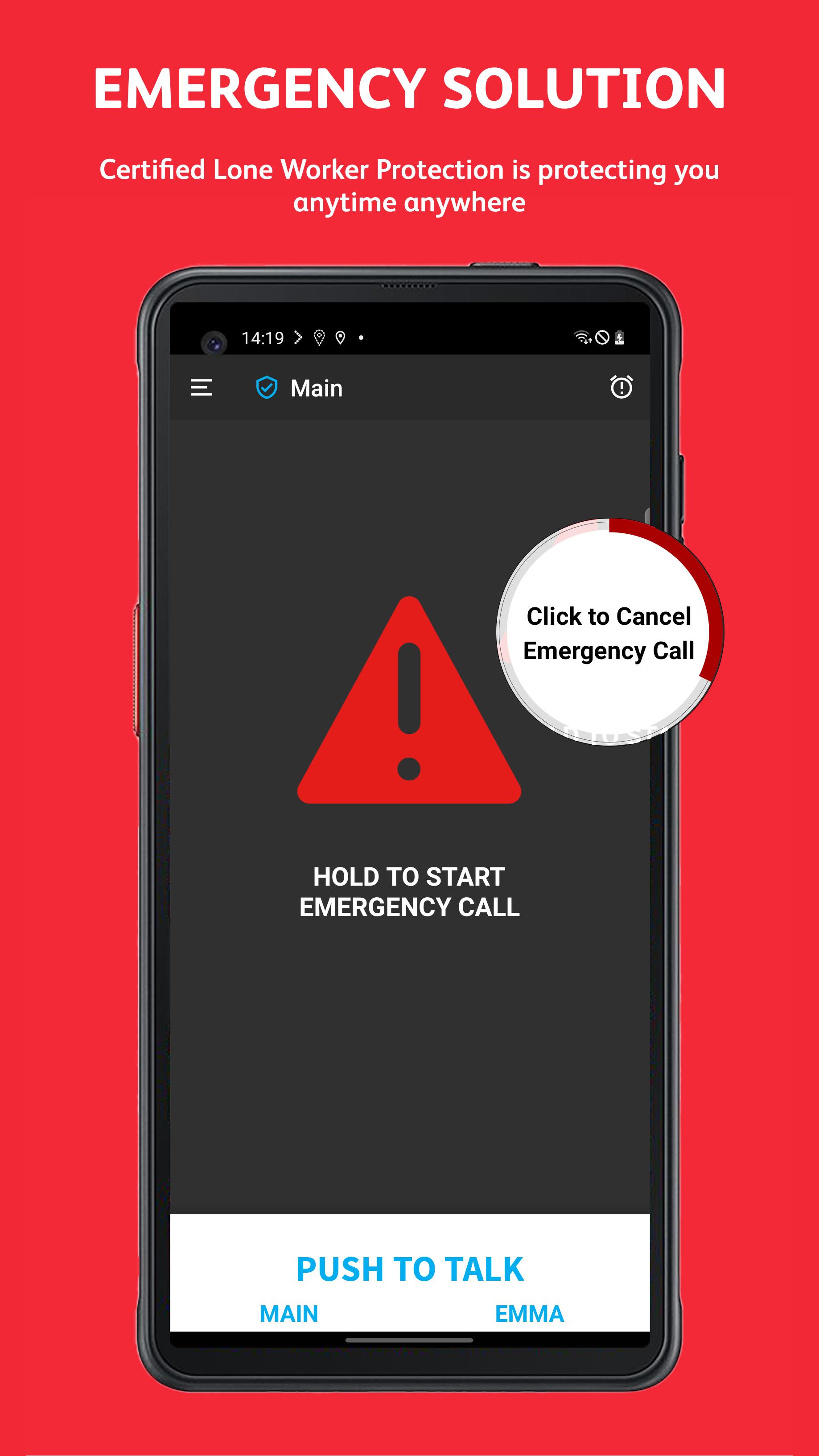
• Emergency calls
• Priority calls
• Video calls
• Offline user calls
• Voice recording and playback
Messaging features
In situations where voice communication is not your first choice of format, use free-form or template-based text messages, or send arbitrary files over your Alcon network.
• Text and file exchange
• Template-based status messages
Lone worker protection features
Intended for ensuring the safety of employees who are working in hazardous conditions, these features rely on sensor and battery charge data. These readings can indicate emergencies and cause alerts to be triggered.
• Sensor state tracking
• Automated alerts (such as Man Down) based on sensor data analysis
• Battery charge monitoring
Location and tracking features
Always-on location tracking is a core component of Alcon PRO operation and in many cases the reason to use the app. Access to location is required by dispatchers for ensuring personnel safety and tracking assets.
• Subscriber identification and location markers
• Detailed street view
• Guard tour planning
• Waypoints
• Indoor localization
Other features
• Remote listening and camera
• Task management and control
Note that the feature set for your particular Alcon PRO setup will be as broad or as lean as your Alcon administrators configure it to be.
Preview
Tags
CommunicationsInformation
Developer
TASSTA
Latest Version
5.6.60.1
Last Updated
2023-05-16
Category
Communications
Available on
Google Play
Show More
How to play Alcon PRO with GameLoop on PC
1. Download GameLoop from the official website, then run the exe file to install GameLoop
2. Open GameLoop and search for “Alcon PRO” , find Alcon PRO in the search results and click “Install”
3. Enjoy playing Alcon PRO on GameLoop
Minimum requirements
OS
Windows 8.1 64-bit or Windows 10 64-bit
GPU
GTX 1050
CPU
i3-8300
Memory
8GB RAM
Storage
1GB available space
Recommended requirements
OS
Windows 8.1 64-bit or Windows 10 64-bit
GPU
GTX 1050
CPU
i3-9320
Memory
16GB RAM
Storage
1GB available space