
@Phone app PC
鼎翰通信股份有限公司
Download @Phone app on PC With GameLoop Emulator
@Phone app on PC
@Phone app, coming from the developer 鼎翰通信股份有限公司, is running on Android systerm in the past.
Now, You can play @Phone app on PC with GameLoop smoothly.
Download it in the GameLoop library or search results. No more eyeing the battery or frustrating calls at the wrong time any more.
Just enjoy @Phone app PC on the large screen for free!
@Phone app Introduction
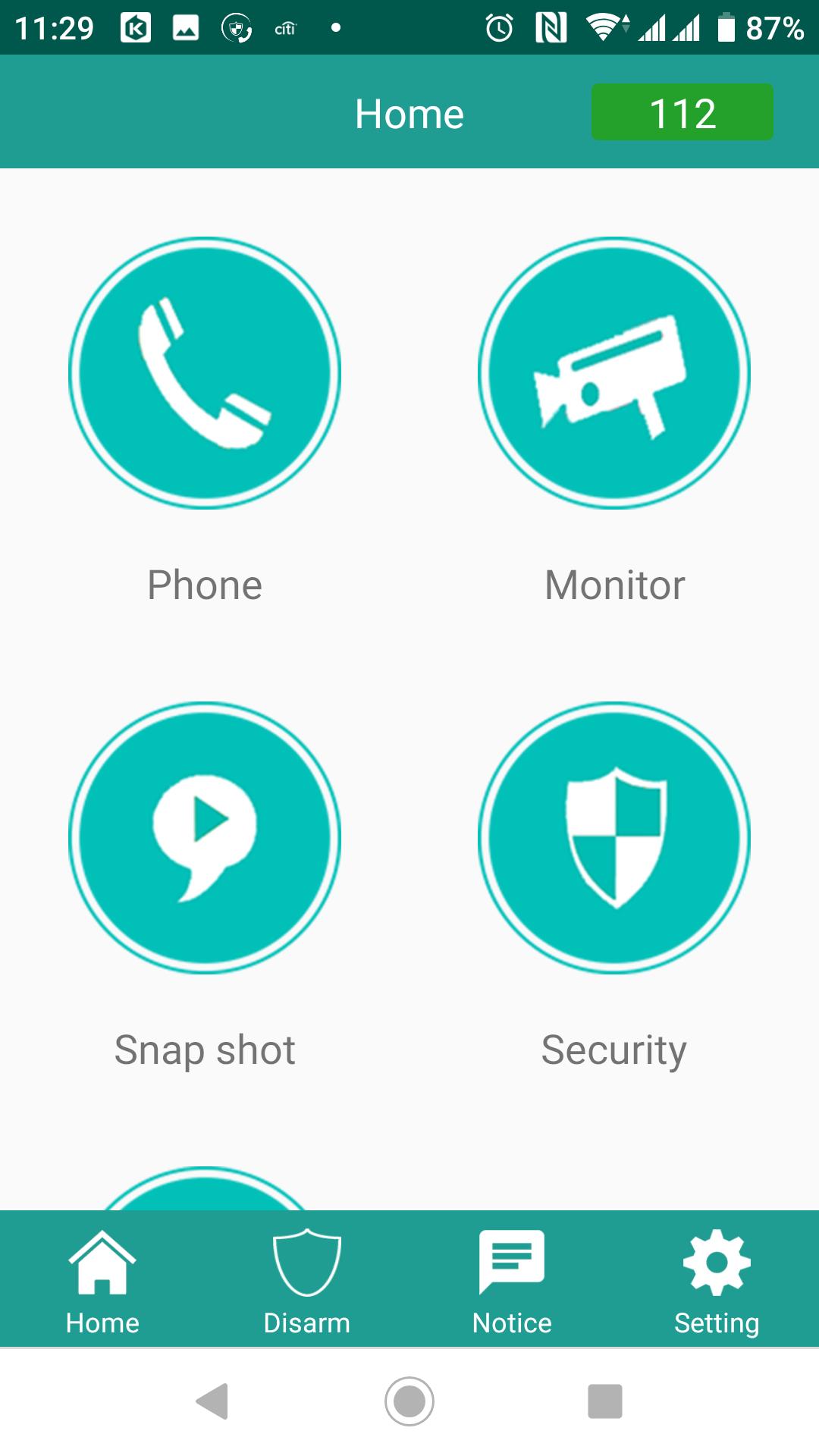
@Phone app is an app that Auto Telecom Company develops for home & business communication requirement. No matter serve as home control and communication platform or as a mobile key phone in the office, @Phone can always satisfy users effectively.
The in-home situation, @Phone provides high-quality video and audio intercom for home users. It also provides Security Control, Access Control, Home Relay Control, and Community IP Camera view. These functions are necessary for intelligent building system.
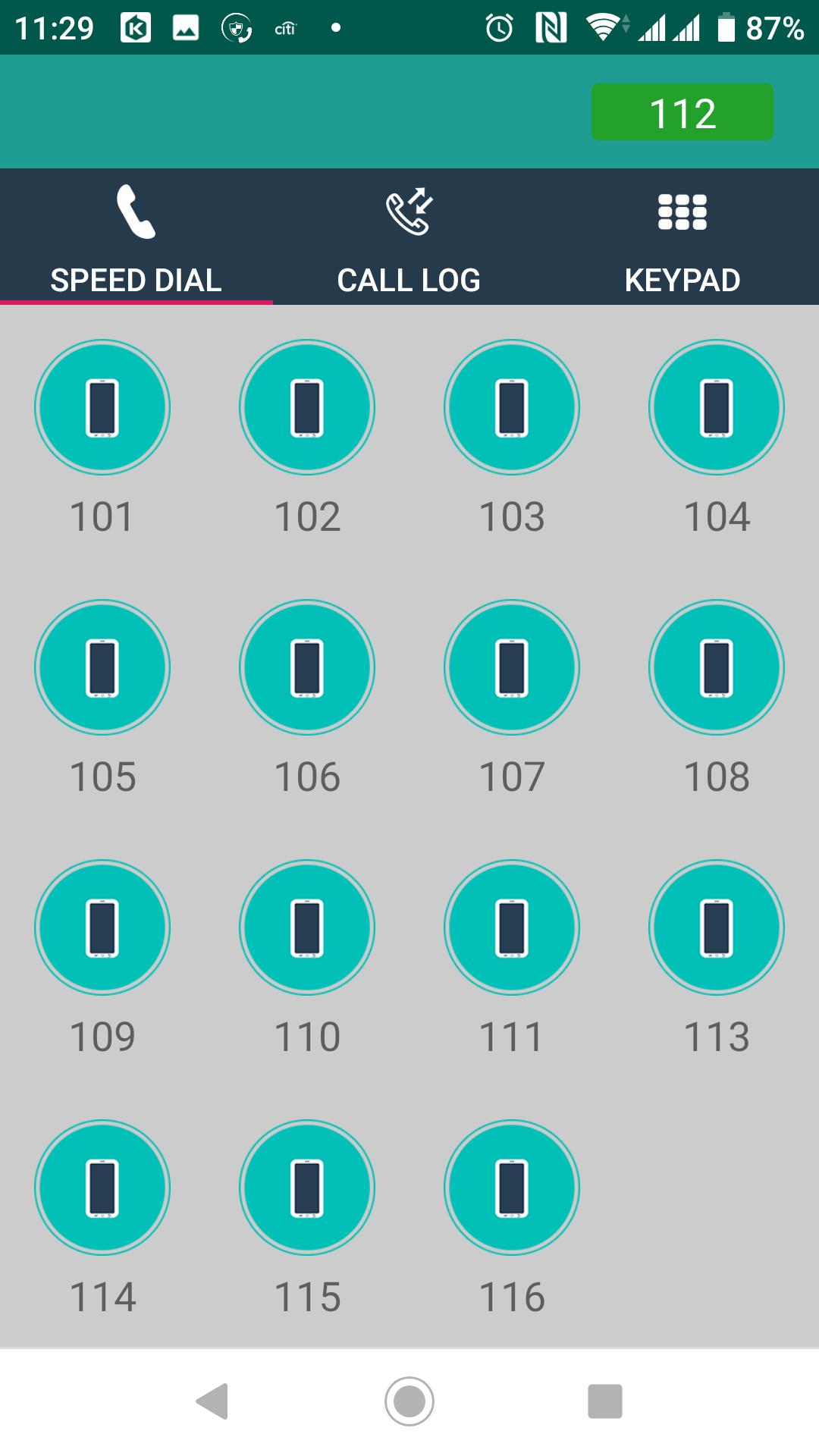
In a business situation, @Phone provides high-quality Audio intercom for business communication, It also supports Call Hold, Call Transfer and can let the user listen to the message in voice mail.
With great communication functions and manage functions, @Phone is the key to let you easily handle both your home and office.
Preview
Tags
CommunicationsInformation
Developer
鼎翰通信股份有限公司
Latest Version
1.2.4
Last Updated
2021-01-13
Category
Communications
Available on
Google Play
Show More
How to play @Phone app with GameLoop on PC
1. Download GameLoop from the official website, then run the exe file to install GameLoop
2. Open GameLoop and search for “@Phone app” , find @Phone app in the search results and click “Install”
3. Enjoy playing @Phone app on GameLoop
Minimum requirements
OS
Windows 8.1 64-bit or Windows 10 64-bit
GPU
GTX 1050
CPU
i3-8300
Memory
8GB RAM
Storage
1GB available space
Recommended requirements
OS
Windows 8.1 64-bit or Windows 10 64-bit
GPU
GTX 1050
CPU
i3-9320
Memory
16GB RAM
Storage
1GB available space