Tongits Tala PC
HK THE GALAXY CO., LIMITED
Download Tongits Tala on PC With GameLoop Emulator
Tongits Tala on PC
Tongits Tala, coming from the developer HK THE GALAXY CO., LIMITED, is running on Android systerm in the past.
Now, You can play Tongits Tala on PC with GameLoop smoothly.
Download it in the GameLoop library or search results. No more eyeing the battery or frustrating calls at the wrong time any more.
Just enjoy Tongits Tala PC on the large screen for free!
Tongits Tala Introduction
Looking for a fun and engaging way to spend your free time? Look no further than Tongits TALA, a popular casual game app that offers a visually stunning and seamless gaming experience. With a range of game modes and generous rewards, you can easily invite your friends to join you and enjoy hours of entertainment.
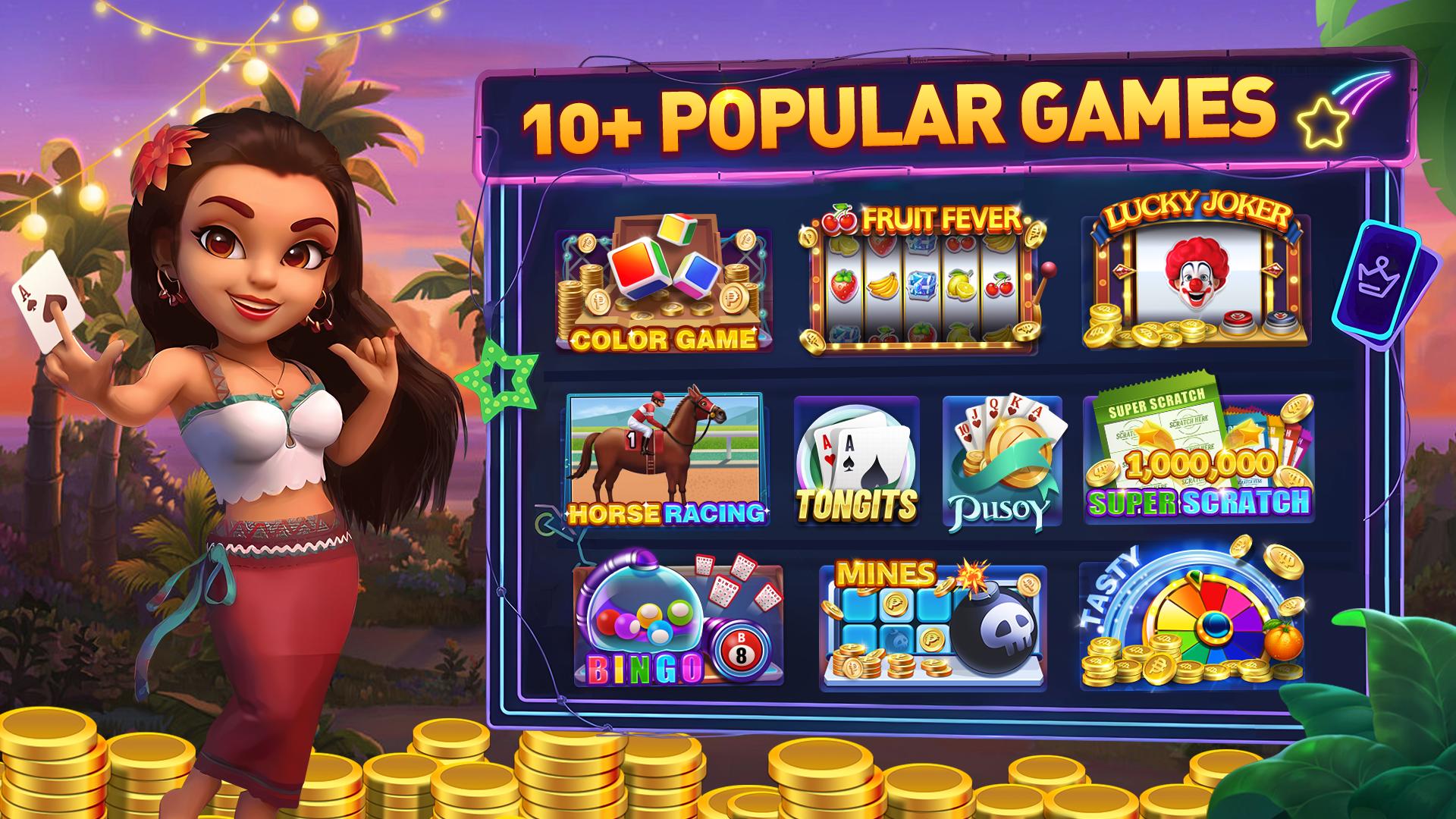
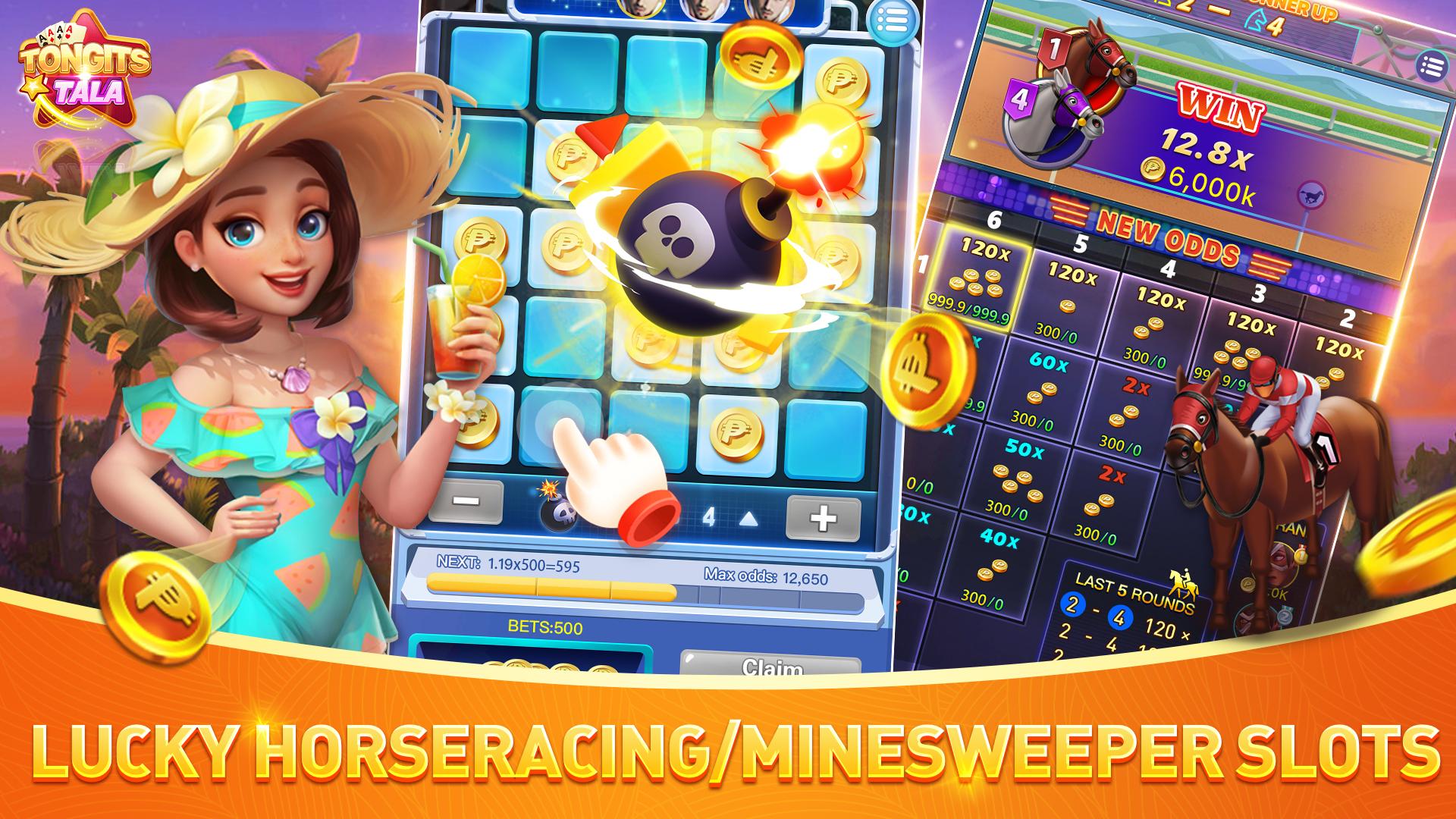
Tongits TALA features a variety of classic Filipino games, including Tongits, Pusoy, and Color Game, along with other popular titles like Bingo and Slot. With such a wide range of games to choose from, you're sure to find something that suits your interests and keeps you engaged.
In addition to its diverse selection of games, Tongits TALA also provides a platform for you to connect with other gamers and make new friends. Whether you're a casual player or a more serious competitor, you're sure to find a community of like-minded individuals who share your passion for gaming.
Overall, Tongits TALA is a must-have app for anyone looking to have fun and connect with others through gaming. So why wait? Download it now and start playing!
Preview
Tags
CasinoSlotsMultiplayerCompetitive multiplayerStylizedBingoInformation
Developer
HK THE GALAXY CO., LIMITED
Latest Version
1.5.70.1
Last Updated
2023-08-25
Category
Casual
Available on
Google Play
Show More
How to play Tongits Tala with GameLoop on PC
1. Download GameLoop from the official website, then run the exe file to install GameLoop
2. Open GameLoop and search for “Tongits Tala” , find Tongits Tala in the search results and click “Install”
3. Enjoy playing Tongits Tala on GameLoop
Minimum requirements
OS
Windows 8.1 64-bit or Windows 10 64-bit
GPU
GTX 1050
CPU
i3-8300
Memory
8GB RAM
Storage
1GB available space
Recommended requirements
OS
Windows 8.1 64-bit or Windows 10 64-bit
GPU
GTX 1050
CPU
i3-9320
Memory
16GB RAM
Storage
1GB available space