Tap Away: 3D Block Puzzle PC
Dragon Star
Download Tap Away: 3D Block Puzzle on PC With GameLoop Emulator
Tap Away: 3D Block Puzzle on PC
Tap Away: 3D Block Puzzle, coming from the developer Dragon Star, is running on Android systerm in the past.
Now, You can play Tap Away: 3D Block Puzzle on PC with GameLoop smoothly.
Download it in the GameLoop library or search results. No more eyeing the battery or frustrating calls at the wrong time any more.
Just enjoy Tap Away: 3D Block Puzzle PC on the large screen for free!
Tap Away: 3D Block Puzzle Introduction
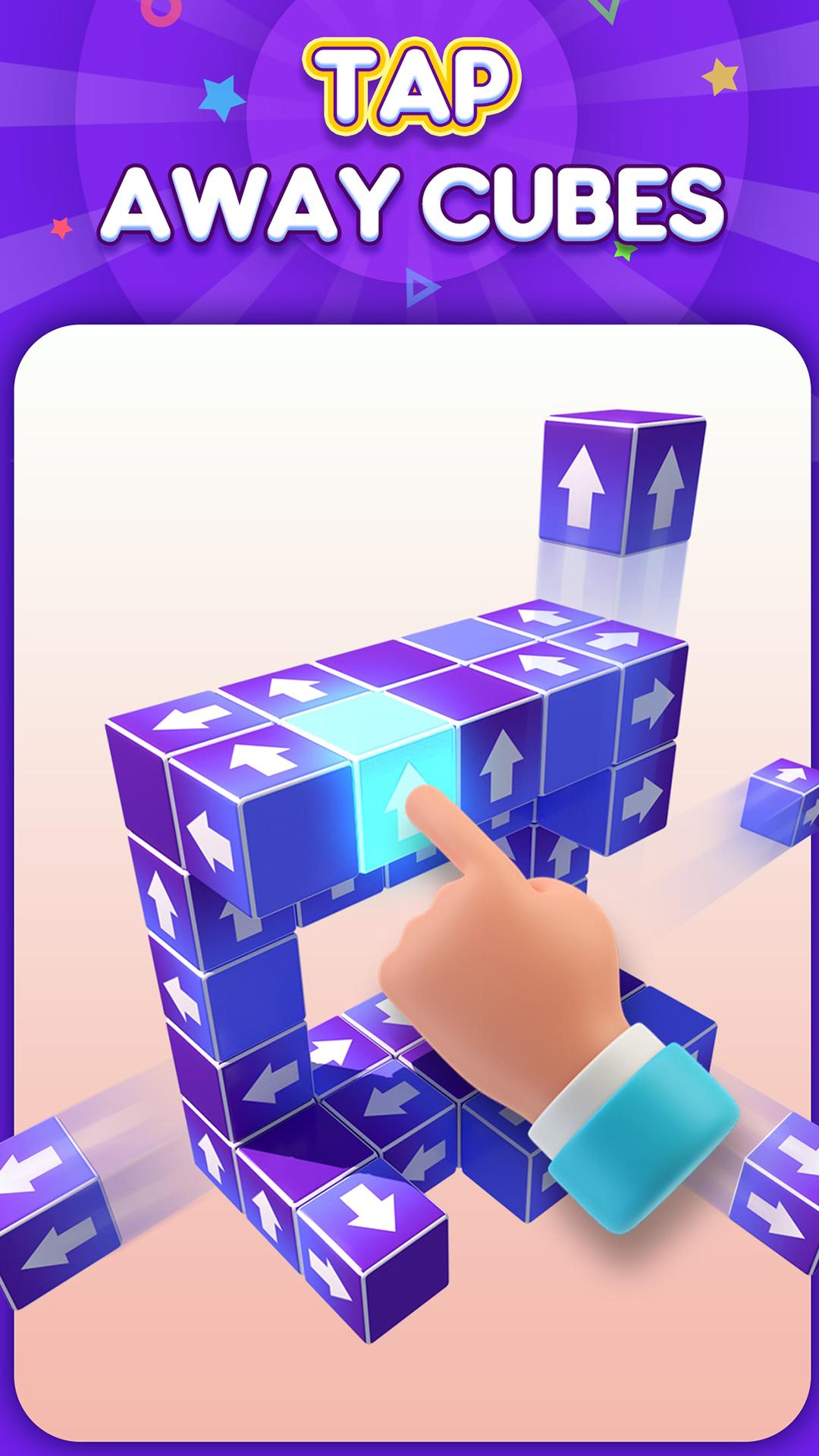
Tap Away is a fun and addictive 3D puzzle game that simply rotates the cube to find the correct unlocked blocks.
It is a fun and addictive 3D puzzle game, but it’s more than just that - it’s a brain teaser that will take you to the next level! In this fun and colorful game, you challenge your logic, and critical thinking.
⚈ PLAY the full 3D puzzle game experience offline and on the go.
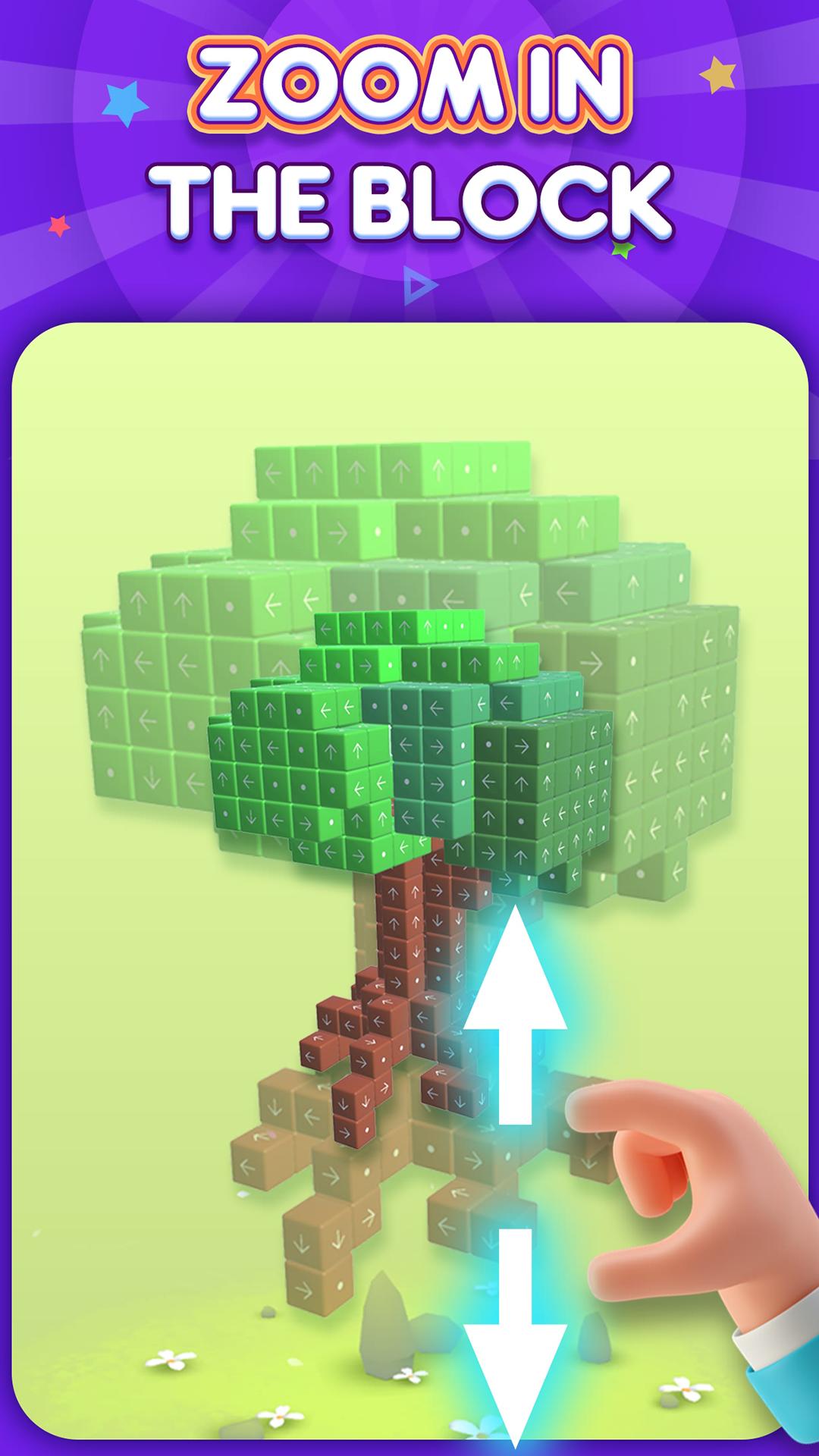
⚈ SLIDE your finger around the screen to rotate the shape and attack the blocks from every angle!
⚈ CUSTOMIZE your blocks with different skins and themes.
HOW TO PLAY
⚈ Tap the blocks to make them fly away and clear the screen.
⚈ Swipe to rotate the shape and choose your next move.
⚈ Attention! The blocks will only fly in one direction, so you need to approach this brain teaser carefully!
⚈ More! There are skins and themes you can unlock as you get further to make you feel fun and relax!
FEATURES
⚈ 3D graphic visuals and excellent sound effects.
⚈ Relieve your stress and get relaxation.
⚈ Enjoy cool skins and themes to customize your journey!
⚈ Train your logical thinking and spatial imagination.
⚈ Challenge a variety of different difficulty levels.
WHY PLAY TAP AWAY?
⚈ RELIEVE your stress.
⚈ TEASE your brain with the satisfying taps.
⚈ PRACTICE your critical thinking!
⚈ Great Block puzzle game for all ages.
Preview
Tags
PuzzleSingle playerAbstractOfflineInformation
Developer
Dragon Star
Latest Version
0.4.15
Last Updated
2024-11-14
Category
Casual
Available on
Google Play
Show More
How to play Tap Away: 3D Block Puzzle with GameLoop on PC
1. Download GameLoop from the official website, then run the exe file to install GameLoop
2. Open GameLoop and search for “Tap Away: 3D Block Puzzle” , find Tap Away: 3D Block Puzzle in the search results and click “Install”
3. Enjoy playing Tap Away: 3D Block Puzzle on GameLoop
Minimum requirements
OS
Windows 8.1 64-bit or Windows 10 64-bit
GPU
GTX 1050
CPU
i3-8300
Memory
8GB RAM
Storage
1GB available space
Recommended requirements
OS
Windows 8.1 64-bit or Windows 10 64-bit
GPU
GTX 1050
CPU
i3-9320
Memory
16GB RAM
Storage
1GB available space