
Search & Find GO! PC
Curioso Games
Download Search & Find GO! on PC With GameLoop Emulator
Search & Find GO! on PC
Search & Find GO!, coming from the developer Curioso Games, is running on Android systerm in the past.
Now, You can play Search & Find GO! on PC with GameLoop smoothly.
Download it in the GameLoop library or search results. No more eyeing the battery or frustrating calls at the wrong time any more.
Just enjoy Search & Find GO! PC on the large screen for free!
Search & Find GO! Introduction
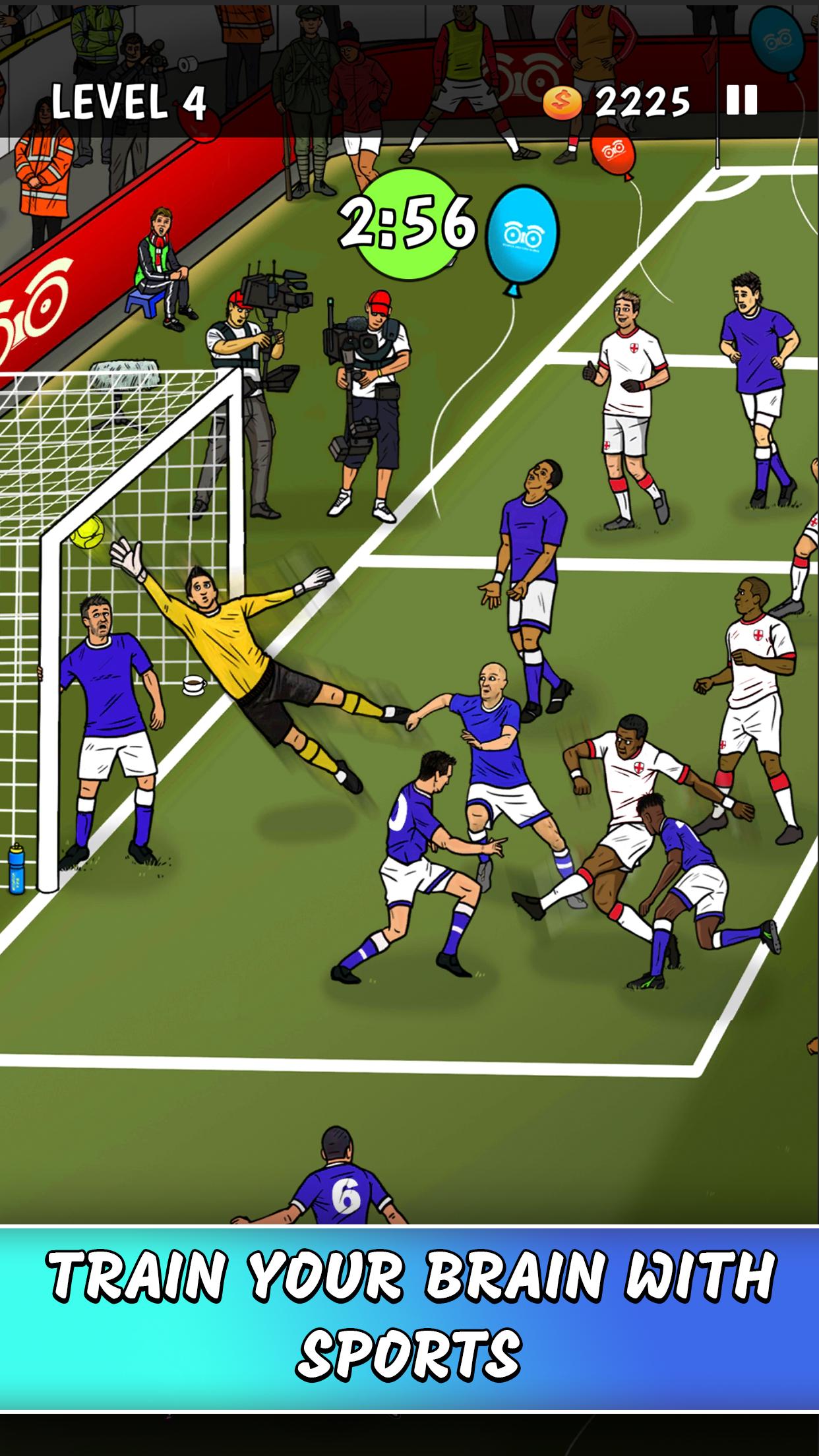
Train your brain with sports puzzles and score big!
Football is back and it’s time to honour it with packed stadiums and arenas in Search & Find GO!
Celebrated puzzle artist Adam Doyle is back for a quick fire round of sports-themed quick finds, odd goals, missing mascots and more.
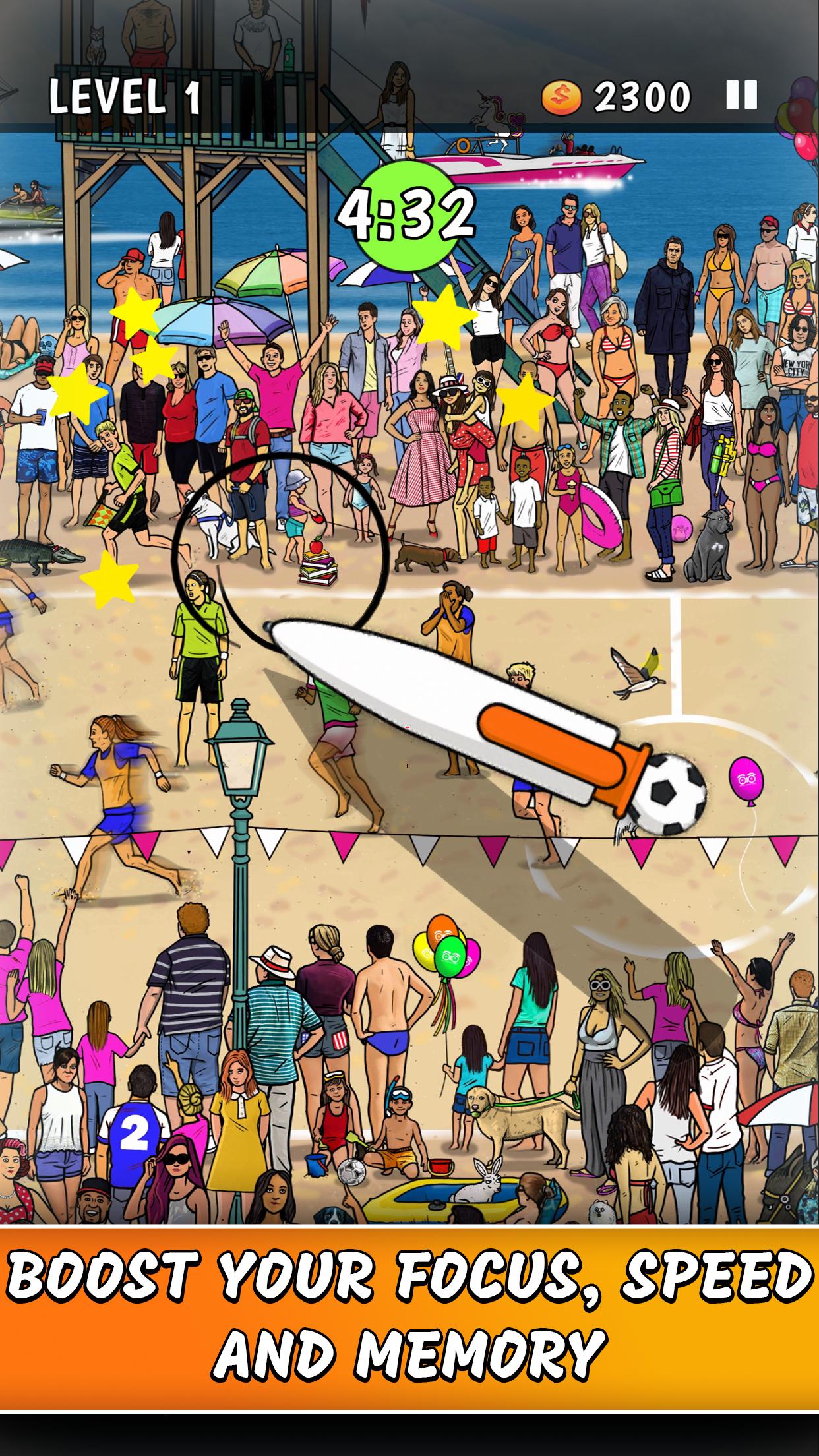
Put your brain up for some good sports training, practice your spotting skills and boost your reaction speed.
This is a game where players with keen eye for detail and fast fingers win the prize.
Can you kick it? Yes, you can!
Features:
- An action-packed, quick play search & find game with hand-drawn illustrations.
- Train your brain, memory and reaction speed with fun, challenging puzzles
- Exclusive football pictures to celebrate the start of the season
- Time-limited puzzles with funny details and great rewards.
- Casual hidden object gameplay and simple controls.
Preview
Tags
CasualInformation
Developer
Curioso Games
Latest Version
1.2.1
Last Updated
2024-08-19
Category
Casual
Available on
Google Play
Show More
How to play Search & Find GO! with GameLoop on PC
1. Download GameLoop from the official website, then run the exe file to install GameLoop
2. Open GameLoop and search for “Search & Find GO!” , find Search & Find GO! in the search results and click “Install”
3. Enjoy playing Search & Find GO! on GameLoop
Minimum requirements
OS
Windows 8.1 64-bit or Windows 10 64-bit
GPU
GTX 1050
CPU
i3-8300
Memory
8GB RAM
Storage
1GB available space
Recommended requirements
OS
Windows 8.1 64-bit or Windows 10 64-bit
GPU
GTX 1050
CPU
i3-9320
Memory
16GB RAM
Storage
1GB available space