Science Tricks & Experiments PC
GameiMake
Download Science Tricks & Experiments on PC With GameLoop Emulator
Science Tricks & Experiments on PC
Science Tricks & Experiments, coming from the developer GameiMake, is running on Android systerm in the past.
Now, You can play Science Tricks & Experiments on PC with GameLoop smoothly.
Download it in the GameLoop library or search results. No more eyeing the battery or frustrating calls at the wrong time any more.
Just enjoy Science Tricks & Experiments PC on the large screen for free!
Science Tricks & Experiments Introduction
✨ Explore Everyday Science Through Hands-On Activities
Step into Science Tricks & Experiments, a relaxing and curiosity-driven space where you can discover how simple materials create surprising reactions. Designed for casual learners, teens, and anyone who enjoys interactive experiences, this game combines hands-on exploration with light brain engagement. Each experiment invites you to slow down, observe, and enjoy the satisfaction of exploring everyday science. 🔬🌟
🧪 Try Creative Experiments With Easy Materials
Use common household items to create fascinating mini-projects and see how simple components work together. Whether you're building clever mechanisms, observing chemical reactions, or assembling small models, each activity offers a calming blend of discovery and creativity. Experiments are structured to feel intuitive, approachable, and rewarding. 🧪✨
📘 Follow Clear, Guided Steps for Every Activity
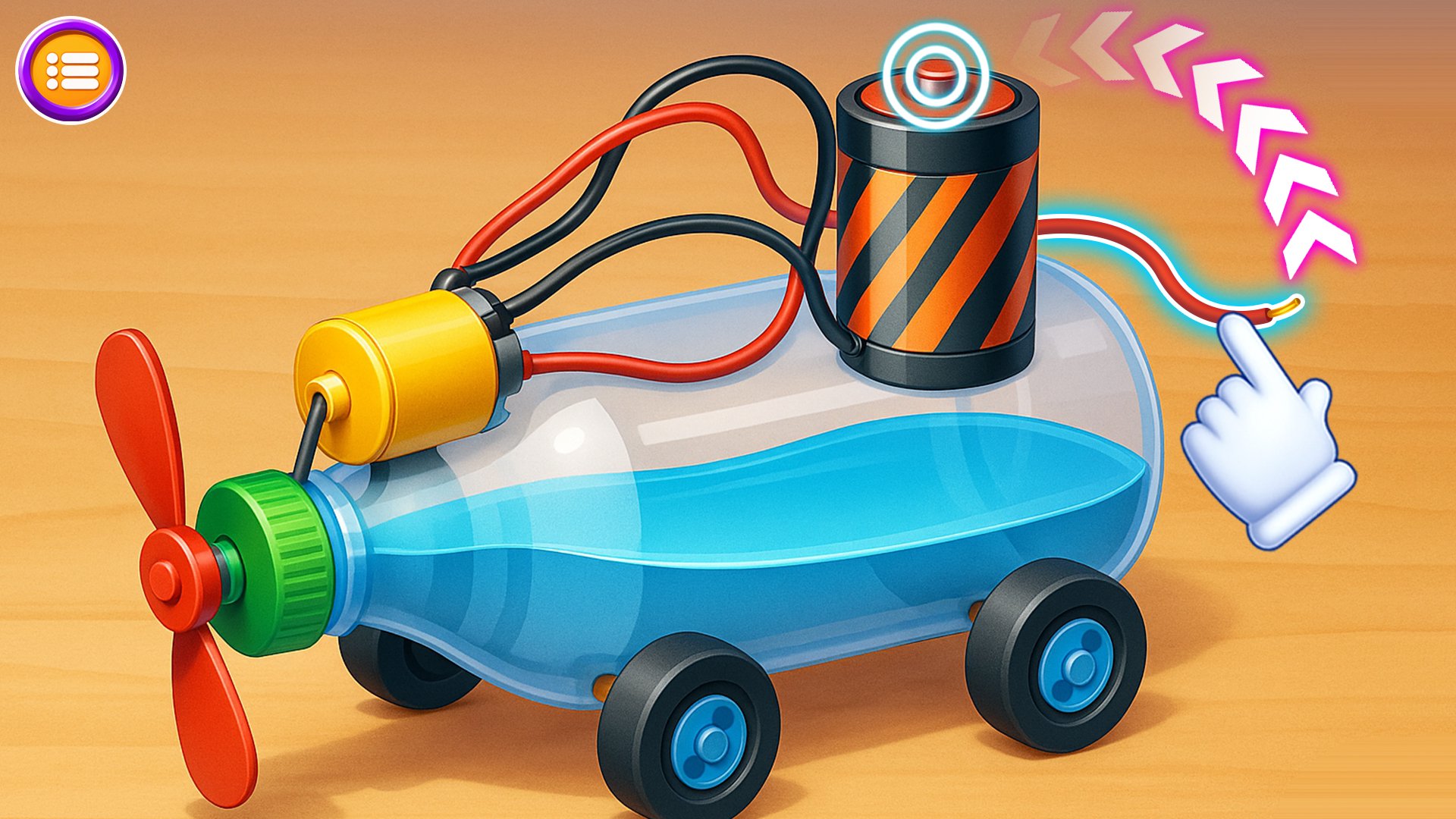
Every experiment includes step-by-step instructions paired with smooth visuals, making each process easy to follow. You can learn at your own pace, revisit earlier steps, and understand the flow of each project without pressure. The guided format keeps everything relaxed while still providing a sense of accomplishment as you move through each task. 📘🔍
💡 Understand the Science Behind Everyday Objects
After completing an experiment, enjoy short and simple science insights that reveal how each reaction or mechanism works. These explanations help connect concepts to real-life examples, making the experience enjoyable for those who like learning through practical discovery rather than theory-heavy lessons. 💡🧠
🔧 Build Small Projects for Light Brain Training
From motion experiments to energy concepts and clever mechanical setups, each project is designed to activate curiosity and offer light mental engagement. The gameplay feels peaceful yet purposeful, ideal for players who enjoy puzzle-like tasks, DIY exploration, and casual hands-on learning. 🔧✨
🌙 Enjoy a Relaxing, Educational Experience
The entire experience is crafted to be calming, visually clear, and easy to revisit anytime. Whether you want a short session or a longer exploration, each experiment fits naturally into your schedule. Soft interactions, simple controls, and gentle pacing make this game perfect for quiet moments, evening relaxation, or curiosity-driven play. 🌙📖
🌟 Key Features
🧪 Wide Range of Experiments – Explore mechanical, chemical & creative activities.
📘 Step-by-Step Guidance – Smooth instructions for clear and easy interaction.
🛠️ Simple, Everyday Materials – Build projects using easily accessible items.
✨ Surprising Reactions – Watch engaging outcomes unfold in real time.
🔍 Science Summaries – Learn the ideas behind each activity.
💡 Light Brain Training – Improve focus, curiosity & practical thinking.
👉 Begin your journey into everyday science today!
Download Science Tricks & Experiments and enjoy exploring simple materials, fascinating reactions, and hands-on learning in a calm, interactive way. 🔬🌟✨
Preview

Tags
CasualEducationalInformation
Developer
GameiMake
Latest Version
2.1.3
Last Updated
2025-11-21
Category
Casual
Available on
Google Play
Show More
How to play Science Tricks & Experiments with GameLoop on PC
1. Download GameLoop from the official website, then run the exe file to install GameLoop
2. Open GameLoop and search for “Science Tricks & Experiments” , find Science Tricks & Experiments in the search results and click “Install”
3. Enjoy playing Science Tricks & Experiments on GameLoop
Minimum requirements
OS
Windows 8.1 64-bit or Windows 10 64-bit
GPU
GTX 1050
CPU
i3-8300
Memory
8GB RAM
Storage
1GB available space
Recommended requirements
OS
Windows 8.1 64-bit or Windows 10 64-bit
GPU
GTX 1050
CPU
i3-9320
Memory
16GB RAM
Storage
1GB available space