
Science Max 2 PC
TVO
Download Science Max 2 on PC With GameLoop Emulator
Science Max 2 on PC
Science Max 2, coming from the developer TVO, is running on Android systerm in the past.
Now, You can play Science Max 2 on PC with GameLoop smoothly.
Download it in the GameLoop library or search results. No more eyeing the battery or frustrating calls at the wrong time any more.
Just enjoy Science Max 2 PC on the large screen for free!
Science Max 2 Introduction
Science Max: Experiments at Large is based on the television show of the same name airing on TVOKids. It embraces experimentation, invention and fun and allows kids to take a hands-on, interactive approach to the science concepts seen in the series.
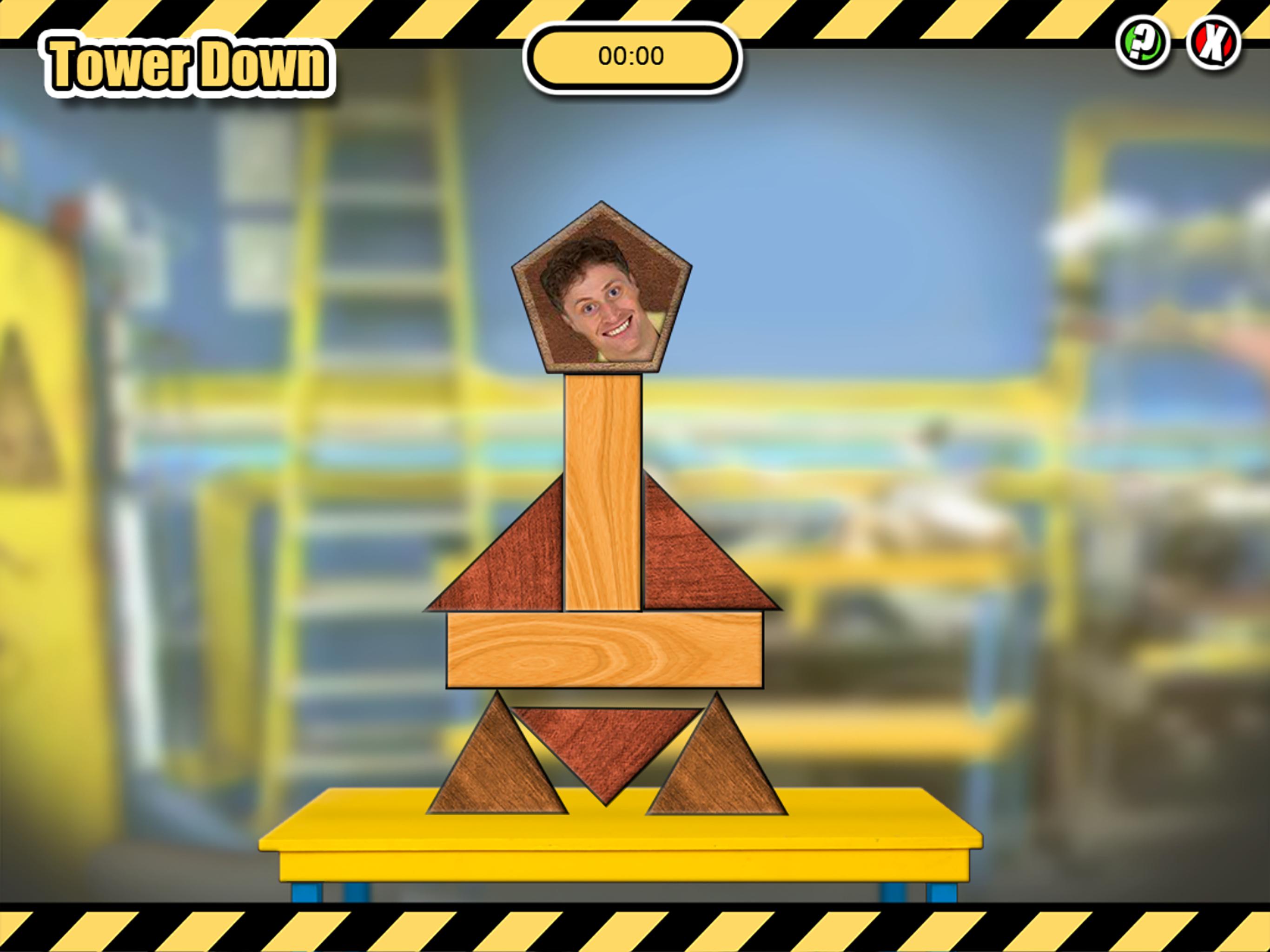
This App focuses on Season Two of the series and offers two NEW science based games Tower Down and Light Up. Kids can continue to test their science trivia with an all NEW set of Max Fax and download NEW experiments to try at home in the Table Top Experiments section.
About TVOKids
Ontarians rate TVOKids as the most trusted and most educational media brand in Canada when it comes to delivering content to children. TVOKids is available on-air and online at TVOKids.com, an award-winning website that’s home to over 160 educational games that help make learning fun. All TVOKids games and activities are based on the Ontario school curriculum, are student and teacher-tested and are developed in collaboration with TVO’s on-staff educator and other experts from across the province.
Preview

Information
Developer
TVO
Latest Version
1.0.1
Last Updated
2016-09-03
Category
Casual
Available on
Google Play
Show More
How to play Science Max 2 with GameLoop on PC
1. Download GameLoop from the official website, then run the exe file to install GameLoop
2. Open GameLoop and search for “Science Max 2” , find Science Max 2 in the search results and click “Install”
3. Enjoy playing Science Max 2 on GameLoop
Minimum requirements
OS
Windows 8.1 64-bit or Windows 10 64-bit
GPU
GTX 1050
CPU
i3-8300
Memory
8GB RAM
Storage
1GB available space
Recommended requirements
OS
Windows 8.1 64-bit or Windows 10 64-bit
GPU
GTX 1050
CPU
i3-9320
Memory
16GB RAM
Storage
1GB available space