Run 2 Health PC
DongTz Melo
Download Run 2 Health on PC With GameLoop Emulator
Run 2 Health on PC
Run 2 Health, coming from the developer DongTz Melo, is running on Android systerm in the past.
Now, You can play Run 2 Health on PC with GameLoop smoothly.
Download it in the GameLoop library or search results. No more eyeing the battery or frustrating calls at the wrong time any more.
Just enjoy Run 2 Health PC on the large screen for free!
Run 2 Health Introduction
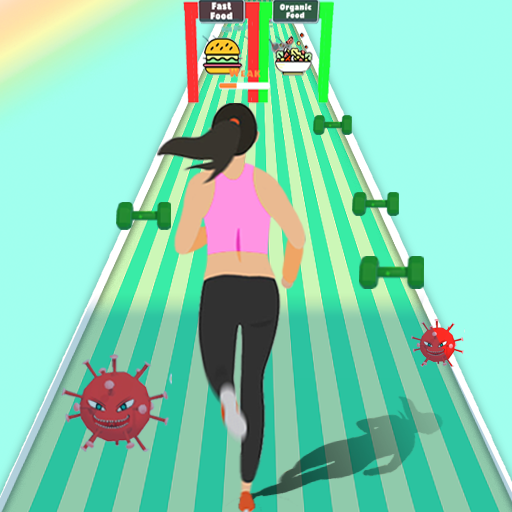
Illness and health, which one would you choose? Start your life journey in Run 2 Health and become healthier or weaker with every run!
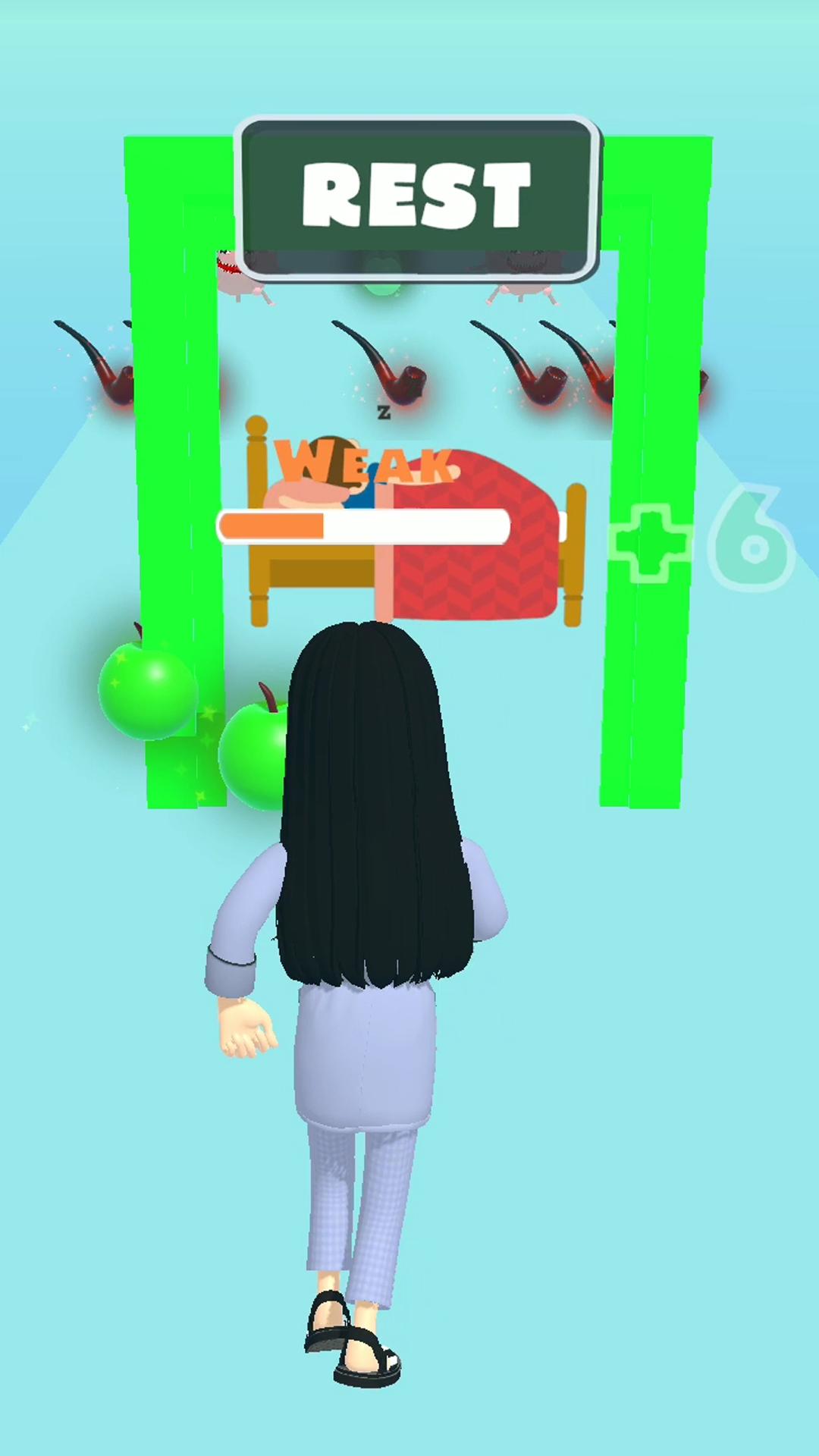
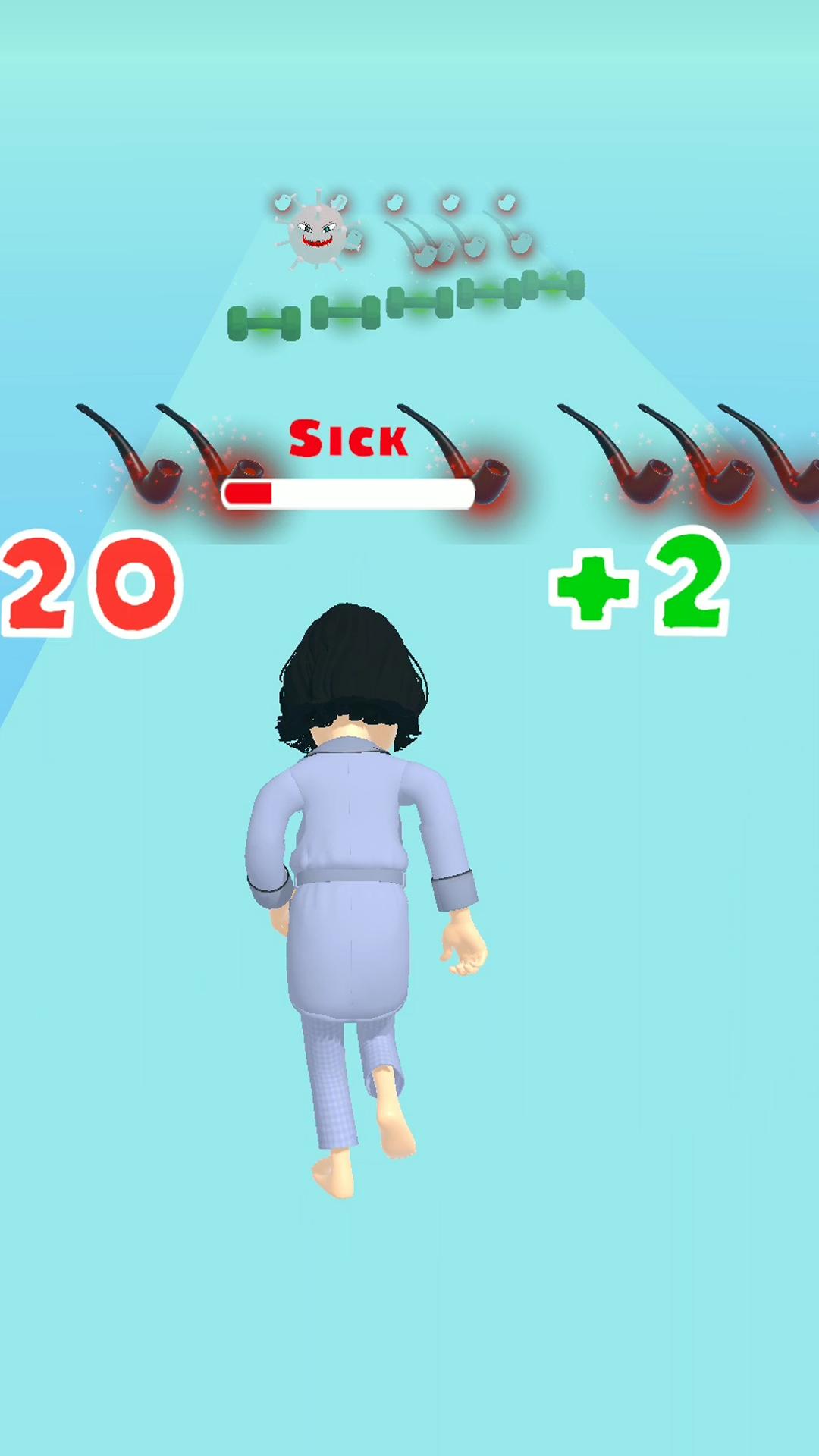
On your runway, you will face many choices, such as eating junk food or organic food, exercising or being lazy, drinking alcohol or apple juice. If you don't want to get sick and lose the game, please don't forget to eat more fruit and exercise more.
The further you play with it, the tougher it gets. Difficult choices and obstacles wait for youth you!
GAME FEATURES~~~~~~~~~~~~~~~~~~~
-Colorful and vivid graphics
-Well-designed unique levels and various achievement badges
-Intuitive controls to slide left or right
-Extremely smooth movements
-Is a completely free game!
Let us assure, you won’t leave playing once play ‘ em! Let's Run To Health NOW!
Preview
Tags
CasualInformation
Developer
DongTz Melo
Latest Version
1.0.0
Last Updated
2021-09-23
Category
Casual
Available on
Google Play
Show More
How to play Run 2 Health with GameLoop on PC
1. Download GameLoop from the official website, then run the exe file to install GameLoop
2. Open GameLoop and search for “Run 2 Health” , find Run 2 Health in the search results and click “Install”
3. Enjoy playing Run 2 Health on GameLoop
Minimum requirements
OS
Windows 8.1 64-bit or Windows 10 64-bit
GPU
GTX 1050
CPU
i3-8300
Memory
8GB RAM
Storage
1GB available space
Recommended requirements
OS
Windows 8.1 64-bit or Windows 10 64-bit
GPU
GTX 1050
CPU
i3-9320
Memory
16GB RAM
Storage
1GB available space