Potato Tomato and Rosemary Soup - Recipe Game PC
RPJ STUDIO - COOKING GAMES FOR KIDS
Download Potato Tomato and Rosemary Soup - Recipe Game on PC With GameLoop Emulator
Potato Tomato and Rosemary Soup - Recipe Game on PC
Potato Tomato and Rosemary Soup - Recipe Game, coming from the developer RPJ STUDIO - COOKING GAMES FOR KIDS, is running on Android systerm in the past.
Now, You can play Potato Tomato and Rosemary Soup - Recipe Game on PC with GameLoop smoothly.
Download it in the GameLoop library or search results. No more eyeing the battery or frustrating calls at the wrong time any more.
Just enjoy Potato Tomato and Rosemary Soup - Recipe Game PC on the large screen for free!
Potato Tomato and Rosemary Soup - Recipe Game Introduction
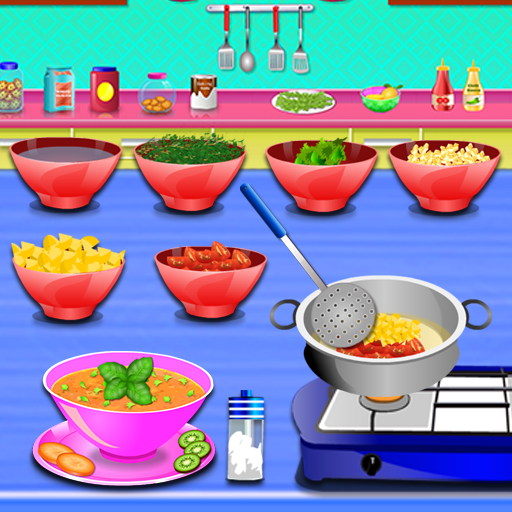
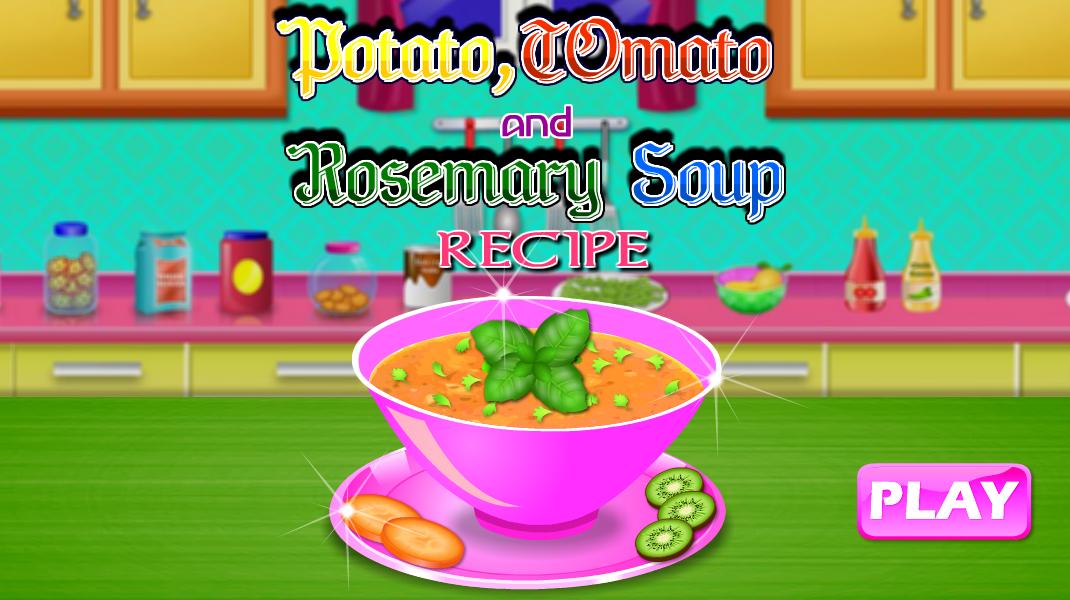
Get yourself ready to start a new cooking in which you will make delicious potato tomato and rosemary soup.
STEP 1 - In a large stock pot on medium heat, warm 2 table spoon olive oil. Add onion and saute until translucent 3-5 minutes. Add garlic and celery, saute another 3 minutes until fragrant.
STEP 2 - Add the dried thyme, stir and deglaze with the white wine. Add the rosemary on the stem. Add potatoes, chopped tomatoes, garlic, coriander, vegetables broth, and 1 cup water, bring to a rolling boil, then lower to a low boil, cover the pot and let cook for at least 45 minutes, until potatoes are tender when poked with a knife.
STEP 3 - Remove the rosemary springs, check the flavor, add salt and pepper to taste.
STEP 4 - When the potatoes are tender, add kale, stir and cook for 5 minutes, until the kale is soft.
STEP 5 - Remove from heat and decorate the potato tomato and rosemary soup and serve with fresh bread.
Preview

Information
Developer
RPJ STUDIO - COOKING GAMES FOR KIDS
Latest Version
1.2
Last Updated
2020-01-12
Category
Casual
Available on
Google Play
Show More
How to play Potato Tomato and Rosemary Soup - Recipe Game with GameLoop on PC
1. Download GameLoop from the official website, then run the exe file to install GameLoop
2. Open GameLoop and search for “Potato Tomato and Rosemary Soup - Recipe Game” , find Potato Tomato and Rosemary Soup - Recipe Game in the search results and click “Install”
3. Enjoy playing Potato Tomato and Rosemary Soup - Recipe Game on GameLoop
Minimum requirements
OS
Windows 8.1 64-bit or Windows 10 64-bit
GPU
GTX 1050
CPU
i3-8300
Memory
8GB RAM
Storage
1GB available space
Recommended requirements
OS
Windows 8.1 64-bit or Windows 10 64-bit
GPU
GTX 1050
CPU
i3-9320
Memory
16GB RAM
Storage
1GB available space