
PokePix Coloring Games PC
CaungDev
Download PokePix Coloring Games on PC With GameLoop Emulator
PokePix Coloring Games on PC
PokePix Coloring Games, coming from the developer CaungDev, is running on Android systerm in the past.
Now, You can play PokePix Coloring Games on PC with GameLoop smoothly.
Download it in the GameLoop library or search results. No more eyeing the battery or frustrating calls at the wrong time any more.
Just enjoy PokePix Coloring Games PC on the large screen for free!
PokePix Coloring Games Introduction
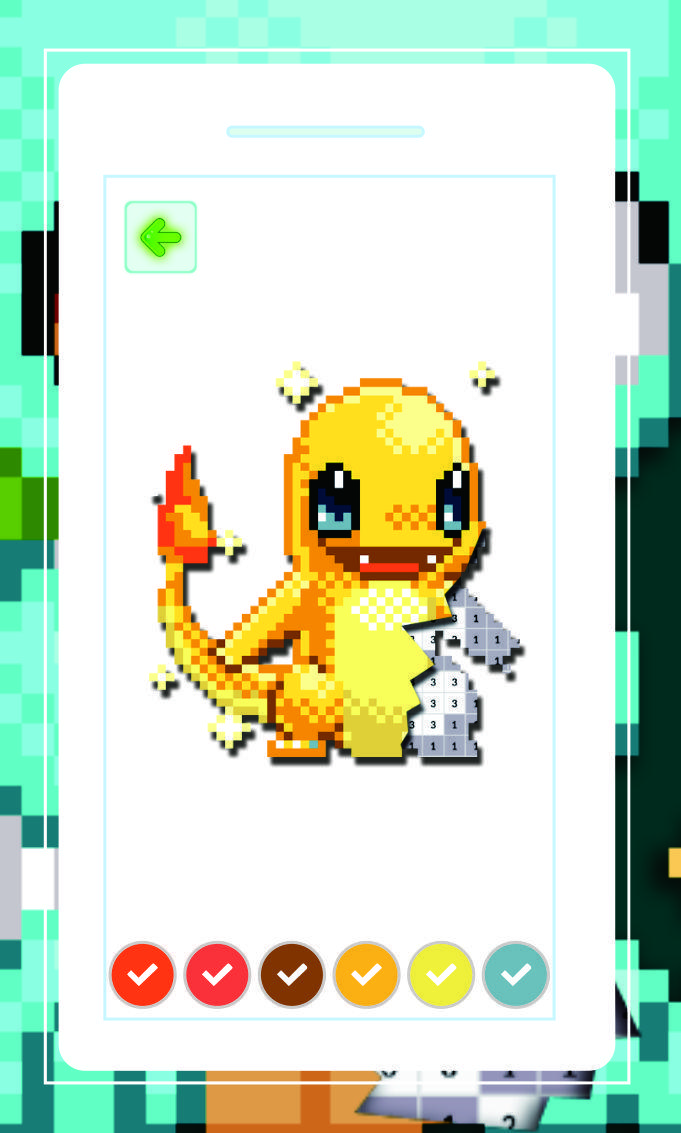
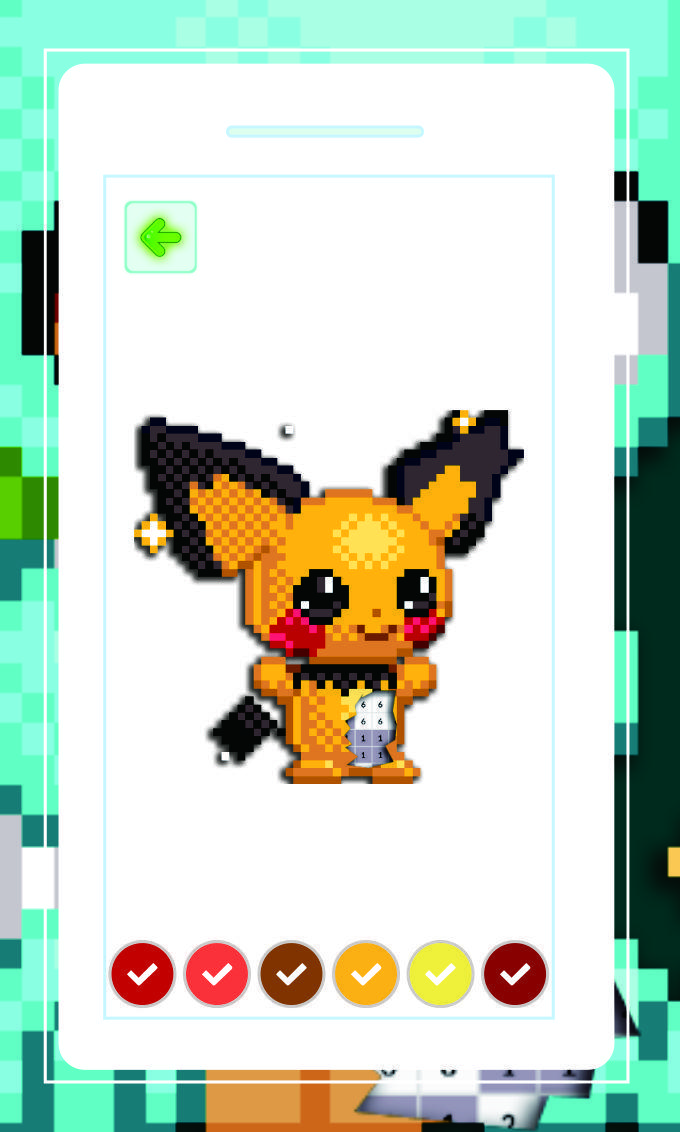
Poke Pixel Art Games a Coloring and drawing by number App for free for all fans of Poke which are nice selected for adults.
Poke Pixel Art Coloring Games is the best way to relieve tension and stress.
You can have a variety of Poke.
Isn't it too hard to make poke paint art from start to finish? Don't worry even though you're not good at drawing. It's easy and simple, you can easily bring your own skin simply by filling in the color of the number.
You can start it right away!!
-----💥 Application features:
💥 Made for all ages
💥 Cute & Cool Design
💥 Good for relaxation and creativity development
💥 Adapted for smartphones and tablets, any screen resolution
💥 Amazing app for adults!
💥 More Poke to color
💥 Create pixel art made from scratch and your gallery
💥 Easy to color litter box
💥 Save your pixel art to gallery (storage)
💥 share your pixel artwork on social media.
-----💥 How To Play It:
💥 Find your favorite pixel art from Pokepik Pictures, and enlarge the Coloring pixel with your two fingers.
💥 Pick a color at the bottom and color the pixel art by number.
💥 Use several tools, such as Color bucket to help you complete pixel art with ease.
💥 Save your pixel art from Your Coloring.
💥 Share with your friends.
-----💥 DIsclaimer
I OWN NOTHING EXCEPT THE ART!
Images and visual arts used in this app, do not belong to us but belong to the public domain. Images and visual arts are collected and utilized.
If you find that we forgot to credit you and want to claim credit for a picture or want us to remove it, please don't hesitate to contact us to solve the issue.
Preview
Tags
CasualInformation
Developer
CaungDev
Latest Version
2
Last Updated
2023-02-18
Category
Casual
Available on
Google Play
Show More
How to play PokePix Coloring Games with GameLoop on PC
1. Download GameLoop from the official website, then run the exe file to install GameLoop
2. Open GameLoop and search for “PokePix Coloring Games” , find PokePix Coloring Games in the search results and click “Install”
3. Enjoy playing PokePix Coloring Games on GameLoop
Minimum requirements
OS
Windows 8.1 64-bit or Windows 10 64-bit
GPU
GTX 1050
CPU
i3-8300
Memory
8GB RAM
Storage
1GB available space
Recommended requirements
OS
Windows 8.1 64-bit or Windows 10 64-bit
GPU
GTX 1050
CPU
i3-9320
Memory
16GB RAM
Storage
1GB available space