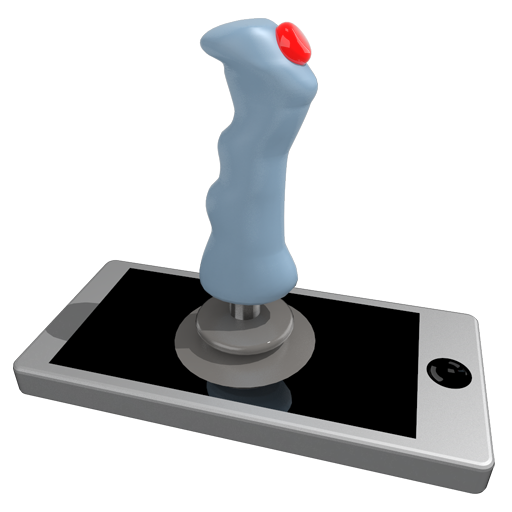
Pocket Gamepad PC
Petr Kouril
Download Pocket Gamepad on PC With GameLoop Emulator
Pocket Gamepad on PC
Pocket Gamepad, coming from the developer Petr Kouril, is running on Android systerm in the past.
Now, You can play Pocket Gamepad on PC with GameLoop smoothly.
Download it in the GameLoop library or search results. No more eyeing the battery or frustrating calls at the wrong time any more.
Just enjoy Pocket Gamepad PC on the large screen for free!
Pocket Gamepad Introduction
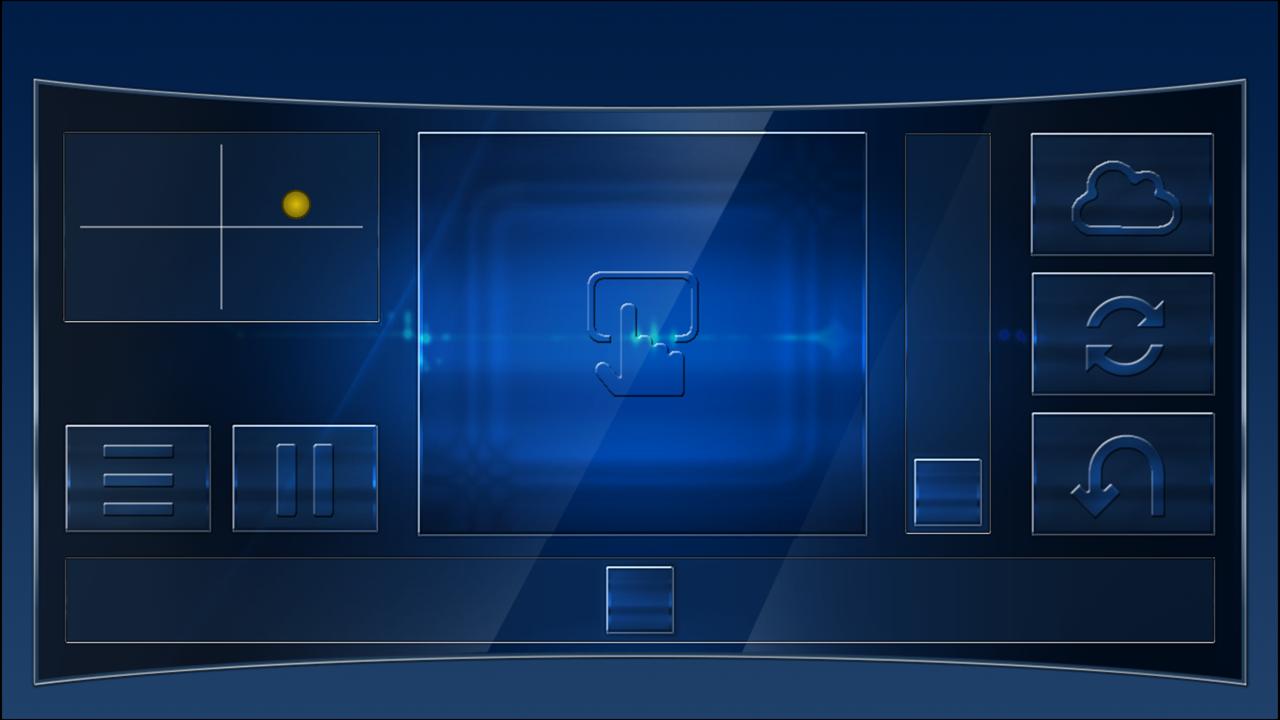
Use your Android device as a joystick, steering wheel, gamepad, mouse or keyboard for 99% PC games.
We have created skins for example for:
RedBull Air Race Game
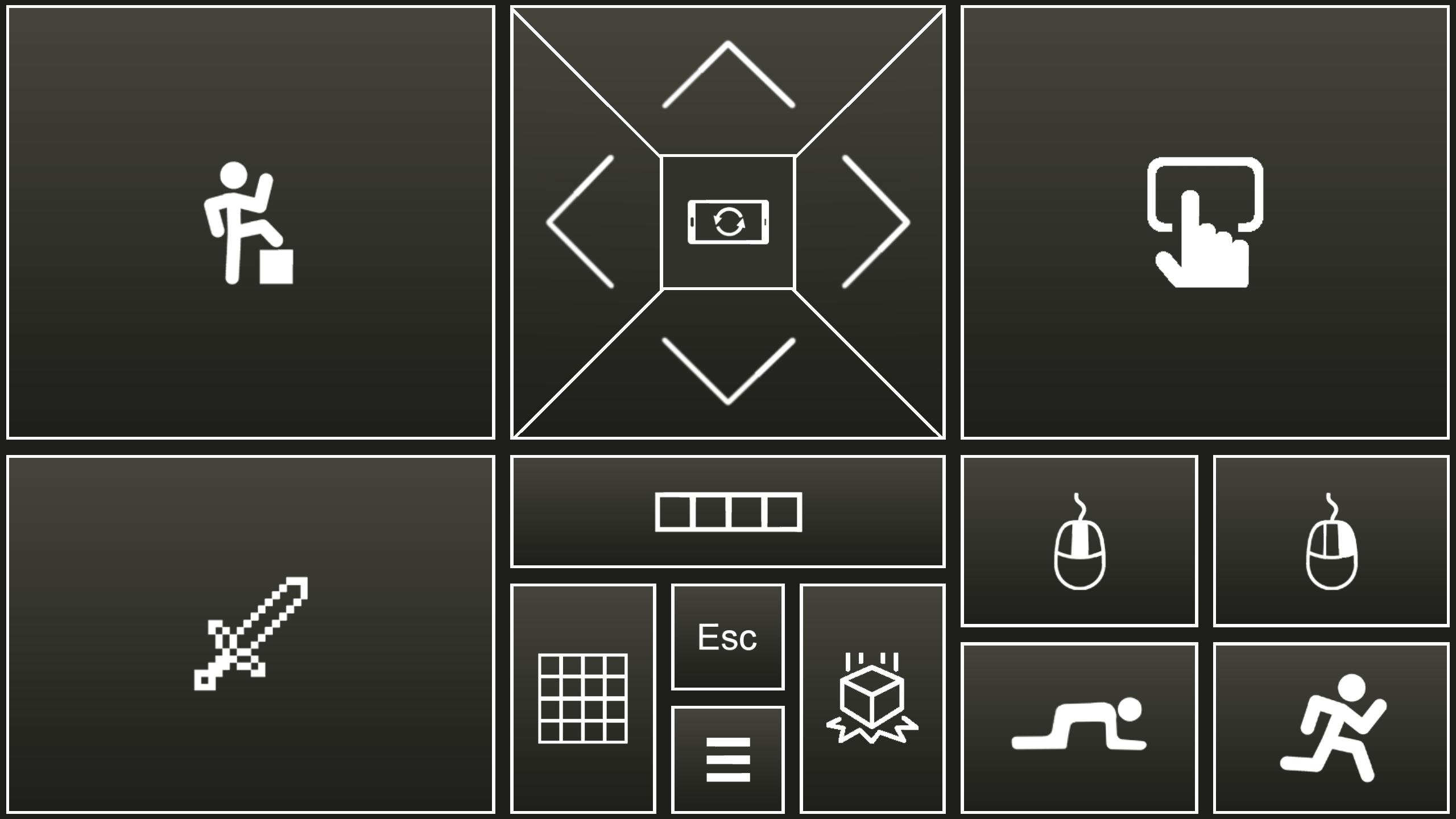
Minecraft
Counter Strike
World of Tanks
Microsoft flight simulator
and many more...
- This is an emulator of real joystick, which is identified by PC as real Plug and play device.
- Application also emulate PC keyboard and mouse.
- All skins are fully customizable
- You can create your own skins (xml, png, mp3 files) and play any PC game.
Quick start:
- Install PocketGamepad server on your PC. Server is available here:
http://www.pgpad.com/downloads/server/PocketGamepadSetup.exe
- Install PocketGamepad at your smart phone.
- Launch PocketGamepad server at your PC.
- Launch PocketGamepad at your smart phone.
- Press Menu / Connect and then press the Search button. When Application find the PocketGamepad server, press the connect button.
Selecting skin
- Menu / Skins (games)
- Select skin and press the Play button
Customizing skin
- Select skin
- Press Menu / Edit skin
- Press button which you want to customize.
- Menu / Save as
- Menu / Finish editting
When you want to control PC game, game on the PC must be focussed, not on the background.
skins XML schema:documentation:
http://www.pgpad.com/downloads/doc/xml_schema.pdf
Preview
Tags
CasualInformation
Developer
Petr Kouril
Latest Version
4.11
Last Updated
2024-07-24
Category
Casual
Available on
Google Play
Show More
How to play Pocket Gamepad with GameLoop on PC
1. Download GameLoop from the official website, then run the exe file to install GameLoop
2. Open GameLoop and search for “Pocket Gamepad” , find Pocket Gamepad in the search results and click “Install”
3. Enjoy playing Pocket Gamepad on GameLoop
Minimum requirements
OS
Windows 8.1 64-bit or Windows 10 64-bit
GPU
GTX 1050
CPU
i3-8300
Memory
8GB RAM
Storage
1GB available space
Recommended requirements
OS
Windows 8.1 64-bit or Windows 10 64-bit
GPU
GTX 1050
CPU
i3-9320
Memory
16GB RAM
Storage
1GB available space