
Game Khelo (Made In India) PC
Wonderers
Download Game Khelo (Made In India) on PC With GameLoop Emulator
Game Khelo (Made In India) on PC
Game Khelo (Made In India), coming from the developer Wonderers, is running on Android systerm in the past.
Now, You can play Game Khelo (Made In India) on PC with GameLoop smoothly.
Download it in the GameLoop library or search results. No more eyeing the battery or frustrating calls at the wrong time any more.
Just enjoy Game Khelo (Made In India) PC on the large screen for free!
Game Khelo (Made In India) Introduction
Stop installing every game you want to try, and get right to experiencing them in one app – instantly! Just click and play
Play 214+ Games for free and earn real cash for without paying a single penny....
Play our free games and win real money without spending a single dollar. There are no in-app purchases and no paying to win. Expect rewards, prizes and opportunities to earn cash while having fun with the best money making games!
Key Features: Play online games without pay any real money or real cash and chance to win huge coins , big cash and real money and of-course surprise prizes.
We are providing low storage and low MB free games and we are sure you'll be happy by playing all interesting games . Along with that you have chance to win money real cash.
Beautiful high-resolution graphics
Smooth user interface
Music and sound effects
Suitable for kids & all ages
Easy and intuitive controls with the on-screen retro controller
*This is not a gambling app and also we don't Promote Gambling
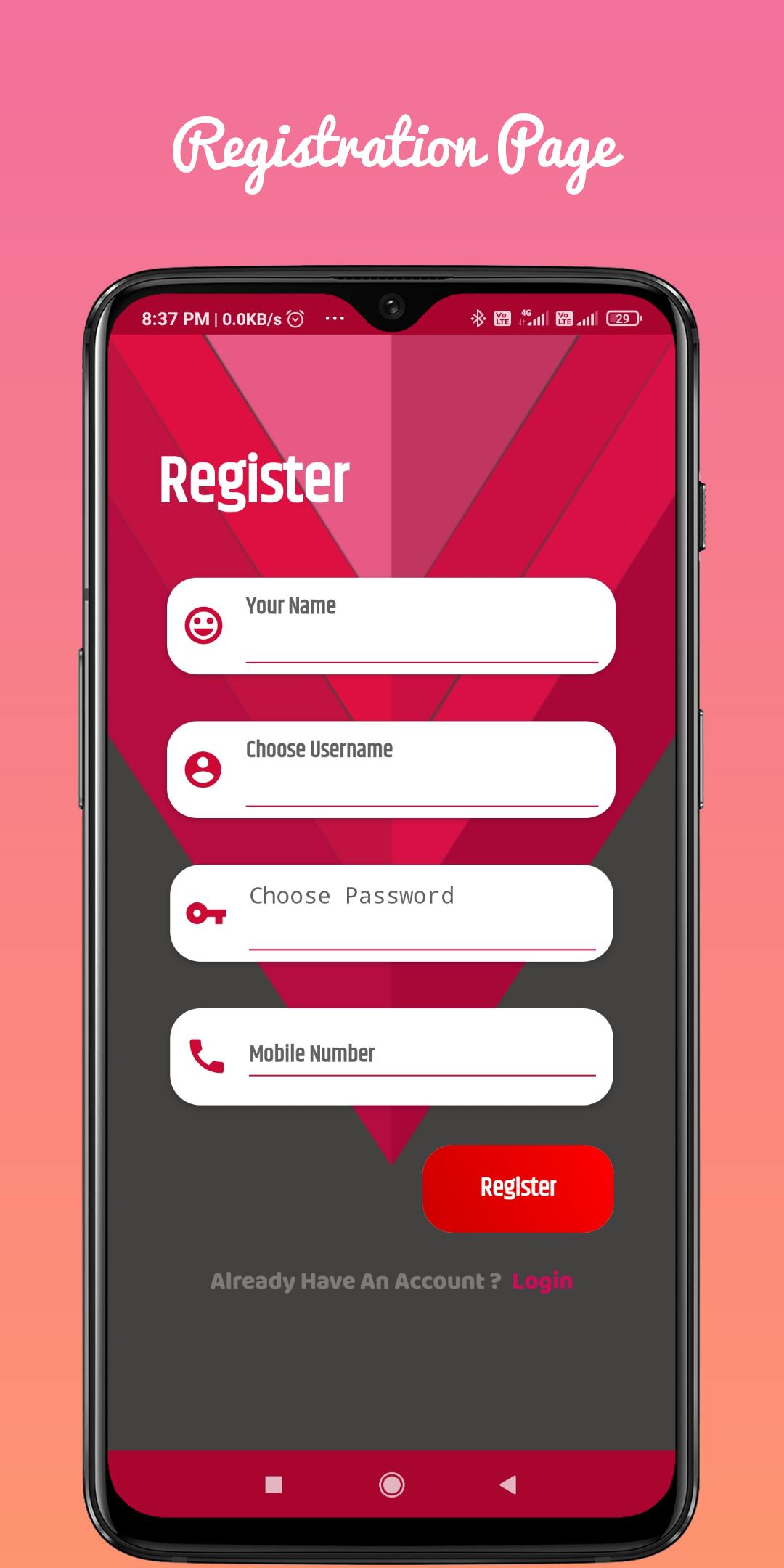
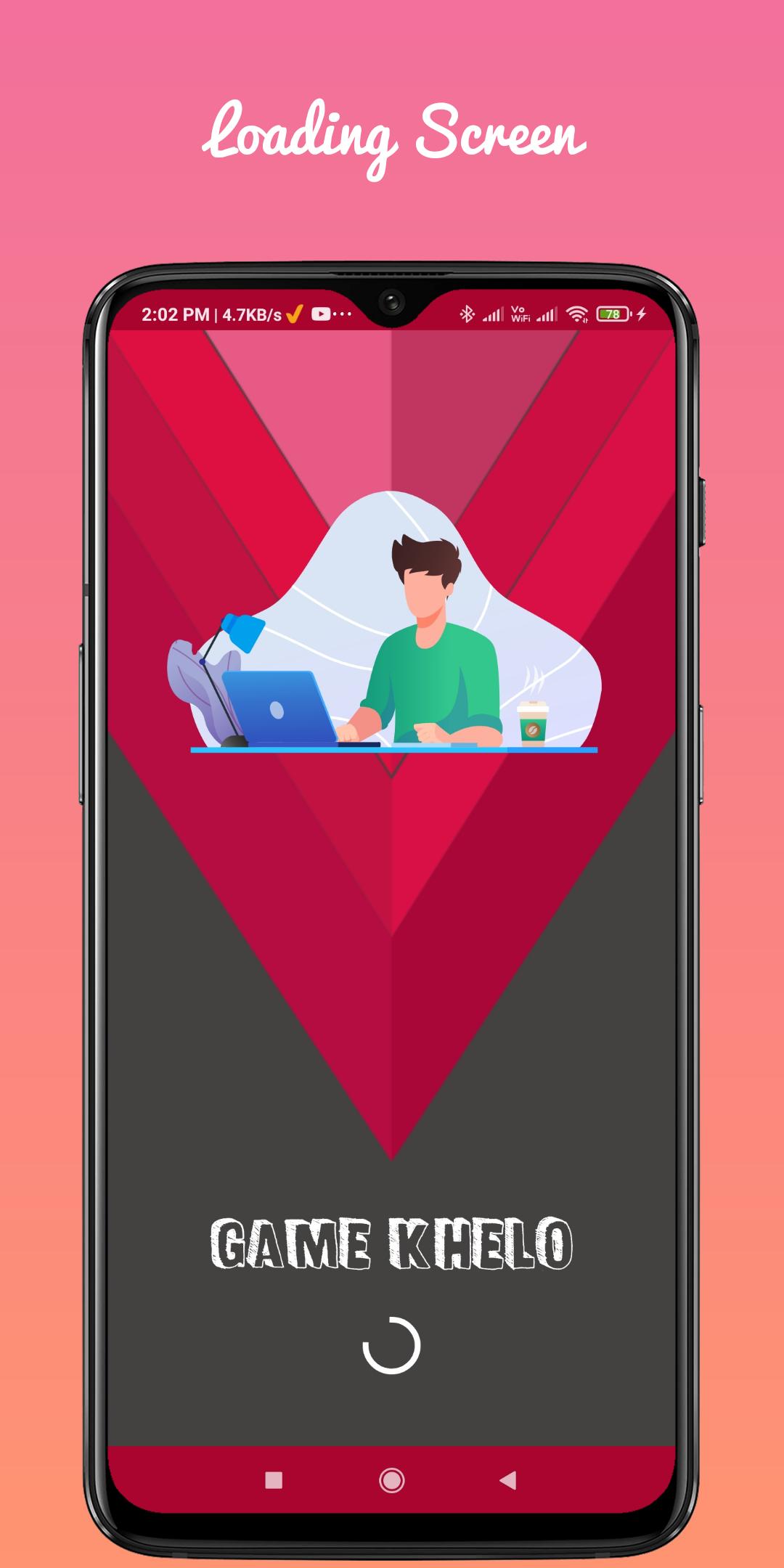
Preview
Tags
CasualInformation
Developer
Wonderers
Latest Version
1.8
Last Updated
2023-01-10
Category
Casual
Available on
Google Play
Show More
How to play Game Khelo (Made In India) with GameLoop on PC
1. Download GameLoop from the official website, then run the exe file to install GameLoop
2. Open GameLoop and search for “Game Khelo (Made In India)” , find Game Khelo (Made In India) in the search results and click “Install”
3. Enjoy playing Game Khelo (Made In India) on GameLoop
Minimum requirements
OS
Windows 8.1 64-bit or Windows 10 64-bit
GPU
GTX 1050
CPU
i3-8300
Memory
8GB RAM
Storage
1GB available space
Recommended requirements
OS
Windows 8.1 64-bit or Windows 10 64-bit
GPU
GTX 1050
CPU
i3-9320
Memory
16GB RAM
Storage
1GB available space