Draw War PC
YINGGAMES
Download Draw War on PC With GameLoop Emulator
Draw War on PC
Draw War, coming from the developer YINGGAMES, is running on Android systerm in the past.
Now, You can play Draw War on PC with GameLoop smoothly.
Download it in the GameLoop library or search results. No more eyeing the battery or frustrating calls at the wrong time any more.
Just enjoy Draw War PC on the large screen for free!
Draw War Introduction
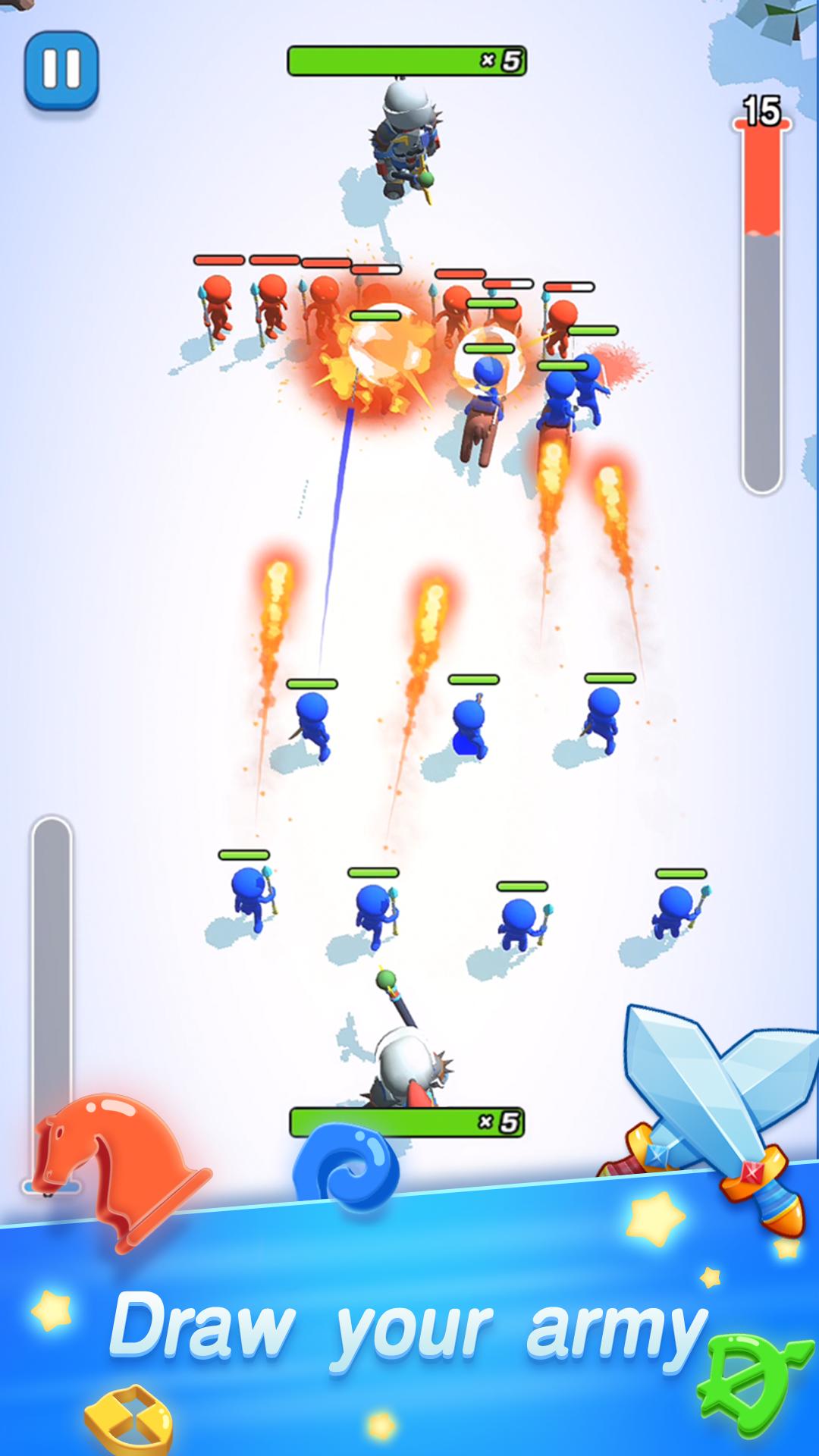
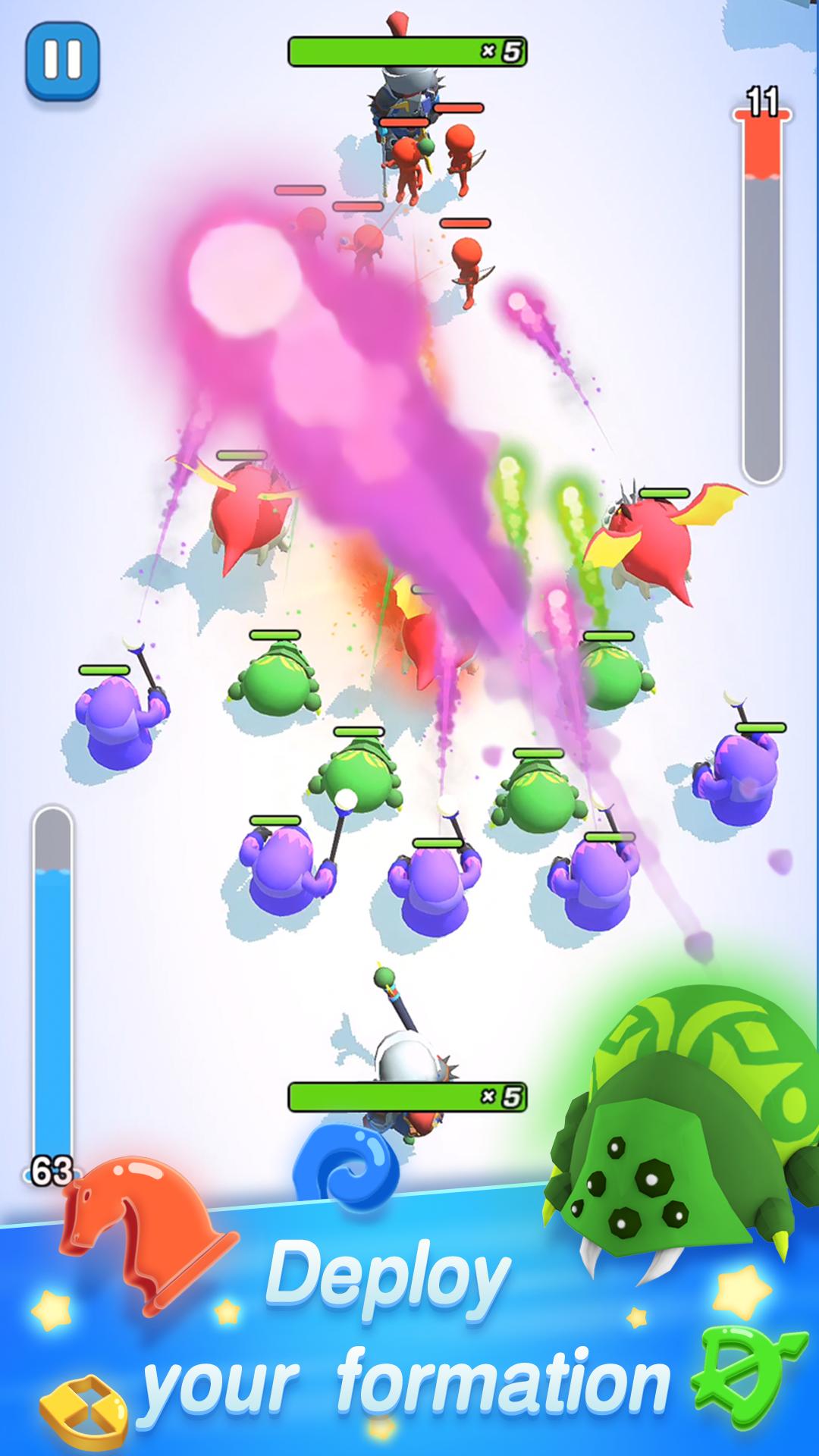
In this world, your pen is the best weapon. You can summon various kinds of soldiers with different ways of drawing. What do you need, hypaspist, archer, cavalry, sorcerer or even dragon? All of these can be summoned by the pen under your finger. You are the sole commander in this battle. Your army depends on you. Lead them to victory!
What you need to is to draw different lines on the screen with your pen and ink. Draw your best formation to counter enemy attack. Deploy your soldiers reasonably or your ink might run out! To solve this problem, you need to win more battles and upgrade the combat effectiveness of your soldiers and the recovery speed of your ink to ensure maximum damage output.
Now let’ s get prepared to fight against all your enemies and their big boss! Hope you can become a glorious commander and have a lot of fun.
Features
-More types of troops, more strategic
-Simple drawing game: draw as you like
-Interesting restricts among soldiers
-Unlock special troops to fight for you
-Exercise your strategic mind
-Exciting battlefield experience
-Hundred of arenas& Powerful enemies
-Easily understood rules& Addicting gameplay
Preview
Tags
CasualInformation
Developer
YINGGAMES
Latest Version
1.0.3
Last Updated
2023-10-23
Category
Casual
Available on
Google Play
Show More
How to play Draw War with GameLoop on PC
1. Download GameLoop from the official website, then run the exe file to install GameLoop
2. Open GameLoop and search for “Draw War” , find Draw War in the search results and click “Install”
3. Enjoy playing Draw War on GameLoop
Minimum requirements
OS
Windows 8.1 64-bit or Windows 10 64-bit
GPU
GTX 1050
CPU
i3-8300
Memory
8GB RAM
Storage
1GB available space
Recommended requirements
OS
Windows 8.1 64-bit or Windows 10 64-bit
GPU
GTX 1050
CPU
i3-9320
Memory
16GB RAM
Storage
1GB available space