
Fake Call Unicorn Game PC
PHILIP STUDIO
Download Fake Call Unicorn Game on PC With GameLoop Emulator
Fake Call Unicorn Game on PC
Fake Call Unicorn Game, coming from the developer PHILIP STUDIO, is running on Android systerm in the past.
Now, You can play Fake Call Unicorn Game on PC with GameLoop smoothly.
Download it in the GameLoop library or search results. No more eyeing the battery or frustrating calls at the wrong time any more.
Just enjoy Fake Call Unicorn Game PC on the large screen for free!
Fake Call Unicorn Game Introduction
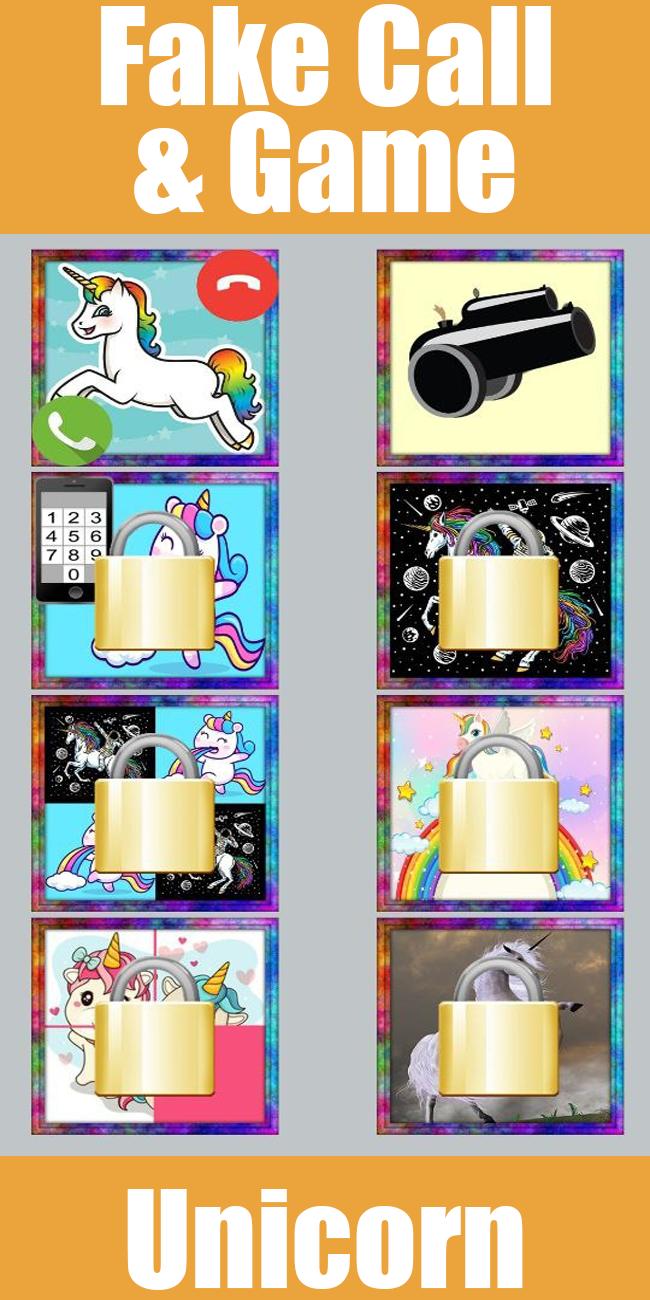
Are you looking for a prank caller game that lets you start a prank call from a Unicorn and also lets you have fun with amazing casual games? Your search for a perfect prank caller and mini-games collection app ends here. If you love playing fun mini-games, you must start using this amazing “Fake Call Unicorn Game”.
You can have fun with your friends with an almost real-looking call from a Unicorn character using this prank caller app. Initiating a call from this app is incredibly easy with the call dialer. You can either start the prank call immediately or you can schedule the prank call. When the call comes, you will see a unicorn picture as the caller image and it looks like it’s a real call from a unicorn.
Mini games on the Faker Call Unicorn Game
This prank caller app also includes a really good collection of fun and engaging mini-games. You can play different games such as -
● Object Matching Game
● Number Tapping Game
● Other Puzzle Games
You can play all these games and many more on a single app. There’s no need to install different apps to play these games.
This prank caller game is one of the best casual apps in the entertainment category that allows you to play games and also lets you play a prank with your friends. You can try getting them on a fake prank call with a unicorn character very easily.
Are you ready to play a fun prank on your friends and play some of the best mini-games? Download the free “Fake Call Unicorn Game” now to get started.
Support Us
If you like our app, please support us by rating us on the play store and sharing it among your friends who want to try prank calling. If you have any feedback or suggestions to improve our app, please send us an email.
Disclaimer
Fake Call Unicorn Game is purely for entertainment purposes and does not provide any real calling functionality.
Preview

Tags
CasualInformation
Developer
PHILIP STUDIO
Latest Version
1.0.3
Last Updated
2024-05-25
Category
Casual
Available on
Google Play
Show More
How to play Fake Call Unicorn Game with GameLoop on PC
1. Download GameLoop from the official website, then run the exe file to install GameLoop
2. Open GameLoop and search for “Fake Call Unicorn Game” , find Fake Call Unicorn Game in the search results and click “Install”
3. Enjoy playing Fake Call Unicorn Game on GameLoop
Minimum requirements
OS
Windows 8.1 64-bit or Windows 10 64-bit
GPU
GTX 1050
CPU
i3-8300
Memory
8GB RAM
Storage
1GB available space
Recommended requirements
OS
Windows 8.1 64-bit or Windows 10 64-bit
GPU
GTX 1050
CPU
i3-9320
Memory
16GB RAM
Storage
1GB available space