
Sussy School Grounds PC
salma34
Download Sussy School Grounds on PC With GameLoop Emulator
Sussy School Grounds on PC
Sussy School Grounds, coming from the developer salma34, is running on Android systerm in the past.
Now, You can play Sussy School Grounds on PC with GameLoop smoothly.
Download it in the GameLoop library or search results. No more eyeing the battery or frustrating calls at the wrong time any more.
Just enjoy Sussy School Grounds PC on the large screen for free!
Sussy School Grounds Introduction
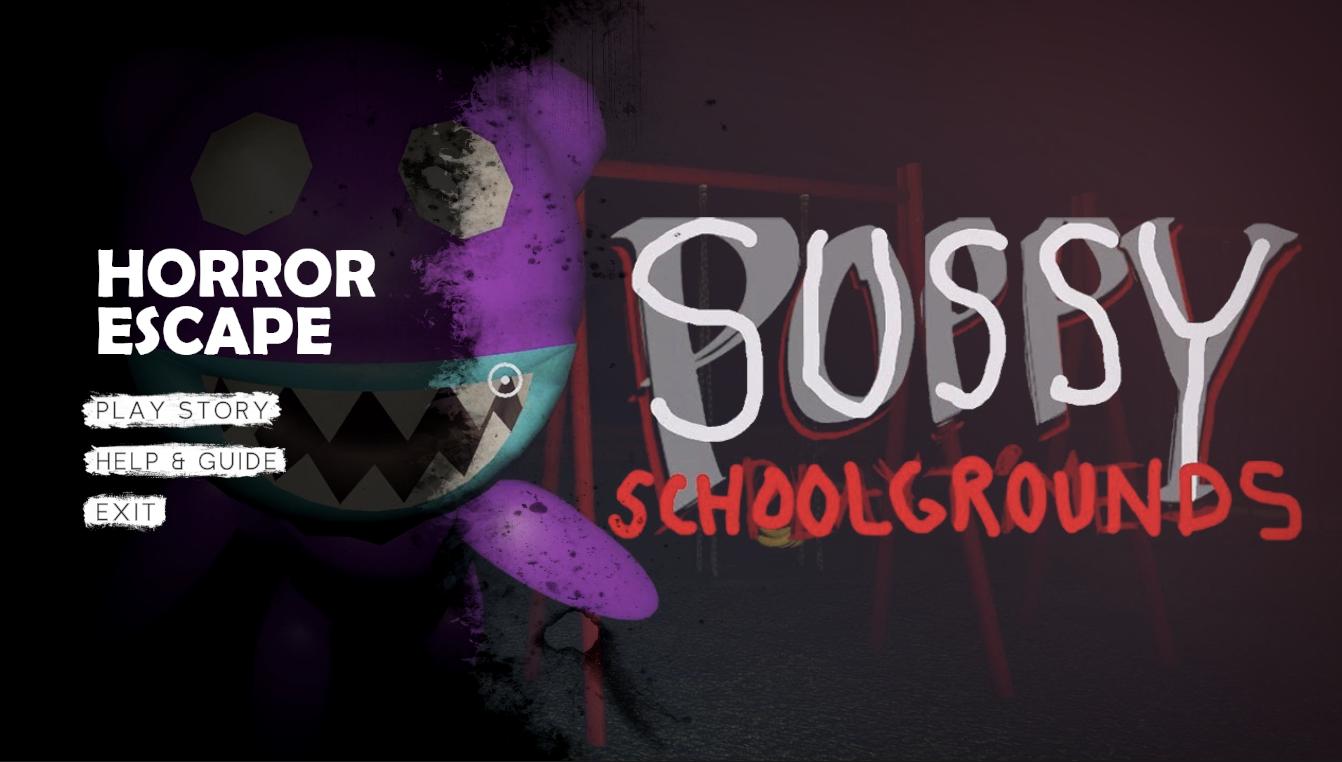
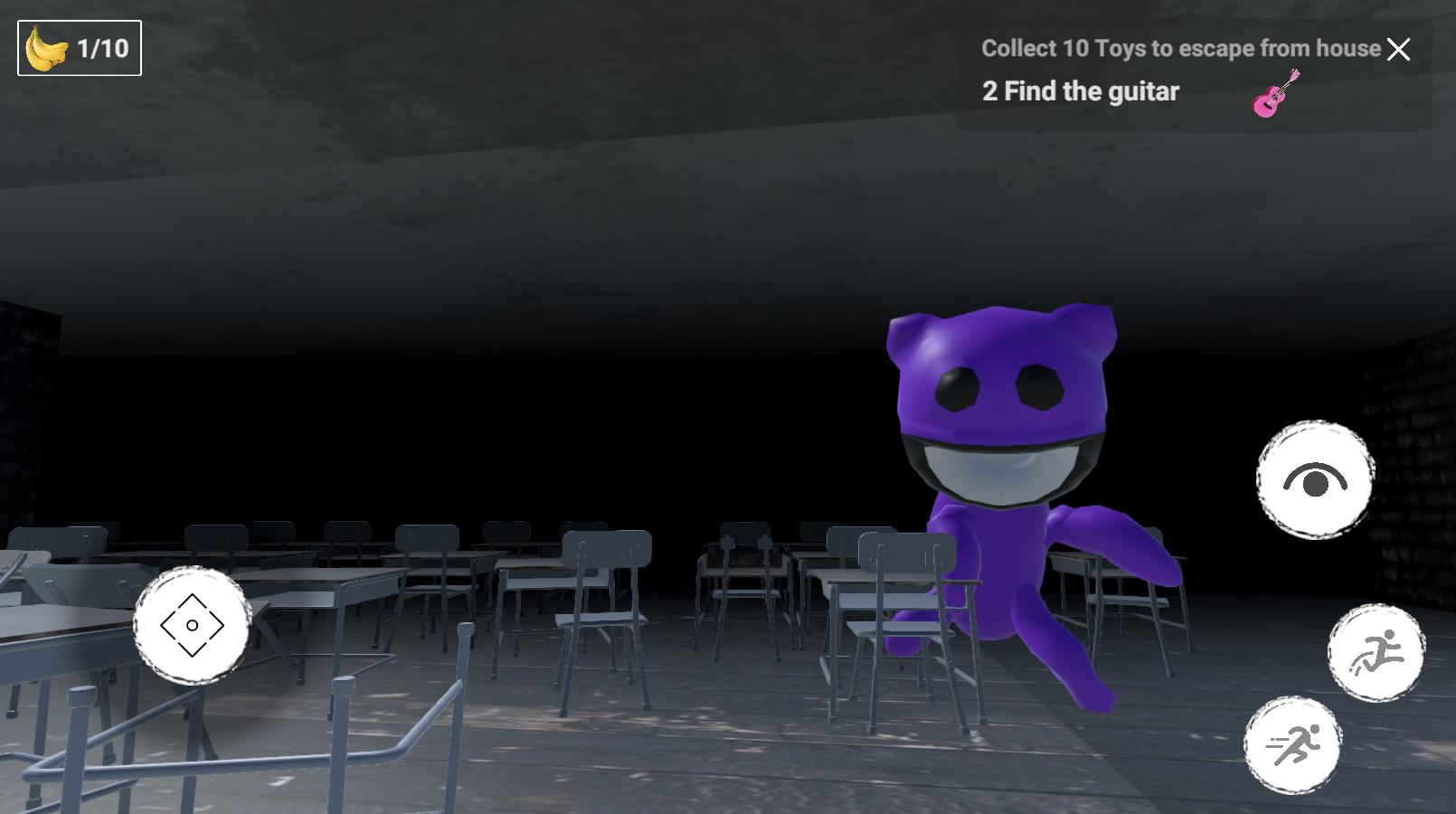
1. Sussy School Grounds: The park where the game takes place is located on the grounds of an abandoned school. The school grounds are overgrown with weeds and vines, and the old school building looms in the distance like a haunted mansion. The rusted metal fences and broken gates suggest that something sinister happened here, and you can't shake the feeling that you're not alone.
2. Sussy Garden: The hidden games in the park lead you to the overgrown and neglected school garden. The garden is filled with wilted flowers, thorny bushes, and twisted trees. The leaves rustle ominously in the wind, and you feel like you're being watched by something lurking in the shadows.
3. Horror Game: "The Beast" is a horror game that will leave you on the edge of your seat. The combination of the eerie setting, the terrifying monster, and the sense of impending danger creates a heart-pounding experience that will make you jump out of your skin.
4. School Building: The old school building is a foreboding presence in the game. The windows are boarded up, and the doors are locked tight. You can't help but wonder what secrets the building holds, and what kind of horrors you might encounter inside.
5. Survival: In "The Beast," survival is the name of the game. The stakes are high, and you must use all of your wits and instincts to outsmart the monster and stay alive. As you search for the hidden games, you must constantly be on the lookout for the Beast, and you must be prepared to run, hide, and fight if necessary.
Preview
Tags
CasualInformation
Developer
salma34
Latest Version
1.5.2
Last Updated
2023-05-16
Category
Casual
Available on
Google Play
Show More
How to play Sussy School Grounds with GameLoop on PC
1. Download GameLoop from the official website, then run the exe file to install GameLoop
2. Open GameLoop and search for “Sussy School Grounds” , find Sussy School Grounds in the search results and click “Install”
3. Enjoy playing Sussy School Grounds on GameLoop
Minimum requirements
OS
Windows 8.1 64-bit or Windows 10 64-bit
GPU
GTX 1050
CPU
i3-8300
Memory
8GB RAM
Storage
1GB available space
Recommended requirements
OS
Windows 8.1 64-bit or Windows 10 64-bit
GPU
GTX 1050
CPU
i3-9320
Memory
16GB RAM
Storage
1GB available space