Excalibur PC
Universal Game Factory
Download Excalibur on PC With GameLoop Emulator
Excalibur on PC
Excalibur, coming from the developer Universal Game Factory, is running on Android systerm in the past.
Now, You can play Excalibur on PC with GameLoop smoothly.
Download it in the GameLoop library or search results. No more eyeing the battery or frustrating calls at the wrong time any more.
Just enjoy Excalibur PC on the large screen for free!
Excalibur Introduction
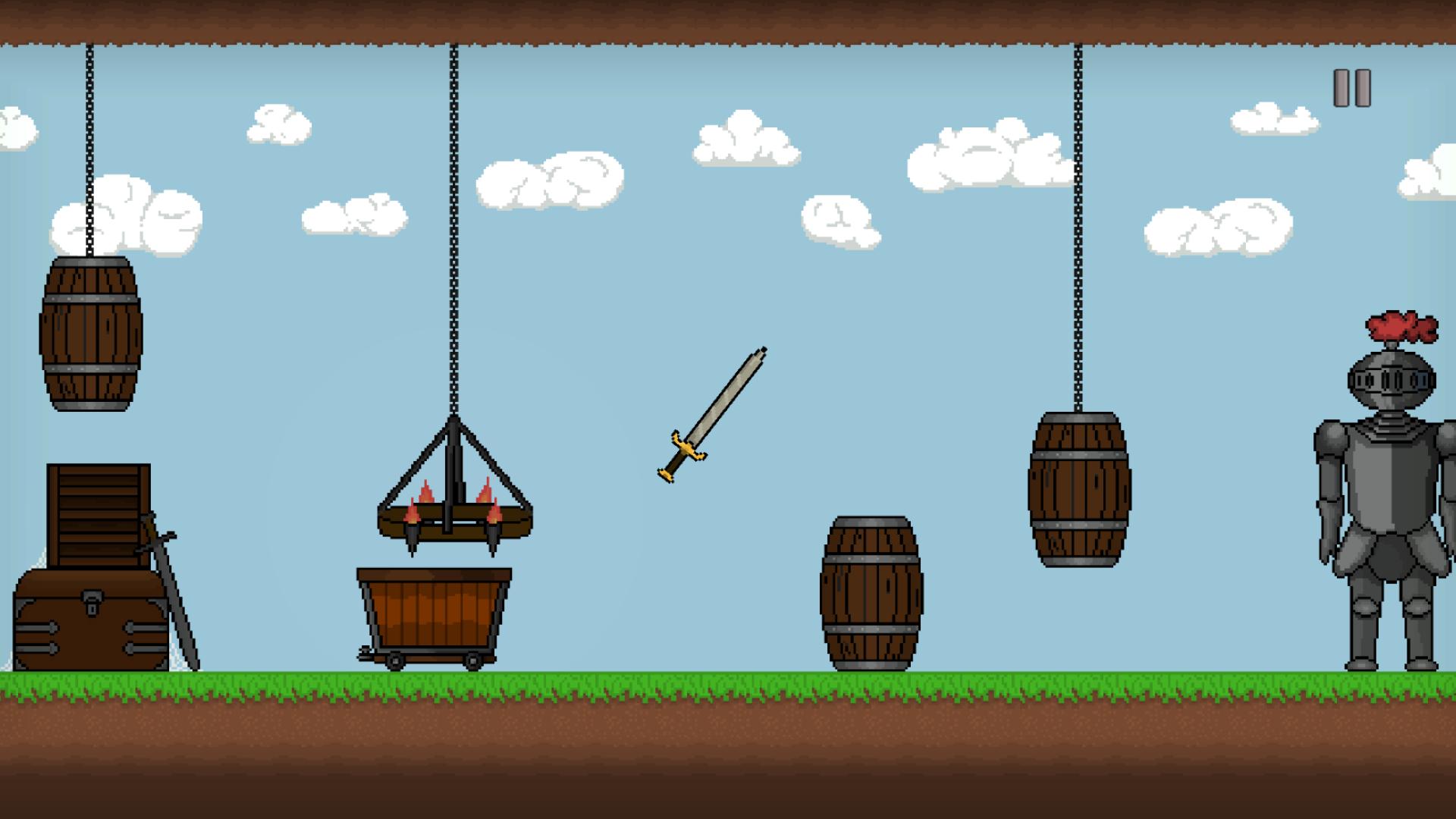
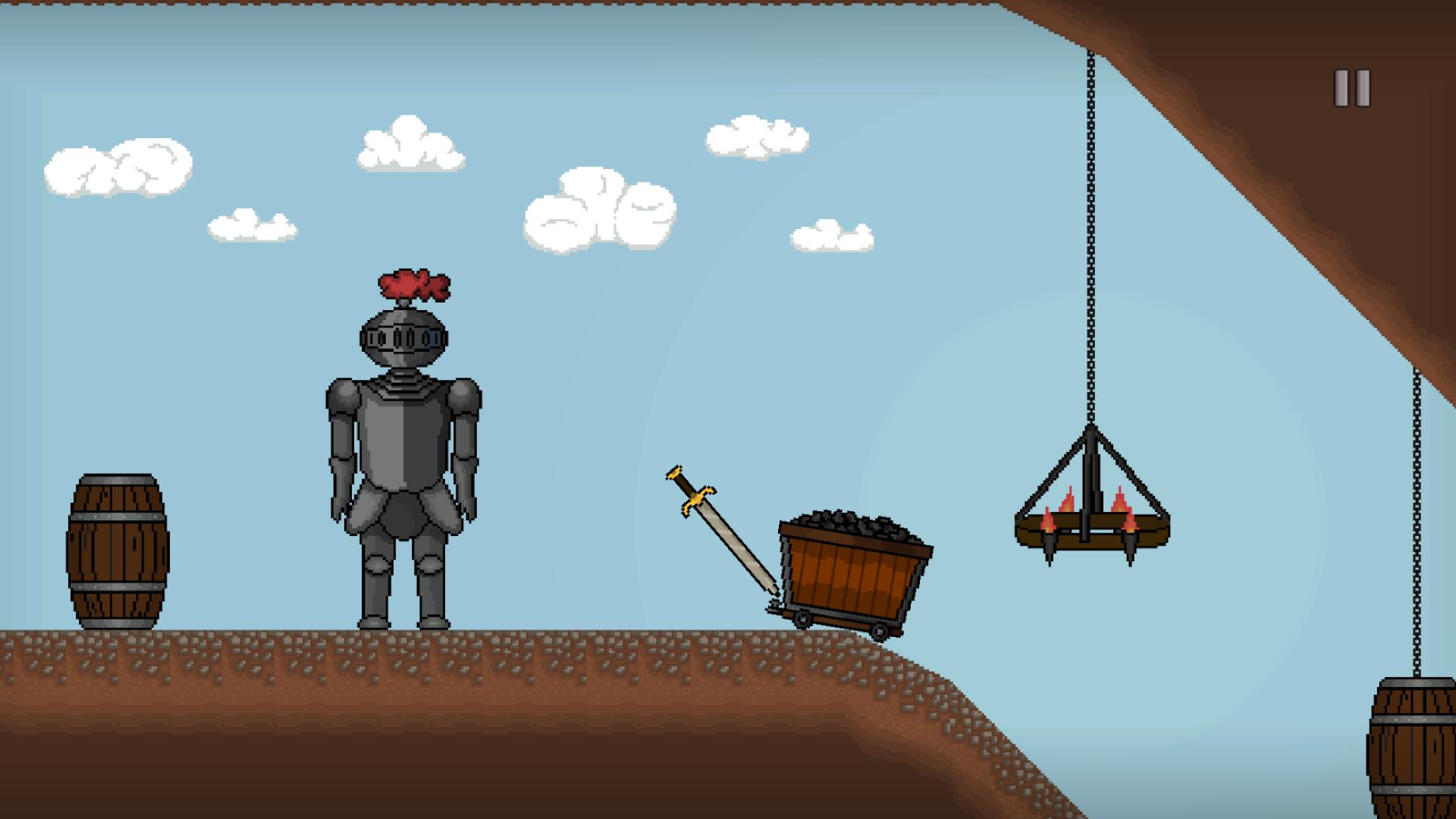
Face new challenges in different levels, solve puzzles, unlock new skins and reach new highscores in the endless mode. Solve small tasks, get through the obstacles and put the sword back in the stone.
The game is divided in 2 different game modes:
- Levels contain little tasks to figure out and obstacles to overcome to put the sword back in the stone. You will be rewarded with a new level and coins to buy skins. Since every level is made by the CEO himself, you might come to a point at which you have unlocked and played all of them. But don't worry, there is more to do:
- Endless is the game mode with literally no end! The obstacles are auto-generated and you have to overcome them before getting caught by the left side of the screen. You can also gather coins the whole time to buy new skins in the shop after you got caught. And everybody gets caught at some point ;)
Enjoy "Excalibur", the casual game for people who get bored at Subway Surfers
Preview
Tags
CasualInformation
Developer
Universal Game Factory
Latest Version
1.0.0
Last Updated
2022-06-02
Category
Casual
Available on
Google Play
Show More
How to play Excalibur with GameLoop on PC
1. Download GameLoop from the official website, then run the exe file to install GameLoop
2. Open GameLoop and search for “Excalibur” , find Excalibur in the search results and click “Install”
3. Enjoy playing Excalibur on GameLoop
Minimum requirements
OS
Windows 8.1 64-bit or Windows 10 64-bit
GPU
GTX 1050
CPU
i3-8300
Memory
8GB RAM
Storage
1GB available space
Recommended requirements
OS
Windows 8.1 64-bit or Windows 10 64-bit
GPU
GTX 1050
CPU
i3-9320
Memory
16GB RAM
Storage
1GB available space