Color Fall - Pin Pull PC
Games Saga
Download Color Fall - Pin Pull on PC With GameLoop Emulator
Color Fall - Pin Pull on PC
Color Fall - Pin Pull, coming from the developer Games Saga, is running on Android systerm in the past.
Now, You can play Color Fall - Pin Pull on PC with GameLoop smoothly.
Download it in the GameLoop library or search results. No more eyeing the battery or frustrating calls at the wrong time any more.
Just enjoy Color Fall - Pin Pull PC on the large screen for free!
Color Fall - Pin Pull Introduction
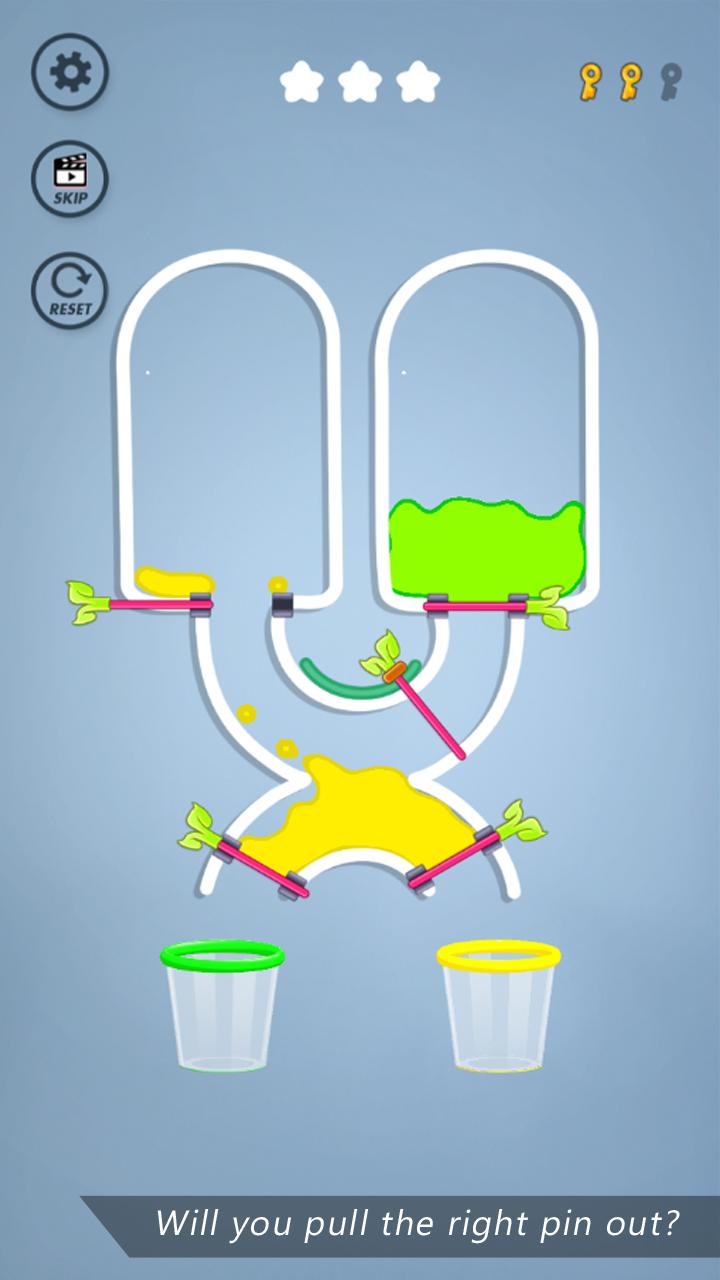
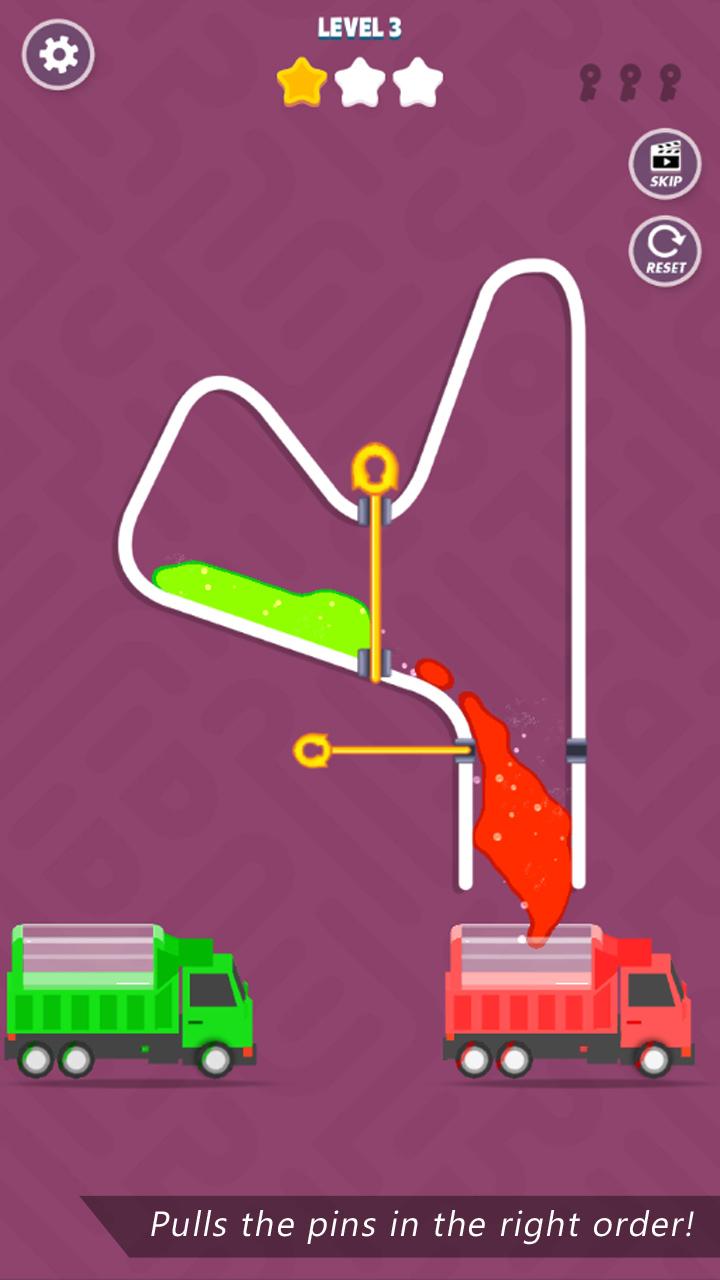
Color Fall - Pin Pull is a captivating puzzle game in which everything revolves around colors. The purpose of this game is very simple - all you need to do is to Pin Pull the right to make the colors go to right container. Only challenge is to pull them in the right order. It’s going to be extremely engaging and fun. The more stars you get, more rewards you earn. There is no time limit but each level has target points to proceed to the next level. Unlock high-powered pins to make your play more exciting and effective.
You want to have some fun? Download this addictive Color Fall - Pin Pull game for free. Relax your brain and have a good time.
Enjoy the game as we are always updating and adding new levels and themes in our app. So stay tuned for new updates.
Color Fall - Pin Pull Game Features:
- One finger control game
- Best brain exercising and testing game
- Filled with tons of juggling colors
- Lots of tricky levels with pins
Preview
Tags
PuzzleInformation
Developer
Games Saga
Latest Version
11.8
Last Updated
2023-09-27
Category
Casual
Available on
Google Play
Show More
How to play Color Fall - Pin Pull with GameLoop on PC
1. Download GameLoop from the official website, then run the exe file to install GameLoop
2. Open GameLoop and search for “Color Fall - Pin Pull” , find Color Fall - Pin Pull in the search results and click “Install”
3. Enjoy playing Color Fall - Pin Pull on GameLoop
Minimum requirements
OS
Windows 8.1 64-bit or Windows 10 64-bit
GPU
GTX 1050
CPU
i3-8300
Memory
8GB RAM
Storage
1GB available space
Recommended requirements
OS
Windows 8.1 64-bit or Windows 10 64-bit
GPU
GTX 1050
CPU
i3-9320
Memory
16GB RAM
Storage
1GB available space