
Spindom:Coin Legends PC
Coin Legends
Download Spindom:Coin Legends on PC With GameLoop Emulator
Spindom:Coin Legends on PC
Spindom:Coin Legends, coming from the developer Coin Legends, is running on Android systerm in the past.
Now, You can play Spindom:Coin Legends on PC with GameLoop smoothly.
Download it in the GameLoop library or search results. No more eyeing the battery or frustrating calls at the wrong time any more.
Just enjoy Spindom:Coin Legends PC on the large screen for free!
Spindom:Coin Legends Introduction
What's New
Welcome to Spindom: Coin Legends 2.0!
A brand-new journey awaits you!
- UI Fully Upgraded
- New Minigames:Rummy Dice,Piggy Bank,Coin Assist
- Competition Expansion:Rank Bonus,Weekly Contest
- "Dig for Treasure" New Skin Theme
- New Atlantis Quest Theme and Stats Added
- 6 New Dice Boards and Colorful Tiles Event Added
- New Gem Element and Features
- Improvements & Bug fixes for a smoother experience
Update now and start your next big adventure!
Enjoy diverse minigames with cooperation, competition, and solo adventures to unlock rich rewards.
A rich experience with fresh gameplay!
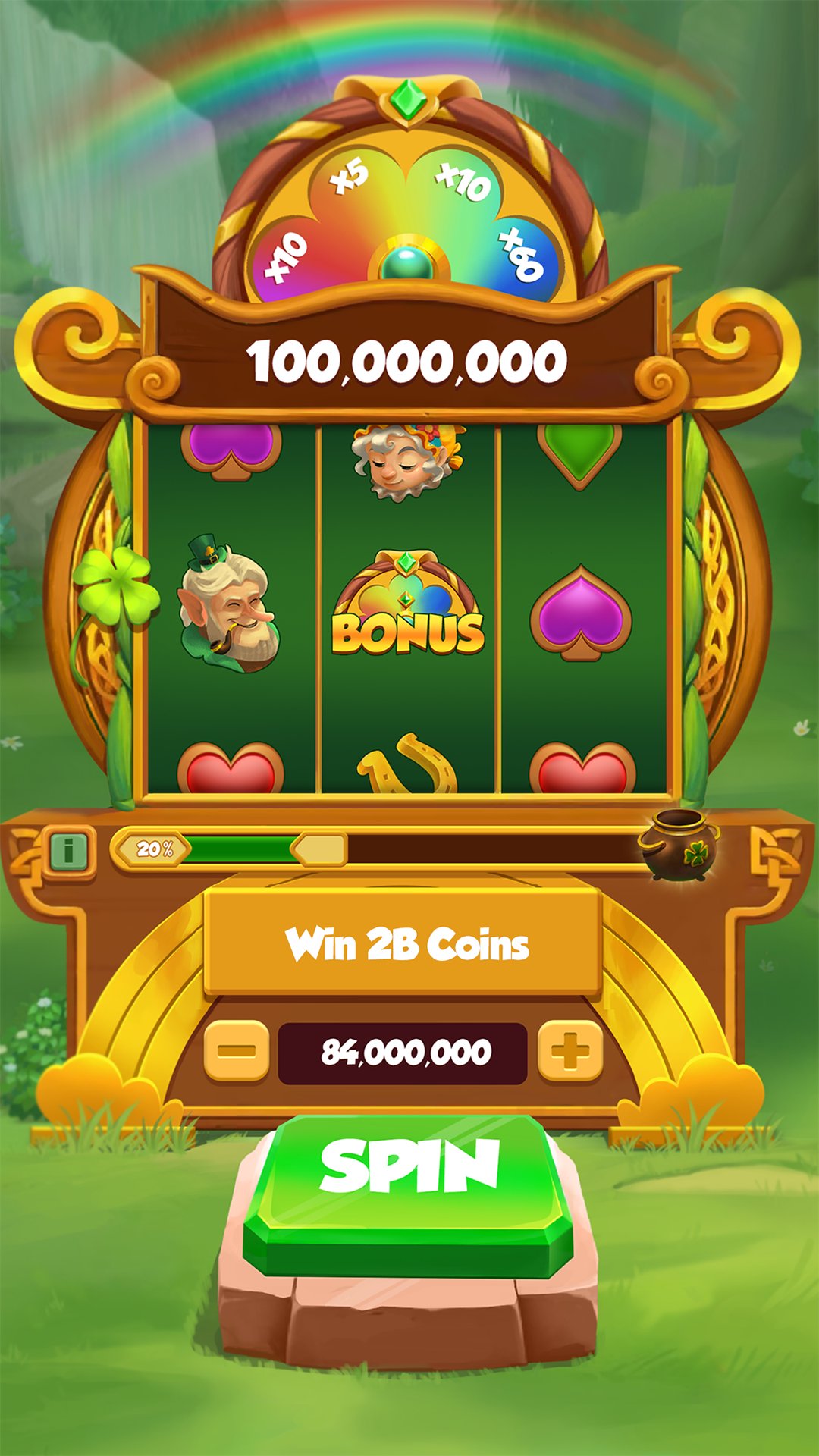
Spin
- Spin for coins, arrows and shields
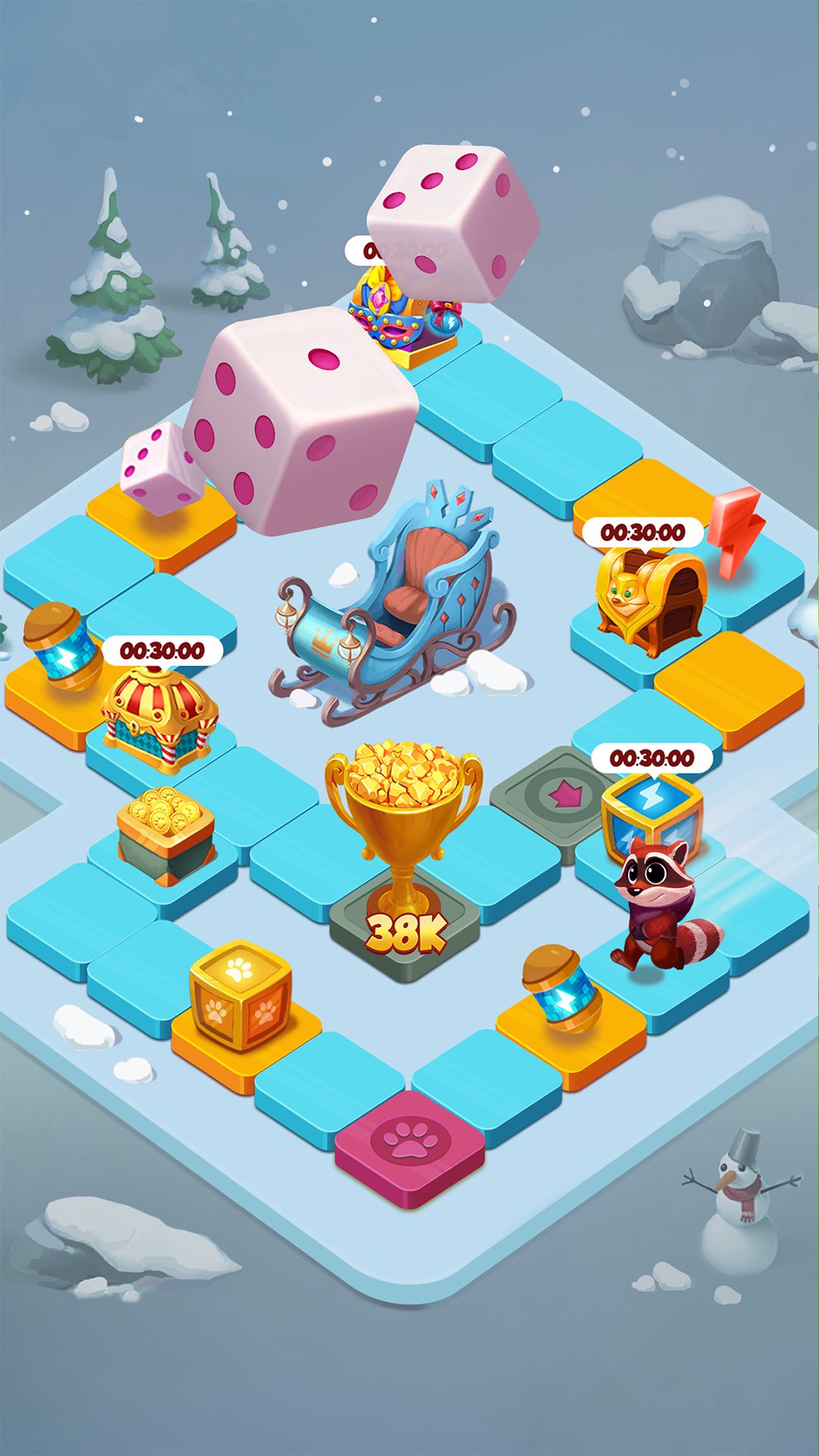
Roll
- Roam across dice boards
Dash
- Dash across islands, bridging new paths
Uncover
- Explore treasure island and dragon lair
Dig
- Unearth treasures in magical lands
Build
- Build and defend your villages
Cooperate
- Team up to complete Team Mission
With cooperation, competition, and solo adventures,
Become a great treasure hunter in Spindom:Coin Legends!
Preview
Tags
CasinoCasino-adventureMultiplayerCompetitive multiplayerStylizedInformation
Developer
Coin Legends
Latest Version
2.0.182
Last Updated
2025-12-20
Category
Casual
Available on
Google Play
Show More
How to play Spindom:Coin Legends with GameLoop on PC
1. Download GameLoop from the official website, then run the exe file to install GameLoop
2. Open GameLoop and search for “Spindom:Coin Legends” , find Spindom:Coin Legends in the search results and click “Install”
3. Enjoy playing Spindom:Coin Legends on GameLoop
Minimum requirements
OS
Windows 8.1 64-bit or Windows 10 64-bit
GPU
GTX 1050
CPU
i3-8300
Memory
8GB RAM
Storage
1GB available space
Recommended requirements
OS
Windows 8.1 64-bit or Windows 10 64-bit
GPU
GTX 1050
CPU
i3-9320
Memory
16GB RAM
Storage
1GB available space