
Skip Rummy PC
PB Softworks
Download Skip Rummy on PC With GameLoop Emulator
Skip Rummy on PC
Skip Rummy, coming from the developer PB Softworks, is running on Android systerm in the past.
Now, You can play Skip Rummy on PC with GameLoop smoothly.
Download it in the GameLoop library or search results. No more eyeing the battery or frustrating calls at the wrong time any more.
Just enjoy Skip Rummy PC on the large screen for free!
Skip Rummy Introduction
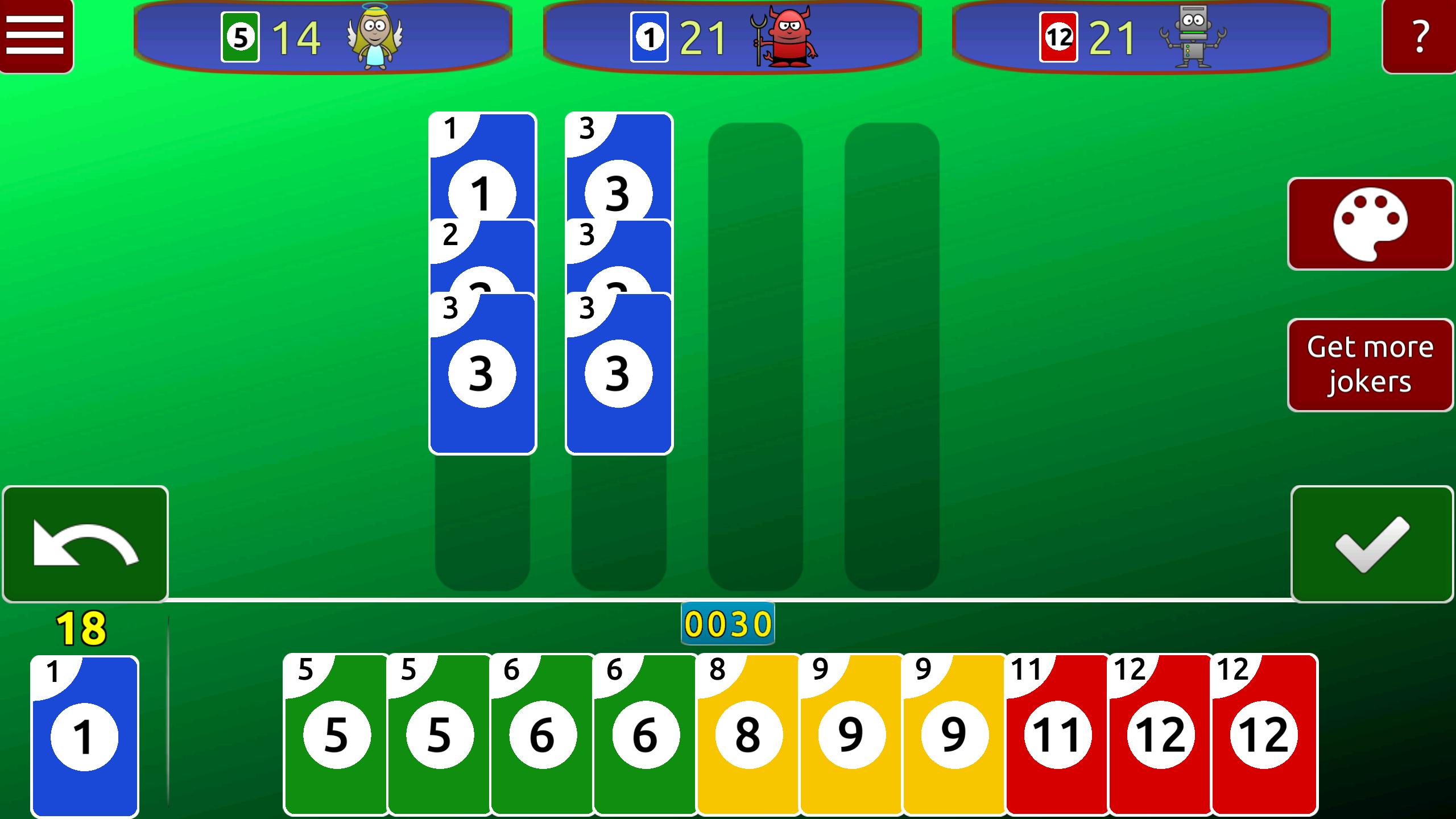
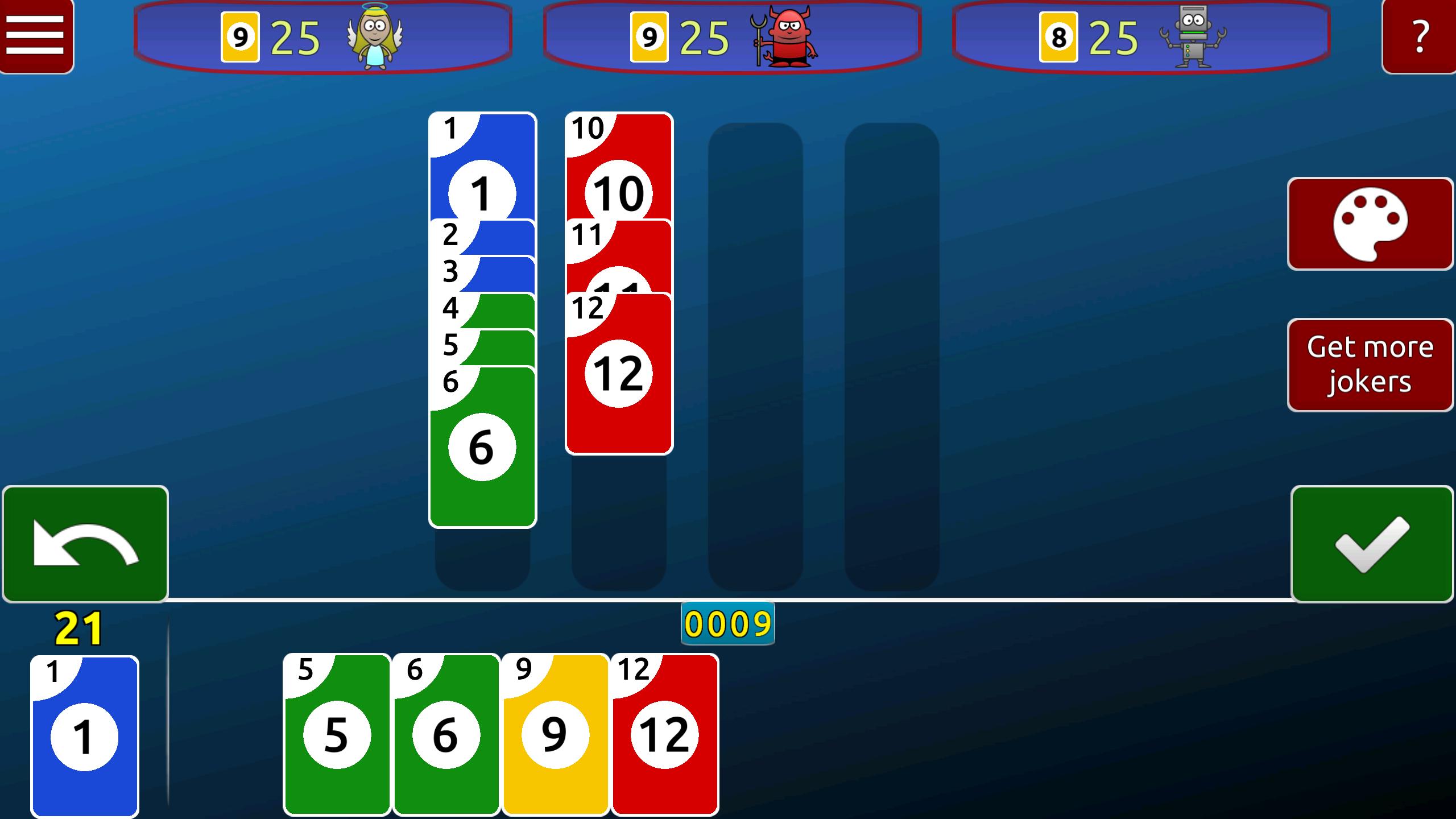
For all fans of rummy, solitaire, patience, and 'Spite and Malice' card games: try out the new, refreshing mix of rummy and 'Spite & Malice'. The rules of the game are simple and easy to understand.
The objective of the game is to get rid of all cards from your own player deck. To achieve this, each player gets a certain number of auxiliary cards in hand.
Cards may be discarded on the discard pile in the middle of the table. Discard piles are formed by placing cards on them either in the order 1 to 12 or as sets with the same card values (e.g. 2,2,2,2). Newly started discard piles must be at least 3 cards in size.
'J' cards act as wild cards. You can represent any number you want.
The game round begins with the player picking up a minimum number of auxiliary cards from the deck. If he has at least 3 cards in a sequence or set, he can start building a discard pile in the middle of the table.
A player can discard as many cards as possible in a round.
If he cannot discard a card or if he does not want to, he ends his turn. Then it is the next player's turn.
Try out the new rummy card game now and show off your card game skills!
Preview
Tags
CasualSingle playerRealisticOfflineInformation
Developer
PB Softworks
Latest Version
3.6
Last Updated
2023-11-12
Category
Card
Available on
Google Play
Show More
How to play Skip Rummy with GameLoop on PC
1. Download GameLoop from the official website, then run the exe file to install GameLoop
2. Open GameLoop and search for “Skip Rummy” , find Skip Rummy in the search results and click “Install”
3. Enjoy playing Skip Rummy on GameLoop
Minimum requirements
OS
Windows 8.1 64-bit or Windows 10 64-bit
GPU
GTX 1050
CPU
i3-8300
Memory
8GB RAM
Storage
1GB available space
Recommended requirements
OS
Windows 8.1 64-bit or Windows 10 64-bit
GPU
GTX 1050
CPU
i3-9320
Memory
16GB RAM
Storage
1GB available space