Mexican Loteria Deck PC
ZimbronApps.com
Download Mexican Loteria Deck on PC With GameLoop Emulator
Mexican Loteria Deck on PC
Mexican Loteria Deck, coming from the developer ZimbronApps.com, is running on Android systerm in the past.
Now, You can play Mexican Loteria Deck on PC with GameLoop smoothly.
Download it in the GameLoop library or search results. No more eyeing the battery or frustrating calls at the wrong time any more.
Just enjoy Mexican Loteria Deck PC on the large screen for free!
Mexican Loteria Deck Introduction
🎴 Mexican Lotería – Automatically Call the Cards
The easiest and most fun way to run a Mexican Lotería game! 🇲🇽
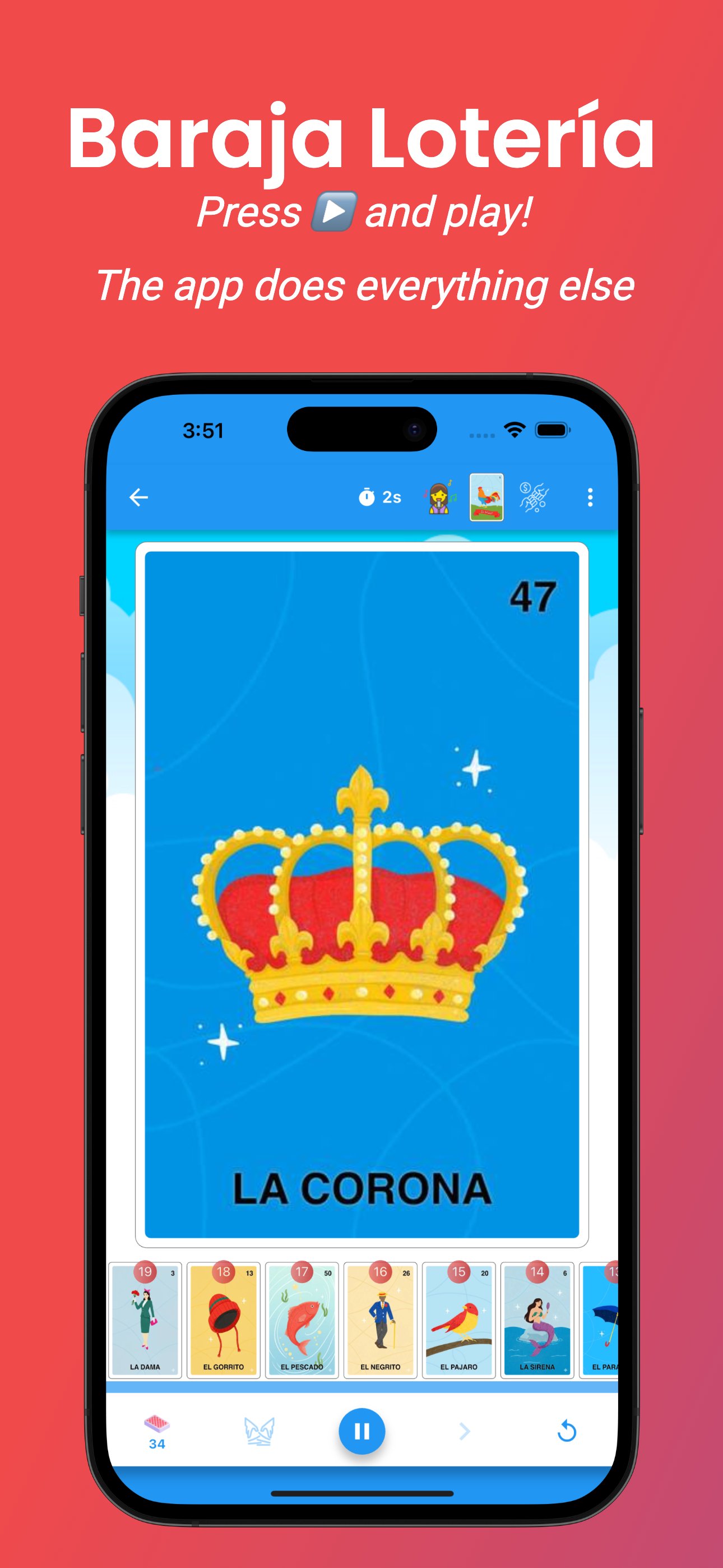
Our app shuffles the deck and calls the cards automatically, so you can focus on enjoying the game with your friends and family.
Just connect your phone to a speaker and let the app call the cards for you, just like in a traditional Lotería game.
Perfect for parties, family gatherings, events, or any Lotería match.
⭐ FEATURES
🎤 Automatic card calling
• The app shuffles and calls the cards for you
• Connect your phone to a speaker for a better experience
• Record your own voice to call the cards
• Enable or disable spoken cards
• Disable the starting phrase “¡Corre y se va corriendo…!”
⏱ Full game control
• Choose the time between cards (2 to 20 seconds)
• Pause or continue the game by tapping the screen
• Change the time between cards while playing
• See how many cards are left in the deck
• View the card history by swiping the screen
🎨 Customize your experience
• Change the background of the app
• Use custom decks
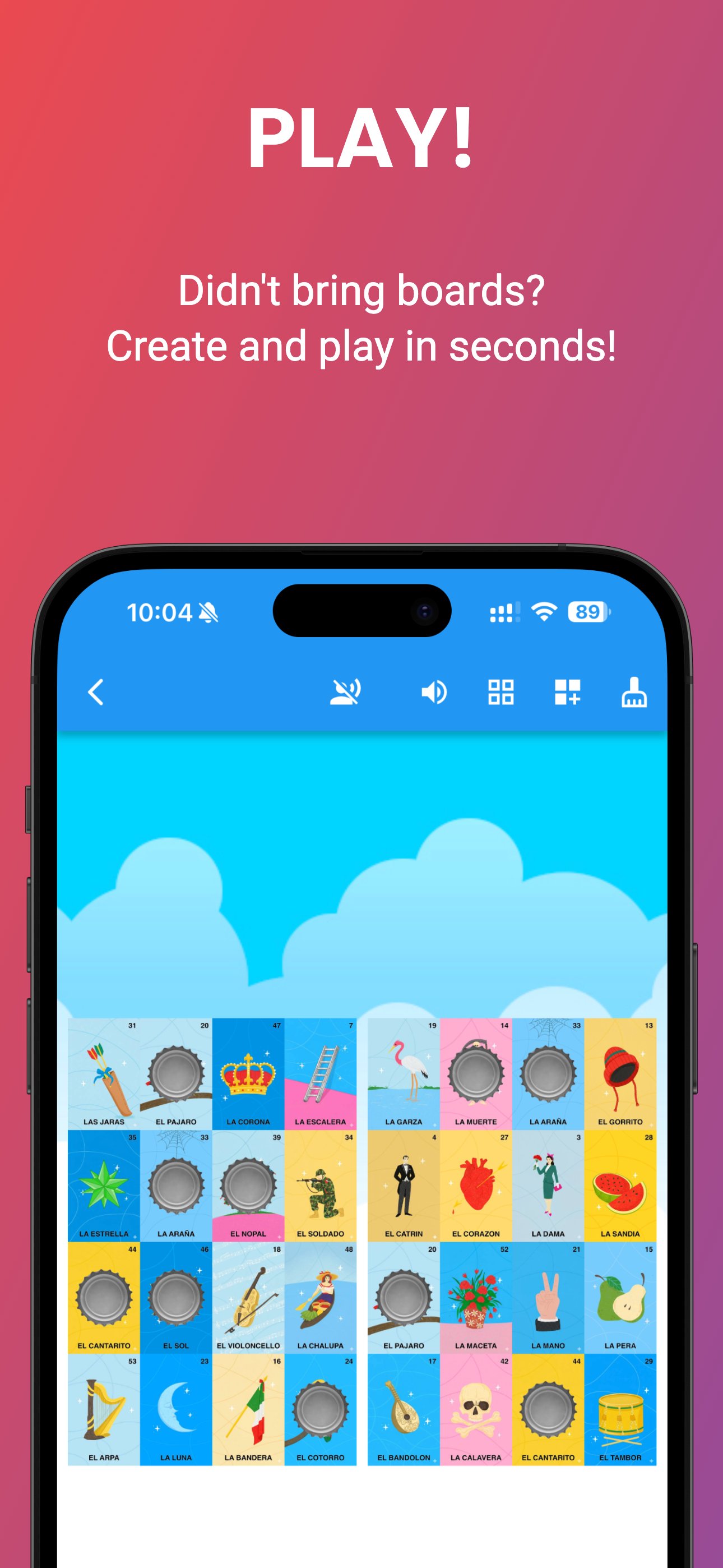
🖨 Create your own Lotería boards
• Generate custom boards
• Export boards as printable PDF files
• Perfect for organizing your own Lotería games
🎮 Play directly in the app
• Create boards and play Lotería directly on your device
• Great for quick games with friends or family
Everything you need to play Mexican Lotería in one place.
Shuffle the cards, call the deck, create boards, and enjoy the traditional game in a modern way.
Preview
Tags
CardInformation
Developer
ZimbronApps.com
Latest Version
6.13.0
Last Updated
2026-04-23
Category
Card
Available on
Google Play
Show More
How to play Mexican Loteria Deck with GameLoop on PC
1. Download GameLoop from the official website, then run the exe file to install GameLoop
2. Open GameLoop and search for “Mexican Loteria Deck” , find Mexican Loteria Deck in the search results and click “Install”
3. Enjoy playing Mexican Loteria Deck on GameLoop
Minimum requirements
OS
Windows 8.1 64-bit or Windows 10 64-bit
GPU
GTX 1050
CPU
i3-8300
Memory
8GB RAM
Storage
1GB available space
Recommended requirements
OS
Windows 8.1 64-bit or Windows 10 64-bit
GPU
GTX 1050
CPU
i3-9320
Memory
16GB RAM
Storage
1GB available space