
Truco Inteligente PC
Leonardo Froio Inácio
Download Truco Inteligente on PC With GameLoop Emulator
Truco Inteligente on PC
Truco Inteligente, coming from the developer Leonardo Froio Inácio, is running on Android systerm in the past.
Now, You can play Truco Inteligente on PC with GameLoop smoothly.
Download it in the GameLoop library or search results. No more eyeing the battery or frustrating calls at the wrong time any more.
Just enjoy Truco Inteligente PC on the large screen for free!
Truco Inteligente Introduction
Real Truco on your phone: trump card on the table, bets rising, and that shout at the right moment.
Paulista or Mineiro, your way
Choose between Paulista Truco, with a new trump card, and Mineiro Truco, with an old trump card. Play with a clean or dirty deck. The rules really change, it's not just the name on the screen.
Alone or in pairs
Face off against your phone in one-on-one, or play two against two, with a partner on your side and the opposing pair in front. Turns alternate like at a bar table.
An opponent playing
The phone evaluates the hand before acting: it decides when to call "Truco," when to accept, and when to fold. Raise the bet to six, nine, and twelve and find out if they're in.
Eleven-point hand
Reached eleven points? See your cards and the trump card before deciding whether to play or fold. If you prefer, turn on the "eleven-point" dark version and decide without seeing anything.
Online Ranking
Wins, losses, and balance are included in the overall ranking, the monthly ranking, and the daily ranking. Put your name among the best.
Play Anywhere
Games work offline. The ranking synchronizes when you are connected.
Your Way
Turn the table sounds and voices on or off. Mark the winning card of each round to better track your progress. And tap the trump card at any time to check the order of the trumps.
Download and start playing Truco.
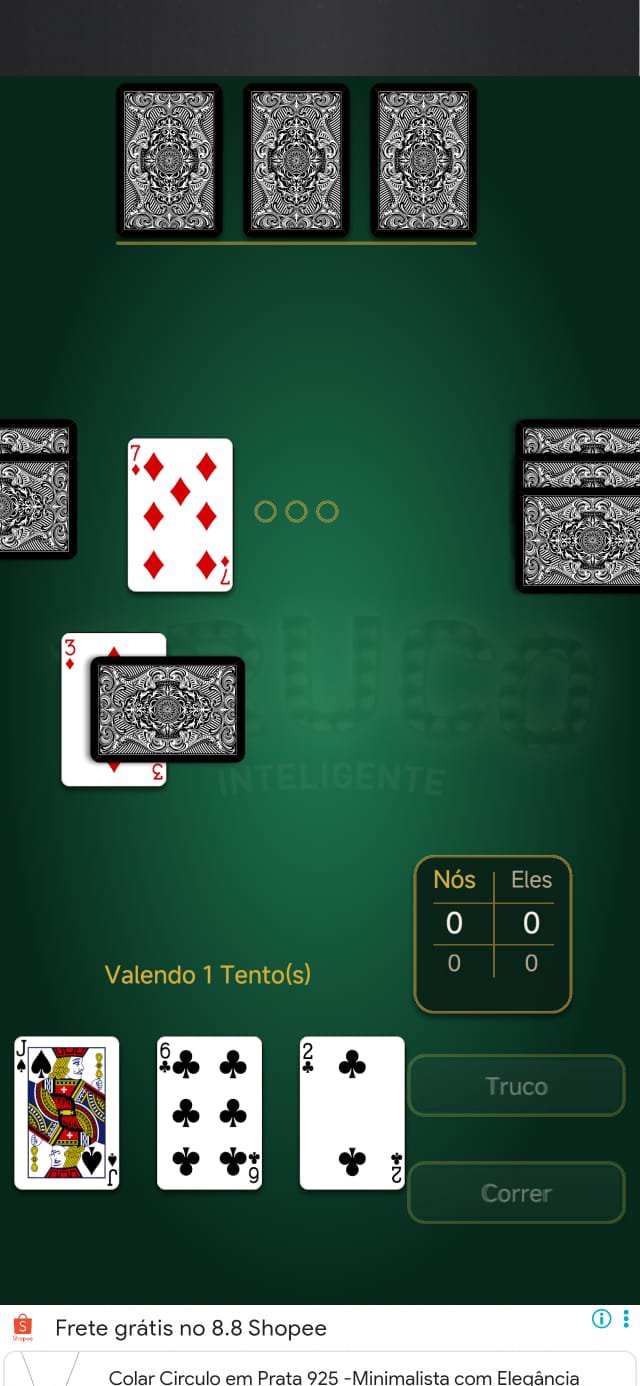
Preview

Tags
CardInformation
Developer
Leonardo Froio Inácio
Latest Version
2.0.7
Last Updated
2026-08-28
Category
Card
Available on
Google Play
Show More
How to play Truco Inteligente with GameLoop on PC
1. Download GameLoop from the official website, then run the exe file to install GameLoop
2. Open GameLoop and search for “Truco Inteligente” , find Truco Inteligente in the search results and click “Install”
3. Enjoy playing Truco Inteligente on GameLoop
Minimum requirements
OS
Windows 8.1 64-bit or Windows 10 64-bit
GPU
GTX 1050
CPU
i3-8300
Memory
8GB RAM
Storage
1GB available space
Recommended requirements
OS
Windows 8.1 64-bit or Windows 10 64-bit
GPU
GTX 1050
CPU
i3-9320
Memory
16GB RAM
Storage
1GB available space