
vhOme PC
Михаил Савченков
Download vhOme on PC With GameLoop Emulator
vhOme on PC
vhOme, coming from the developer Михаил Савченков, is running on Android systerm in the past.
Now, You can play vhOme on PC with GameLoop smoothly.
Download it in the GameLoop library or search results. No more eyeing the battery or frustrating calls at the wrong time any more.
Just enjoy vhOme PC on the large screen for free!
vhOme Introduction
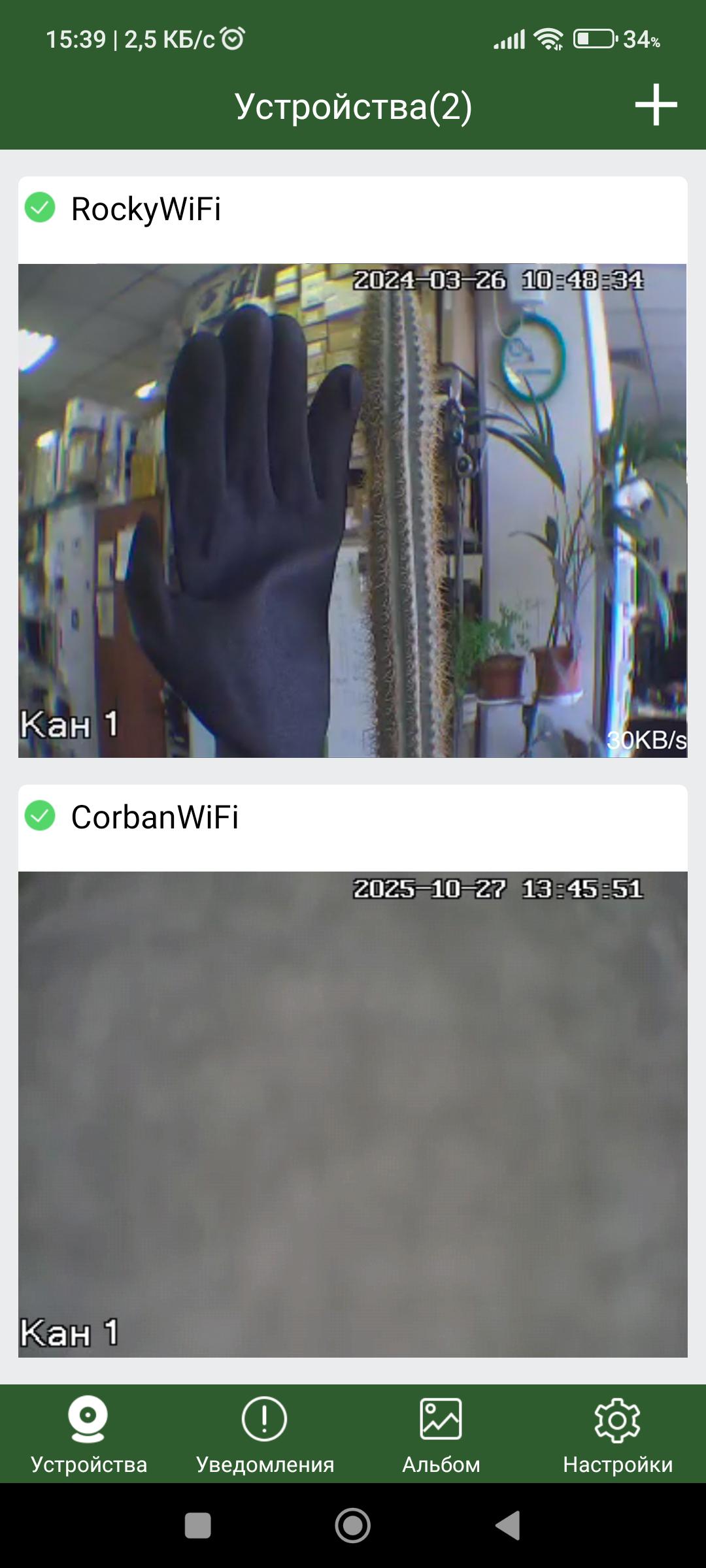
The vhOme mobile client provides instant and easy remote access to TANTOS video intercoms (Rocky Wi-Fi, Marilyn Wi-Fi, and Jolly HD Wi-Fi).
vhOme allows you to view video and listen to audio signals in real time, as well as play recordings from the device's archive (Corban Wi-Fi panel only).
Local recording features save video stills, as well as video and audio recordings, to your phone's memory.
Add a TANTOS video intercom to your device list and keep them under control.
Currently, call forwarding is only possible when the app is minimized or open.
Preview

Tags
BusinessToolsInformation
Developer
Михаил Савченков
Latest Version
5.2.6.12
Last Updated
2025-10-31
Category
Business
Available on
Google Play
Show More
How to play vhOme with GameLoop on PC
1. Download GameLoop from the official website, then run the exe file to install GameLoop
2. Open GameLoop and search for “vhOme” , find vhOme in the search results and click “Install”
3. Enjoy playing vhOme on GameLoop
Minimum requirements
OS
Windows 8.1 64-bit or Windows 10 64-bit
GPU
GTX 1050
CPU
i3-8300
Memory
8GB RAM
Storage
1GB available space
Recommended requirements
OS
Windows 8.1 64-bit or Windows 10 64-bit
GPU
GTX 1050
CPU
i3-9320
Memory
16GB RAM
Storage
1GB available space