
Tiny Scanner - PDF Scanner App PC
Beesoft Apps
Download Tiny Scanner - PDF Scanner App on PC With GameLoop Emulator
Tiny Scanner - PDF Scanner App on PC
Tiny Scanner - PDF Scanner App, coming from the developer Beesoft Apps, is running on Android systerm in the past.
Now, You can play Tiny Scanner - PDF Scanner App on PC with GameLoop smoothly.
Download it in the GameLoop library or search results. No more eyeing the battery or frustrating calls at the wrong time any more.
Just enjoy Tiny Scanner - PDF Scanner App PC on the large screen for free!
Tiny Scanner - PDF Scanner App Introduction
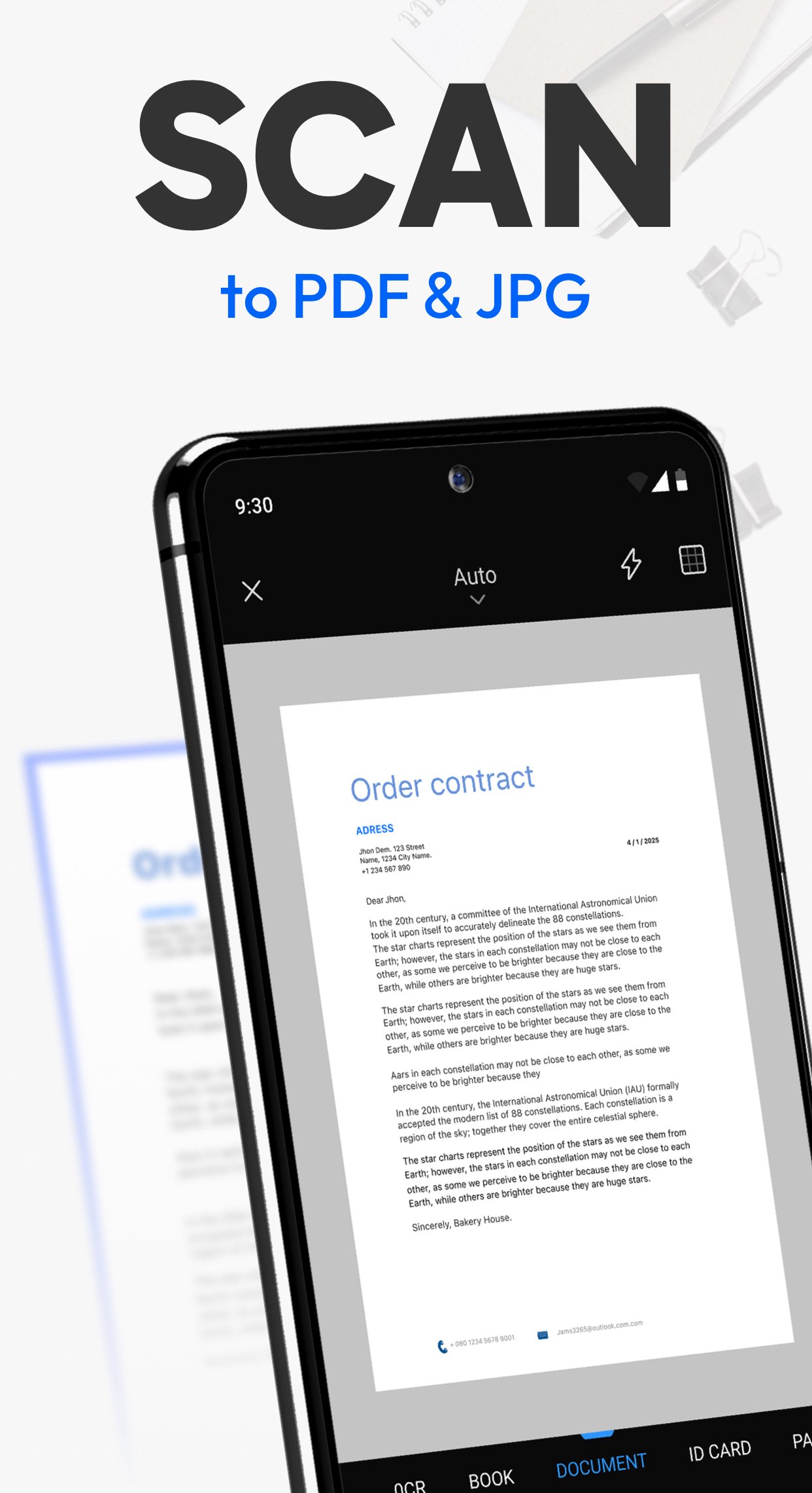
Tiny Scanner is a mobile scanner app that scans documents to PDF, saves them for access whenever you need, and lets you share them wherever you are. Perfect for scanning documents, contracts, invoices, ID cards, homework, and other paperwork, keeping everything organized on your phone.
Trusted by millions and crafted with ten years of experience, Tiny Scanner is the pocket scanner that fits right in your hand.
==KEY FEATURES==
High-Quality Scan
Capture documents with clarity and precision. Tiny Scanner automatically detects edges, removes shadows, and enhances text and images to deliver professional-quality scans every time.
Perfect for scanning homework, business contracts, receipts, travel documents, or handwritten notes with clear results.
Edit
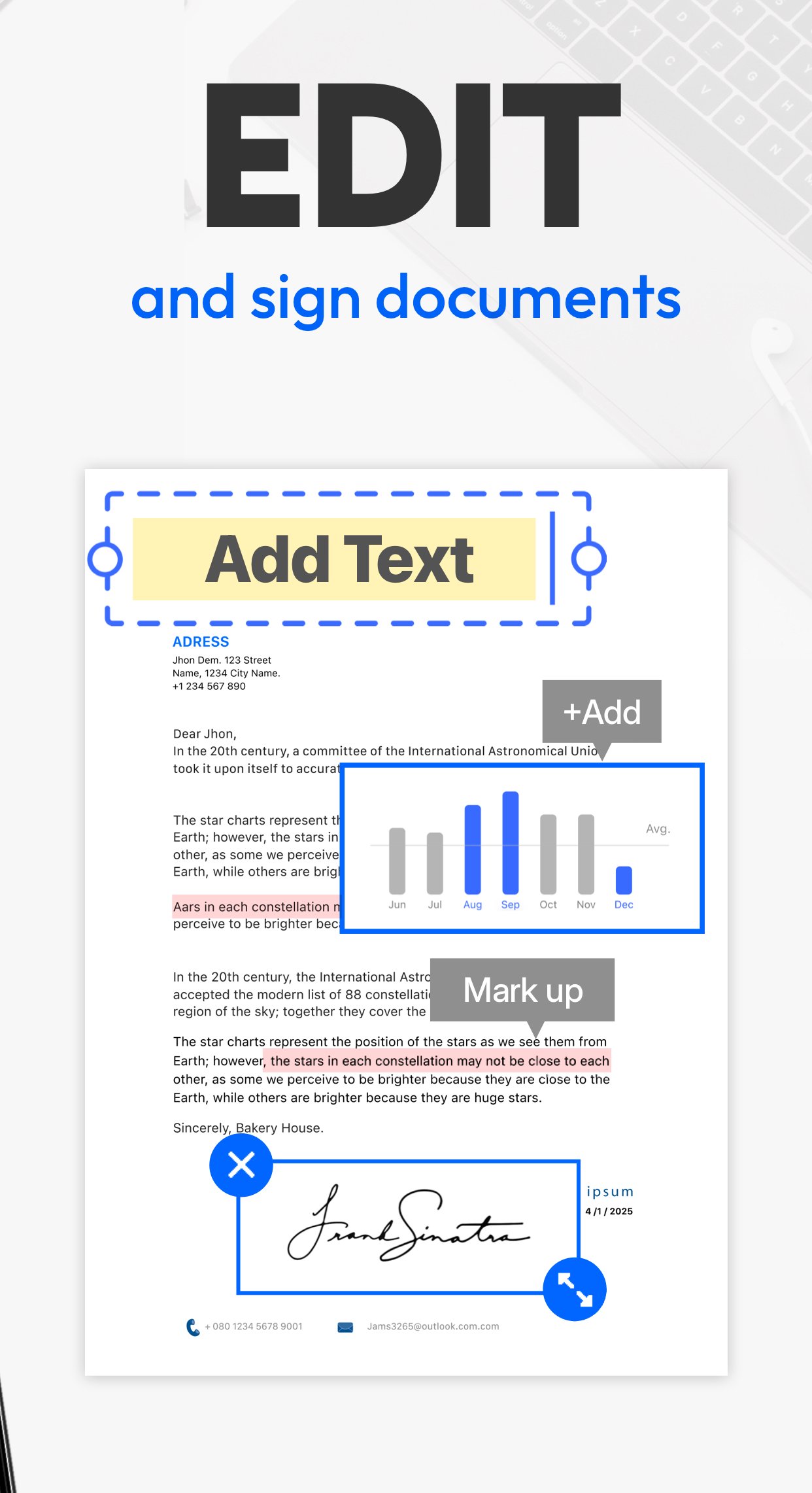
Fine-tune your scans with cropping, rotation, filters, and contrast adjustments. Add signatures, annotations, watermarks, or custom notes directly on your documents for both personal and professional use.
Use it to highlight key points on a report, sign a contract on the go, or add notes to a lecture handout.
OCR (Text Recognition)
Extract text from scanned documents in multiple languages with the built-in OCR feature. Turn images or PDFs into editable and searchable content for easier study, work, or sharing.
Quickly convert meeting notes, invoices, or printed articles into editable text to save time and avoid retyping.
File Format Conversion
Export your scans into multiple formats such as PDF, JPG, TXT or Link. Convert documents effortlessly to fit your workflow, whether for work, school, or personal organization.
Share an expense report as PDF, send a photo receipt as JPG, or extract text from a scanned page as TXT for easy editing.
Multiple Scan Modes
Handle every scanning need with precision. Choose from multiple scan modes including QR Code, Book, Document, ID Card, Passport, Area Measurement, Object Counter, and Math Scanner.
Scan a multipage contract for work, quickly capture your ID card for digital filing, or measure the area of a project site.
Cloud Sync & Organization
Keep all your scans safe, accessible, and perfectly organized. Sync seamlessly with your preferred cloud storage, tag documents, create folders, and quickly find files whenever you need them.
Ideal for managing business receipts, school notes, or travel documents across all your devices.
Sharing & Export
Send scanned PDFs or images via email, messaging apps, or cloud services. Print or fax directly from your phone for maximum convenience.
Easily share a signed contract with colleagues, email homework to a teacher, or send a travel itinerary to a friend.
==CONTACT US==
We're glad to hear your feedback! For any questions or issues with Tiny Scanner, email us at support@tinyscanner.app. We’ll help you promptly.
Preview
Tags
BusinessInformation
Developer
Beesoft Apps
Latest Version
8.9.9
Last Updated
2025-12-10
Category
Business
Available on
Google Play
Show More
How to play Tiny Scanner - PDF Scanner App with GameLoop on PC
1. Download GameLoop from the official website, then run the exe file to install GameLoop
2. Open GameLoop and search for “Tiny Scanner - PDF Scanner App” , find Tiny Scanner - PDF Scanner App in the search results and click “Install”
3. Enjoy playing Tiny Scanner - PDF Scanner App on GameLoop
Minimum requirements
OS
Windows 8.1 64-bit or Windows 10 64-bit
GPU
GTX 1050
CPU
i3-8300
Memory
8GB RAM
Storage
1GB available space
Recommended requirements
OS
Windows 8.1 64-bit or Windows 10 64-bit
GPU
GTX 1050
CPU
i3-9320
Memory
16GB RAM
Storage
1GB available space