Smart WiFi Doorbell PC
Chuango Security Technology Corporation
Download Smart WiFi Doorbell on PC With GameLoop Emulator
Smart WiFi Doorbell on PC
Smart WiFi Doorbell, coming from the developer Chuango Security Technology Corporation, is running on Android systerm in the past.
Now, You can play Smart WiFi Doorbell on PC with GameLoop smoothly.
Download it in the GameLoop library or search results. No more eyeing the battery or frustrating calls at the wrong time any more.
Just enjoy Smart WiFi Doorbell PC on the large screen for free!
Smart WiFi Doorbell Introduction
The completely wire-free Video Doorbell (Battery Plus) is easy to install, for outdoor use. With ultra-low power consumption technology, this Video Doorbell works under normal usage for about 12 months in standby mode with 3 AA batteries. No wiring or cable is required. Just apply the provided bracket and screws to affix the doorbell to your door frame, and then connect the doorbell to your home WiFi network by following the step-by-step instructions in our free app, and you are good to go.
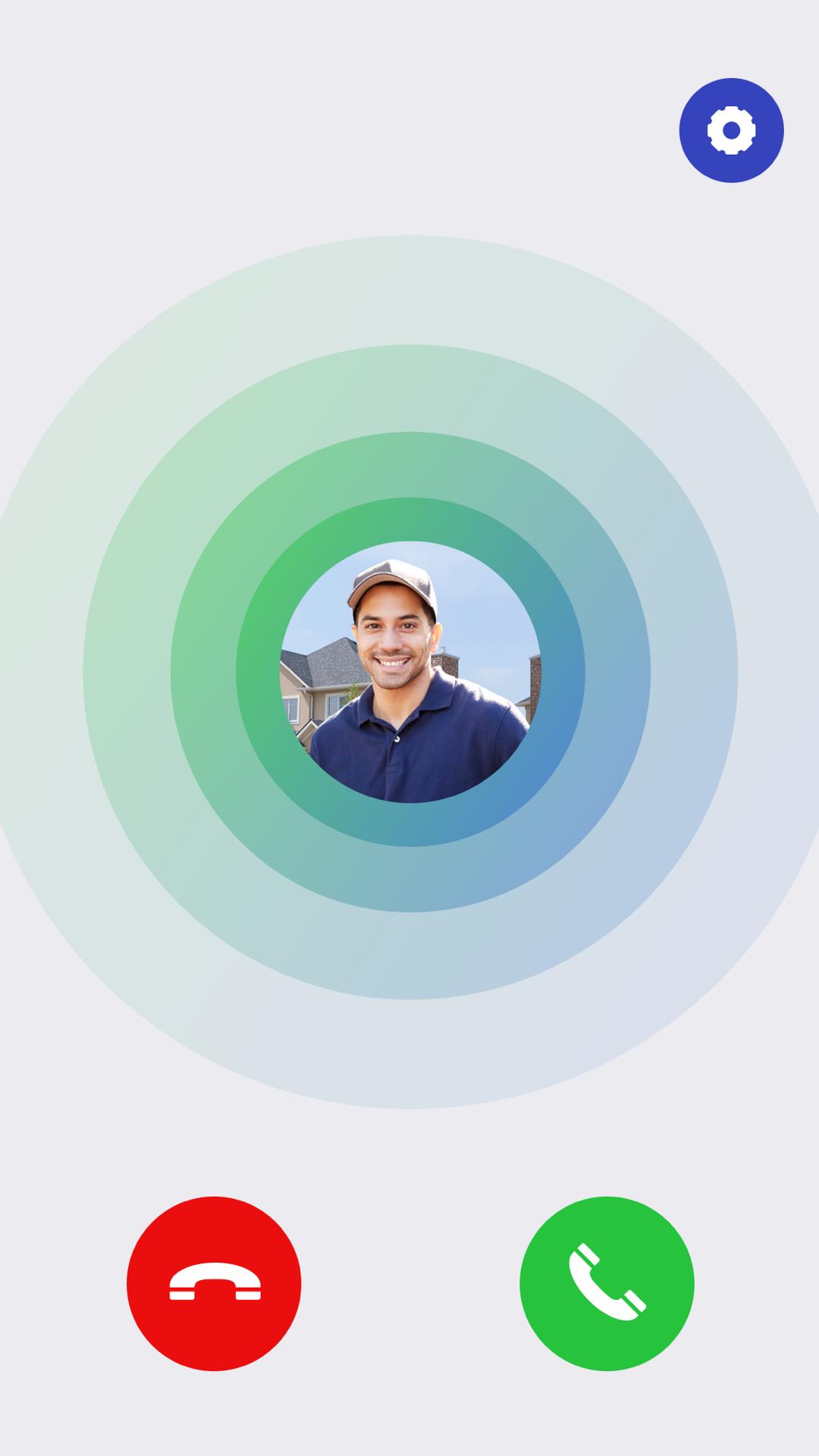
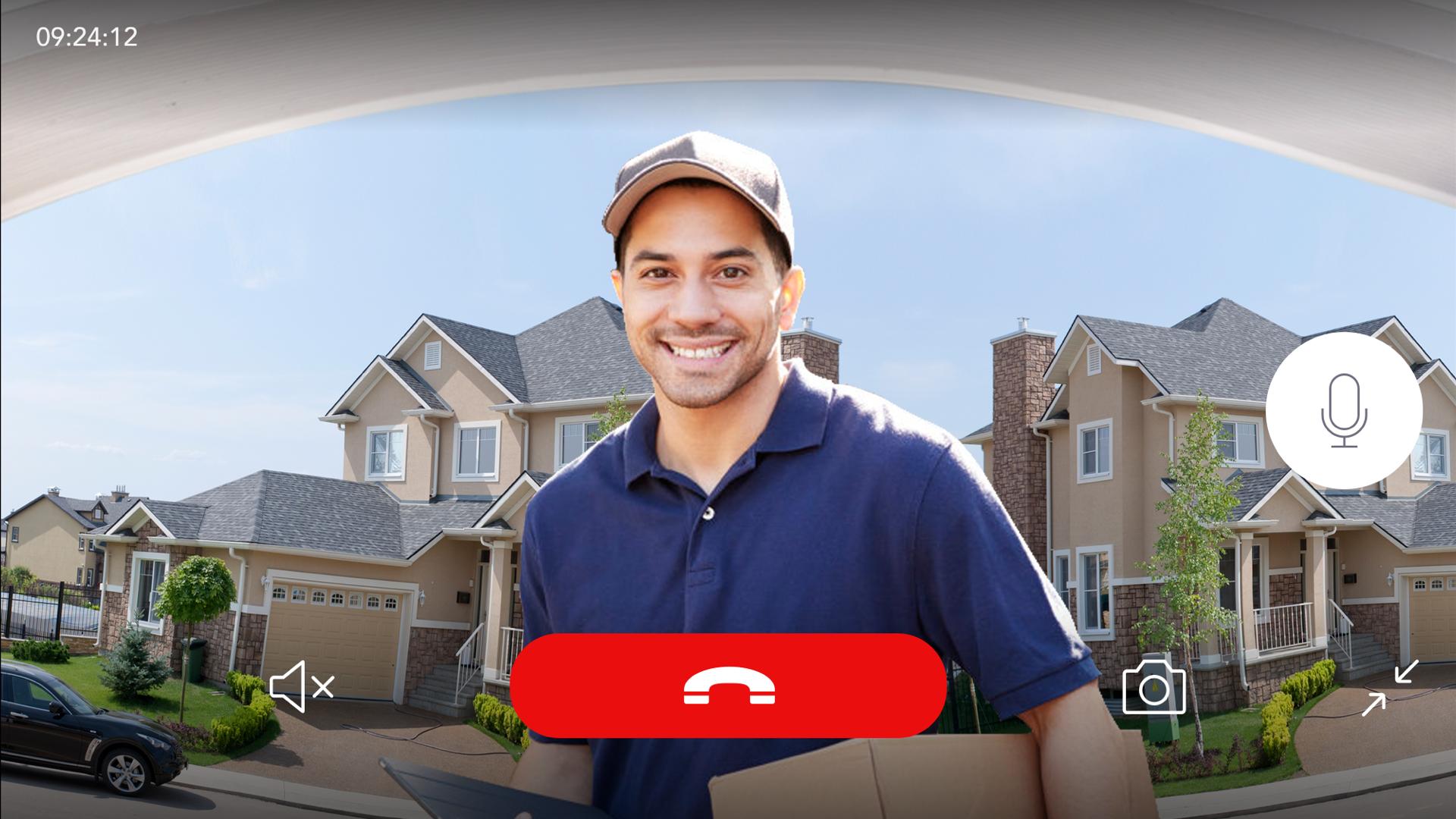
When someone presses on the bell button, the Wireless Chime will ring, and you and your family get an instant notification on your smartphones, enabling you to see and speak with your visitor no matter where you are in the house or in the world.
Statement for the Auto-Renewable Cloud-Based Recording Plans
1. Payment: Auto-renewable subscriptions include “Basic Monthly / Basic Annually / Premium Monthly / Premium Annually”. Payment will be charged to your Apple ID account at the confirmation of purchase.
2. Auto-renewal: Your account will be charged for renewal within 24-hours prior to the end of the current period.
3. Cancel subscription: The subscription automatically renews unless it is canceled at least 24 hours before the end of the current period.
4. You can manage and cancel your subscriptions by going to your App Store account settings after purchase.
5. Any unused portion of a free trial period, if offered, will be forfeited when you purchase a subscription.
Preview
Tags
BusinessInformation
Developer
Chuango Security Technology Corporation
Latest Version
3.0.2
Last Updated
2020-07-15
Category
Business
Available on
Google Play
Show More
How to play Smart WiFi Doorbell with GameLoop on PC
1. Download GameLoop from the official website, then run the exe file to install GameLoop
2. Open GameLoop and search for “Smart WiFi Doorbell” , find Smart WiFi Doorbell in the search results and click “Install”
3. Enjoy playing Smart WiFi Doorbell on GameLoop
Minimum requirements
OS
Windows 8.1 64-bit or Windows 10 64-bit
GPU
GTX 1050
CPU
i3-8300
Memory
8GB RAM
Storage
1GB available space
Recommended requirements
OS
Windows 8.1 64-bit or Windows 10 64-bit
GPU
GTX 1050
CPU
i3-9320
Memory
16GB RAM
Storage
1GB available space