Rekan Kios PC
PT Pupuk Indonesia (Persero)
Download Rekan Kios on PC With GameLoop Emulator
Rekan Kios on PC
Rekan Kios, coming from the developer PT Pupuk Indonesia (Persero), is running on Android systerm in the past.
Now, You can play Rekan Kios on PC with GameLoop smoothly.
Download it in the GameLoop library or search results. No more eyeing the battery or frustrating calls at the wrong time any more.
Just enjoy Rekan Kios PC on the large screen for free!
Rekan Kios Introduction
Description
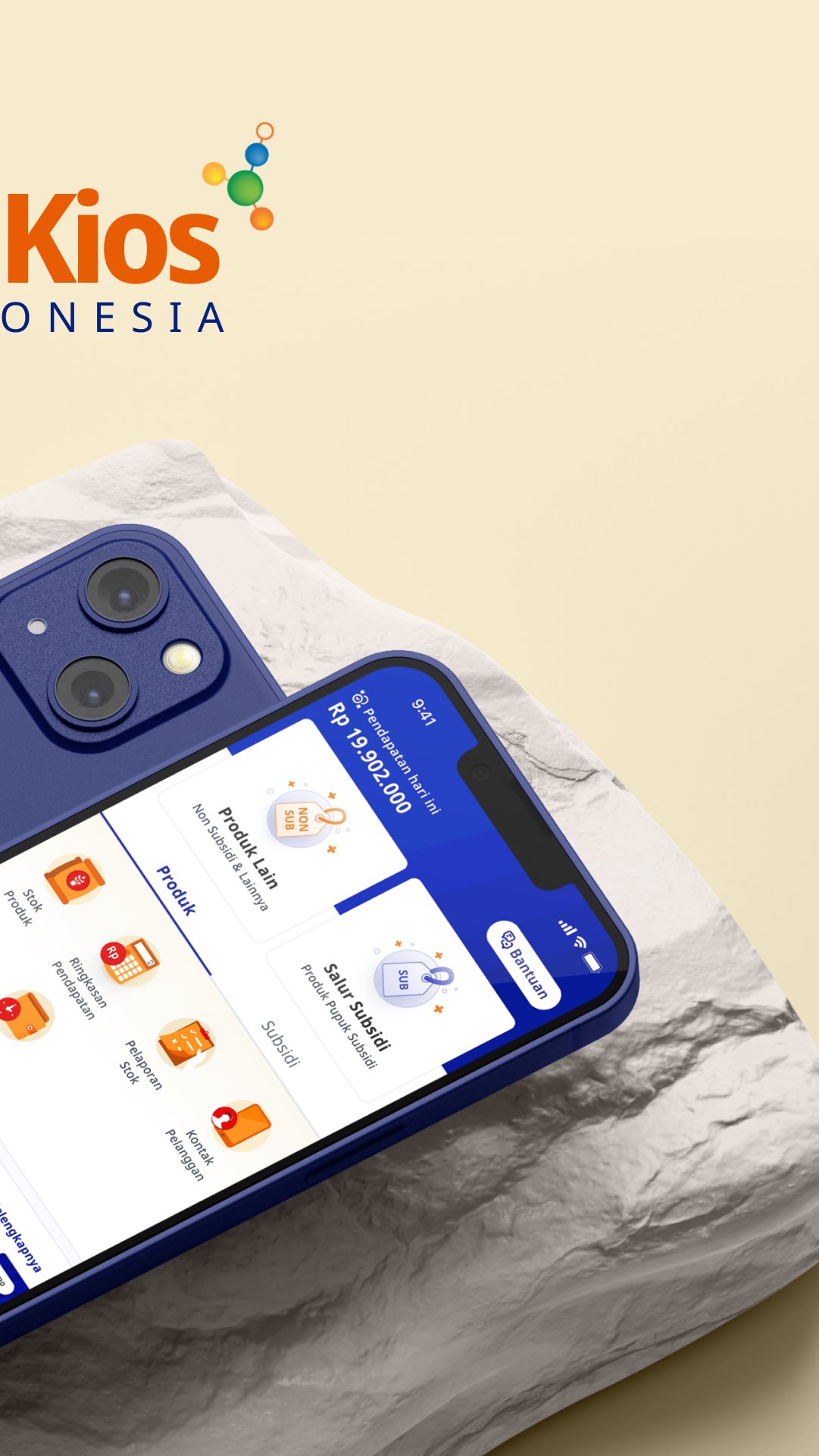
Kiosk Partner is a cashier application that can make it easier for you to do Kiosk management. In addition, this application is also specifically designed to help Kiosks who participate in distributing Subsidized Fertilizers to Farmers to make it easier to meet the administrative needs needed.
Kiosk Partners are equipped with several features that can meet Kiosk needs such as:
Subsidized Fertilizer Distribution Transaction.
The Kiosk Partner has been automatically integrated with the Smallholder RDKK, making Annex 8, and Annex 9.
Product Sales Transactions.
Help you make product sales transactions at Kiosks so that they are more clearly and easily recorded and detailed
Recording Credit
Kiosk Partners can create records for transactions using credit or debt payment methods
Stock control
Kiosk partners can help you make it easier to manage the stock of your merchandise,
Recap of Kiosk sales
Kiosk Partners can help you find out more clearly about the amount of capital you spend, the income you receive, and the profits you get from selling products at your Kiosk. This feature can also help in evaluating product sales at Kiosmu.
Kiosk Partners also have advantages such as:
Used online or offline
Kiosk partners can still be operated in online and offline conditions
Create Employee Account
Kiosk Partners can create accounts for Kiosk employees so that they can carry out transaction operations at the Kiosk using the Kiosk Partner Application, but Kiosk owners can still monitor all activities carried out by their Employee accounts through the Kiosk Owner's account,
Various Payment Methods
Kiosk partners can facilitate payment methods with various choices, ranging from using Cash, Debit Cards, to using E-Wallets such as LinkAja, GoPay, ShopeePay, OVO, or DANA.
E-receipt of transaction results
You don't always have to print out transaction receipts using the Kiosk Partner application. You can send the receipt in digital/electronic form-receipt via Whatsapp or Email
Preview

Tags
BusinessInformation
Developer
PT Pupuk Indonesia (Persero)
Latest Version
5.2.2
Last Updated
2025-12-27
Category
Business
Available on
Google Play
Show More
How to play Rekan Kios with GameLoop on PC
1. Download GameLoop from the official website, then run the exe file to install GameLoop
2. Open GameLoop and search for “Rekan Kios” , find Rekan Kios in the search results and click “Install”
3. Enjoy playing Rekan Kios on GameLoop
Minimum requirements
OS
Windows 8.1 64-bit or Windows 10 64-bit
GPU
GTX 1050
CPU
i3-8300
Memory
8GB RAM
Storage
1GB available space
Recommended requirements
OS
Windows 8.1 64-bit or Windows 10 64-bit
GPU
GTX 1050
CPU
i3-9320
Memory
16GB RAM
Storage
1GB available space