
Ring4: Second Phone Number PC
yourVirtualSIM
Download Ring4: Second Phone Number on PC With GameLoop Emulator
Ring4: Second Phone Number on PC
Ring4: Second Phone Number, coming from the developer yourVirtualSIM, is running on Android systerm in the past.
Now, You can play Ring4: Second Phone Number on PC with GameLoop smoothly.
Download it in the GameLoop library or search results. No more eyeing the battery or frustrating calls at the wrong time any more.
Just enjoy Ring4: Second Phone Number PC on the large screen for free!
Ring4: Second Phone Number Introduction
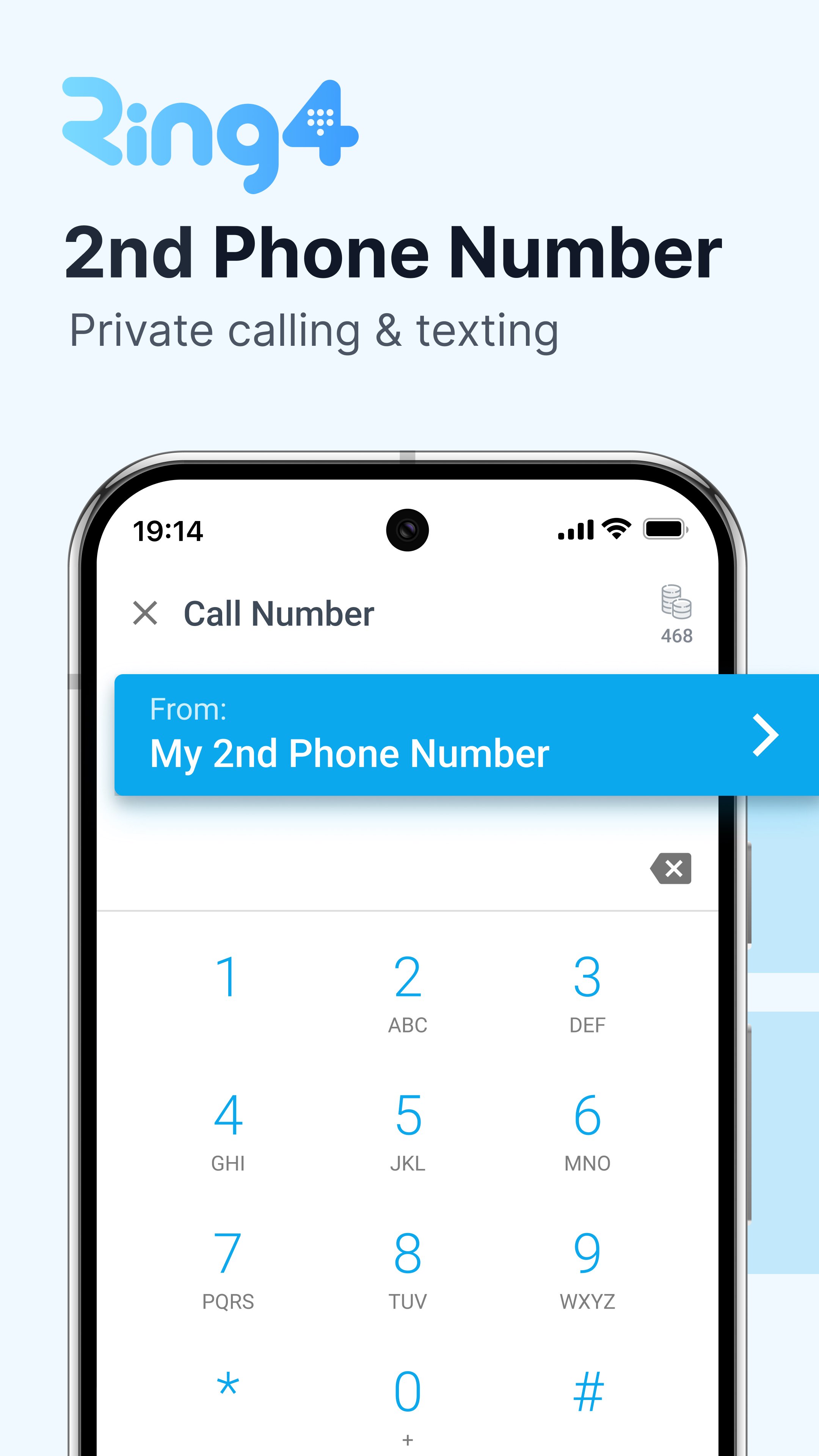
Ring4 gives you a private second phone number for calling and texting.
Use your Ring4 number to stay private, separate contacts, and communicate without sharing your real phone number.
Start texting and calling on your new private line. Built for people looking for privacy, a local number, and separation between personal and public life.
No carrier plan needed. Ring4 can be used like a prepaid phone card. Text, picture message, and call anywhere in the US, Canada, and UK.
Avoid using your Cell phone minutes like other apps. Call and text over Wi-Fi to eliminate roaming charges when travelling. Connect a local eSIM and use your Ring4 number anywhere you have cellular data service.
Add private video calling, call recording, voicemail, local area codes, and much more
–
MULTIPLE PHONE LINES: Set up a number for personal, business, and online selling.
CALL RECORDING: Start recording on any line and
RARE AREA CODES: San Francisco (415), New York (212), Los Angeles (310). What’s the best way to look like a local? Get a rare number that others can’t. Shhhh…
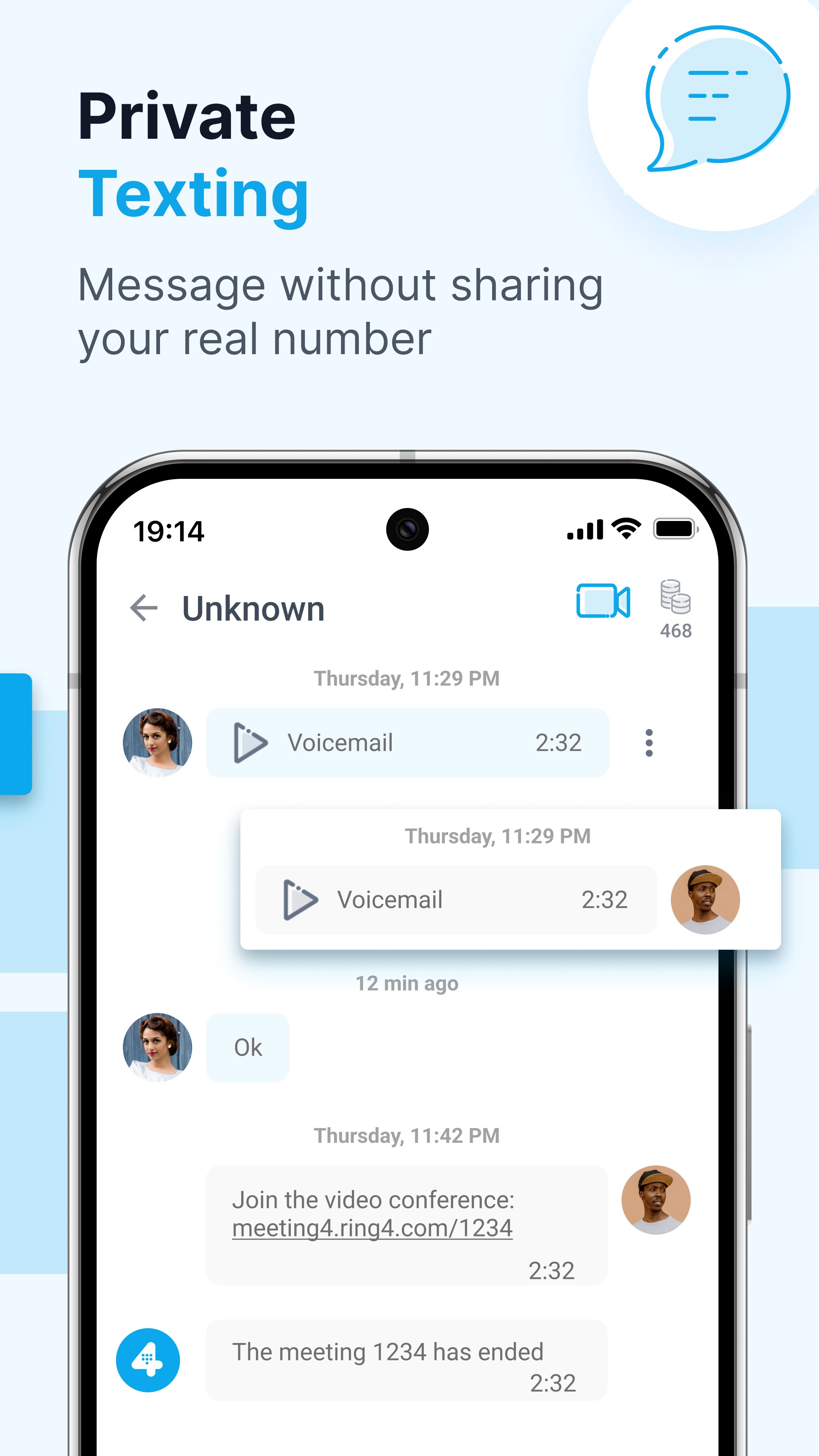
VIDEO CALLS: Start video calls when selling online with a one-time link. Great for online selling or sharing a real estate property tour.
PROTECT YOUR PRIVACY: Do you trust loyalty programs to not sell your number? You shouldn’t. Receive verification codes (2FA) and promotional messages for your favorite brands with a private second line.
BLOCK CALLS: If you're done with your temporary line, or someone is bothering you, simply delete it and grab a new one. No trip to the store, questions from the salesperson, one click, and you're done.
VOICEMAIL: Stay professional with a greeting that matches your private second line's purpose.
SAVE CELL MINUTES & DATA: Ring4 does *NOT* use your cell phone minutes for calling, like some other apps. Connect to WiFi to make VoIP calls wherever you are.
– WHY USE a 2nd PRIVATE PHONE NUMBER? --
ONLINE DATING: Use a second number to text and call without sharing your real cell phone.
RENTING: Message tenants, renters, and landlords. Share a room for rent online using a private number, keeping your personal cell phone number confidential.
SELLING ONLINE: Keep your cell phone off public listings by texting buyers from a second line you can silence or replace.
MARKETPLACE LISTING: Never give your real cell phone number out online.
LOYALTY PROGRAMS: Stop loyalty programs from selling your personal cell phone. Signup for online services with your new 2nd line.
BUSINESS: Rule #1 of starting a business. Never give out your personal cell phone, and definitely do not put it on your website. This can never be undone, get a 2nd number today for your new idea, your new business before it’s too late.
–
NO CONTRACTS: Start with a new US or UK temporary number for 7-days. Add a monthly subscription to keep the number forever. (fair use limits apply)
FREE INBOUND TEXTS & CALLING: Inbound calls and texts are always free.
TRANSPARENT PRICING: Subscriptions unlock 3,000 text messages and calls a month. (counted daily)
• 5 credits to start calling in the US or internationally
• 5 credits to start a video meeting
• 1 credit to send a text message
–
IMPORTANT: Emergency calls and texts to 911 are not supported. Texts to/from short codes might not always be supported. The trial may include free usage and is intended for one-time use.
SUBSCRIPTION DETAILS: Subscriptions automatically renew unless cancelled 24 hours in advance and may be managed by the user in Account Settings after purchase.
THE FINE PRINT:
Terms of use: https://www.ring4.com/terms-and-conditions
Privacy Policy: https://www.ring4.com/privacy-policy
–
Looking for more than 3 numbers or higher text and calling plans, visit ring4.com/business to learn about our team plans.
Preview
Tags
BusinessInformation
Developer
yourVirtualSIM
Latest Version
1.5.26
Last Updated
2026-07-10
Category
Business
Available on
Google Play
Show More
How to play Ring4: Second Phone Number with GameLoop on PC
1. Download GameLoop from the official website, then run the exe file to install GameLoop
2. Open GameLoop and search for “Ring4: Second Phone Number” , find Ring4: Second Phone Number in the search results and click “Install”
3. Enjoy playing Ring4: Second Phone Number on GameLoop
Minimum requirements
OS
Windows 8.1 64-bit or Windows 10 64-bit
GPU
GTX 1050
CPU
i3-8300
Memory
8GB RAM
Storage
1GB available space
Recommended requirements
OS
Windows 8.1 64-bit or Windows 10 64-bit
GPU
GTX 1050
CPU
i3-9320
Memory
16GB RAM
Storage
1GB available space