
Retain Service PC
Micro Focus Software Inc.
Download Retain Service on PC With GameLoop Emulator
Retain Service on PC
Retain Service, coming from the developer Micro Focus Software Inc., is running on Android systerm in the past.
Now, You can play Retain Service on PC with GameLoop smoothly.
Download it in the GameLoop library or search results. No more eyeing the battery or frustrating calls at the wrong time any more.
Just enjoy Retain Service PC on the large screen for free!
Retain Service Introduction
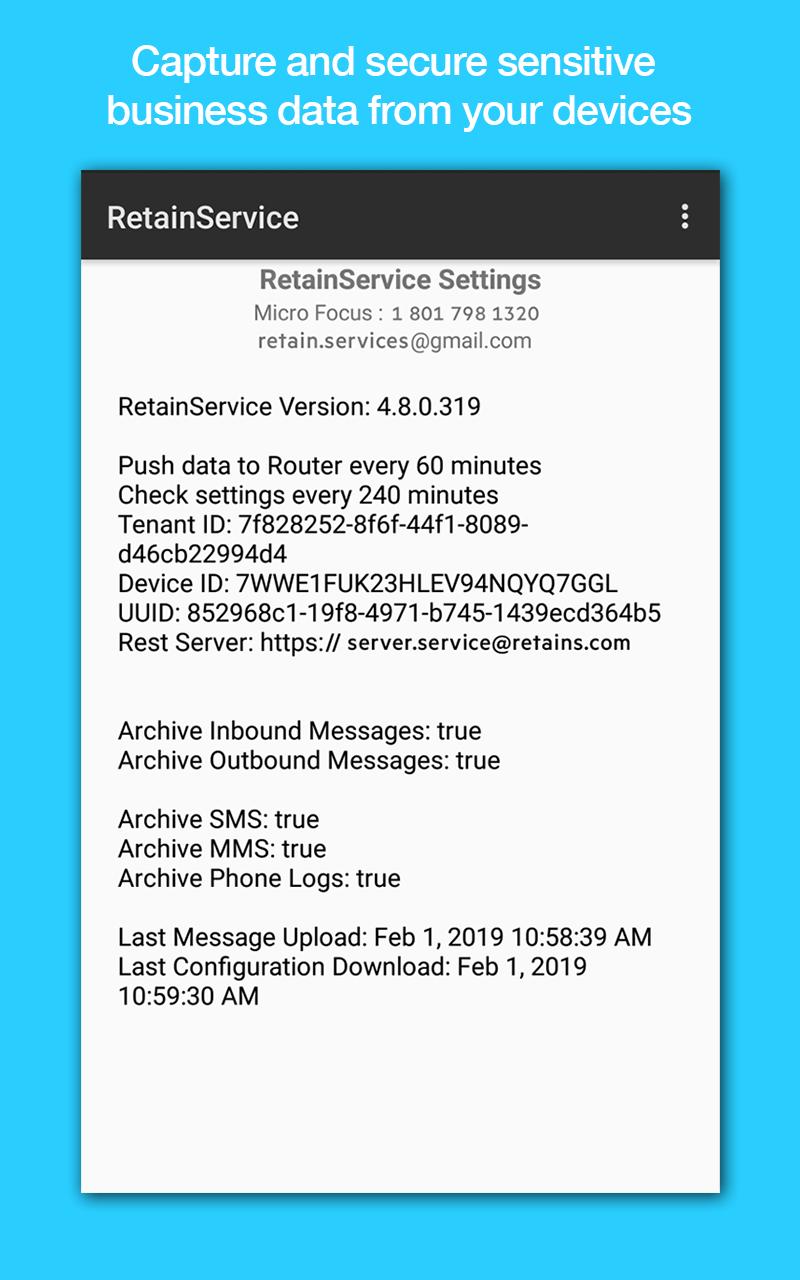
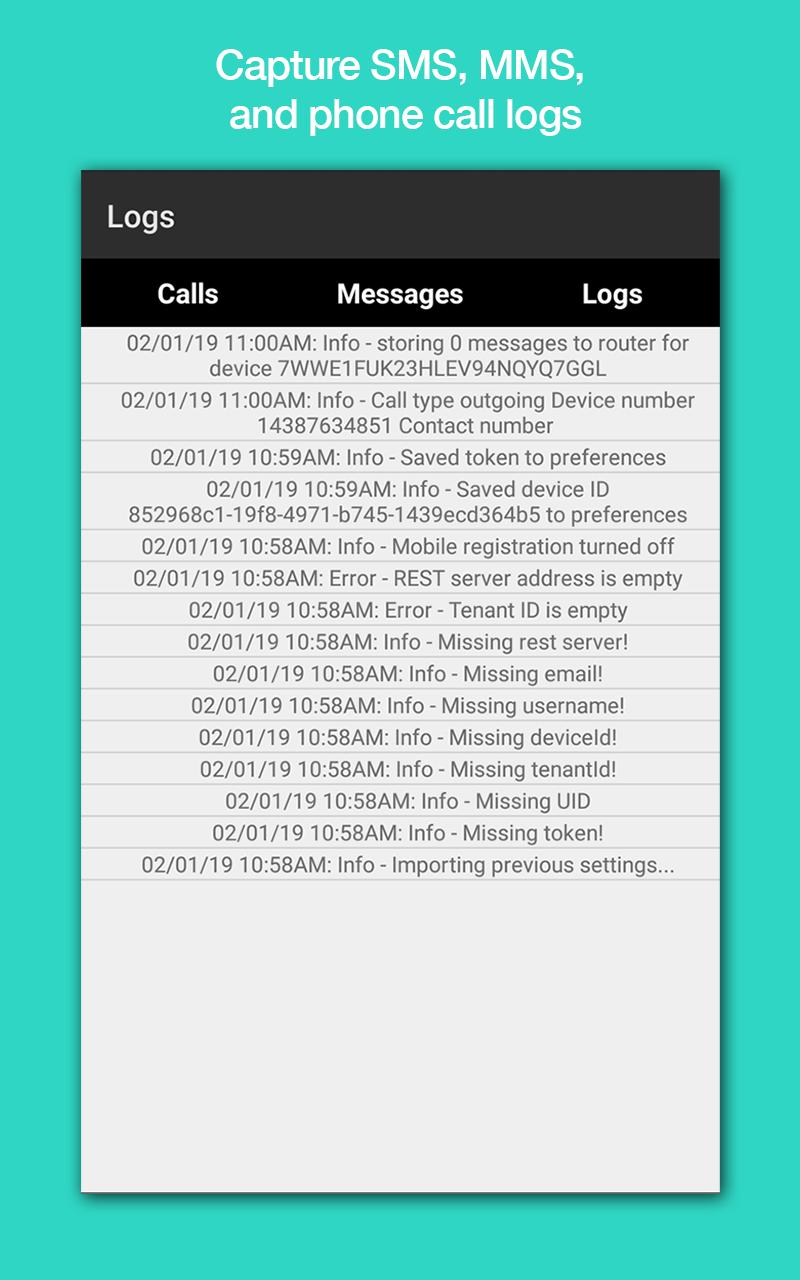
With the increasing size of the mobile workforce, you need to capture sensitive business data from your Android devices and secure this data to meet compliance standards and to have oversight on mobile communication data. The Micro Focus Retain archiving app for Android helps you meet this need. This app captures SMS, MMS, and phone call logs. The logs are then sent to your Retain Unified Archiving server.
To use this app, your organization must have a Micro Focus Retain Unified Archiving server. Once you have downloaded the app, it needs to be registered with your Retain Archiving server. Contact your Retain administrator to register the app.
The Retain archiving app requires the following permissions on your device:
- Make and manage phone calls.
- Access contacts.
- Access photo, media, and file storage.
- Send and view SMS messages.
About Micro Focus Retain Unified Archiving:
Micro Focus Retain provides archiving of all business communication including email, social media, and mobile communication data for case assessment, search, and eDiscovery and can be deployed on-prem or in the cloud. For more information about Retain Unified Archiving, see https://www.microfocus.com/products/retain-unified-archiving/.
Preview
Tags
BusinessInformation
Developer
Micro Focus Software Inc.
Latest Version
4.11.0.0
Last Updated
2023-03-28
Category
Business
Available on
Google Play
Show More
How to play Retain Service with GameLoop on PC
1. Download GameLoop from the official website, then run the exe file to install GameLoop
2. Open GameLoop and search for “Retain Service” , find Retain Service in the search results and click “Install”
3. Enjoy playing Retain Service on GameLoop
Minimum requirements
OS
Windows 8.1 64-bit or Windows 10 64-bit
GPU
GTX 1050
CPU
i3-8300
Memory
8GB RAM
Storage
1GB available space
Recommended requirements
OS
Windows 8.1 64-bit or Windows 10 64-bit
GPU
GTX 1050
CPU
i3-9320
Memory
16GB RAM
Storage
1GB available space