
PSE+ PC
SiMAGO
Download PSE+ on PC With GameLoop Emulator
PSE+ on PC
PSE+, coming from the developer SiMAGO, is running on Android systerm in the past.
Now, You can play PSE+ on PC with GameLoop smoothly.
Download it in the GameLoop library or search results. No more eyeing the battery or frustrating calls at the wrong time any more.
Just enjoy PSE+ PC on the large screen for free!
PSE+ Introduction
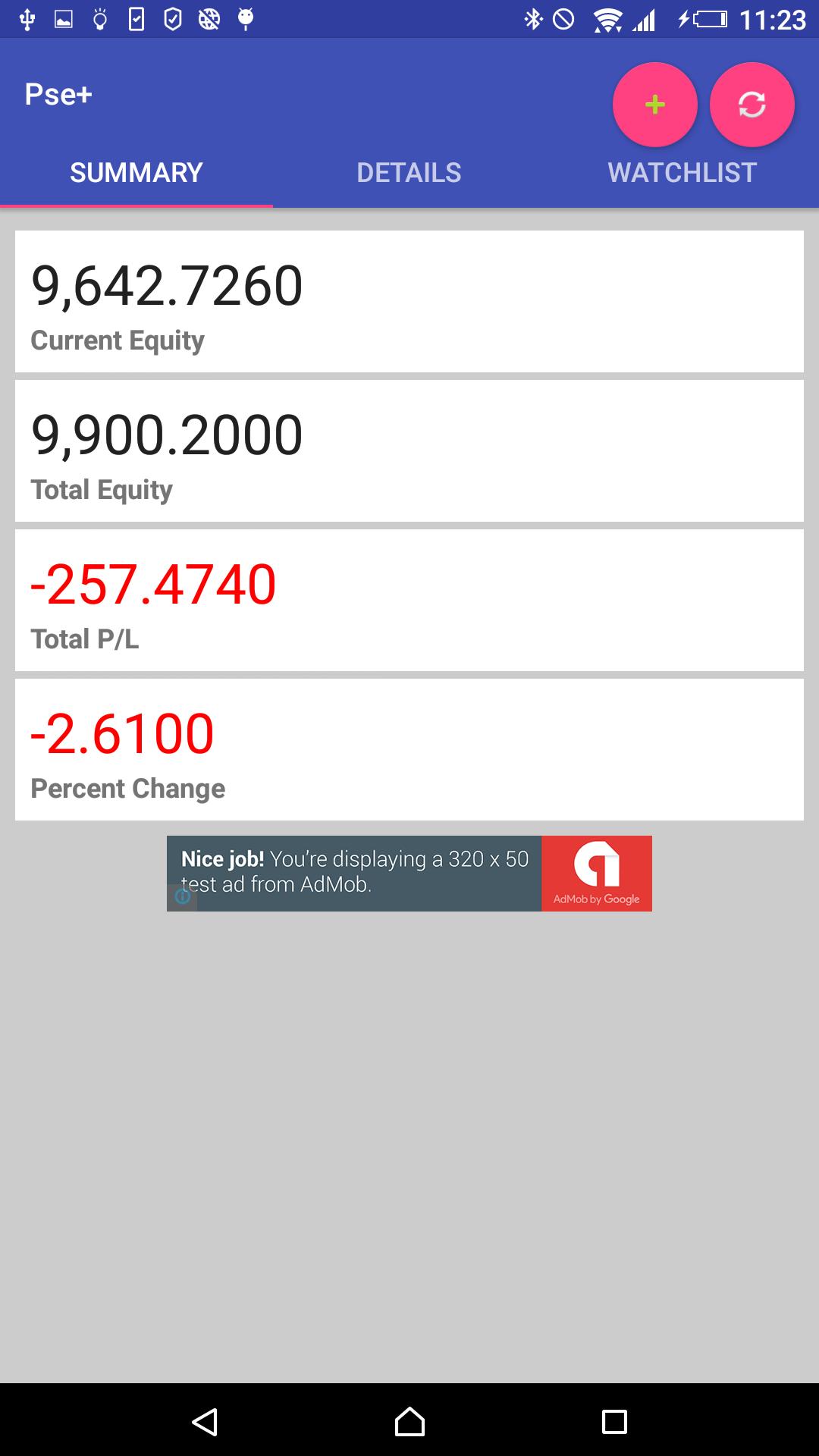
PSE Portfio Plus Features:
- Add equity
- Display sell market price
- Display profit and loss
- Display portfolio details
- Watch list
Preview

Information
Developer
SiMAGO
Latest Version
5.0
Last Updated
2018-01-10
Category
Business
Available on
Google Play
Show More
How to play PSE+ with GameLoop on PC
1. Download GameLoop from the official website, then run the exe file to install GameLoop
2. Open GameLoop and search for “PSE+” , find PSE+ in the search results and click “Install”
3. Enjoy playing PSE+ on GameLoop
Minimum requirements
OS
Windows 8.1 64-bit or Windows 10 64-bit
GPU
GTX 1050
CPU
i3-8300
Memory
8GB RAM
Storage
1GB available space
Recommended requirements
OS
Windows 8.1 64-bit or Windows 10 64-bit
GPU
GTX 1050
CPU
i3-9320
Memory
16GB RAM
Storage
1GB available space