Mobile Connect 2 PC
NTT Communications Corporation
Download Mobile Connect 2 on PC With GameLoop Emulator
Mobile Connect 2 on PC
Mobile Connect 2, coming from the developer NTT Communications Corporation, is running on Android systerm in the past.
Now, You can play Mobile Connect 2 on PC with GameLoop smoothly.
Download it in the GameLoop library or search results. No more eyeing the battery or frustrating calls at the wrong time any more.
Just enjoy Mobile Connect 2 PC on the large screen for free!
Mobile Connect 2 Introduction
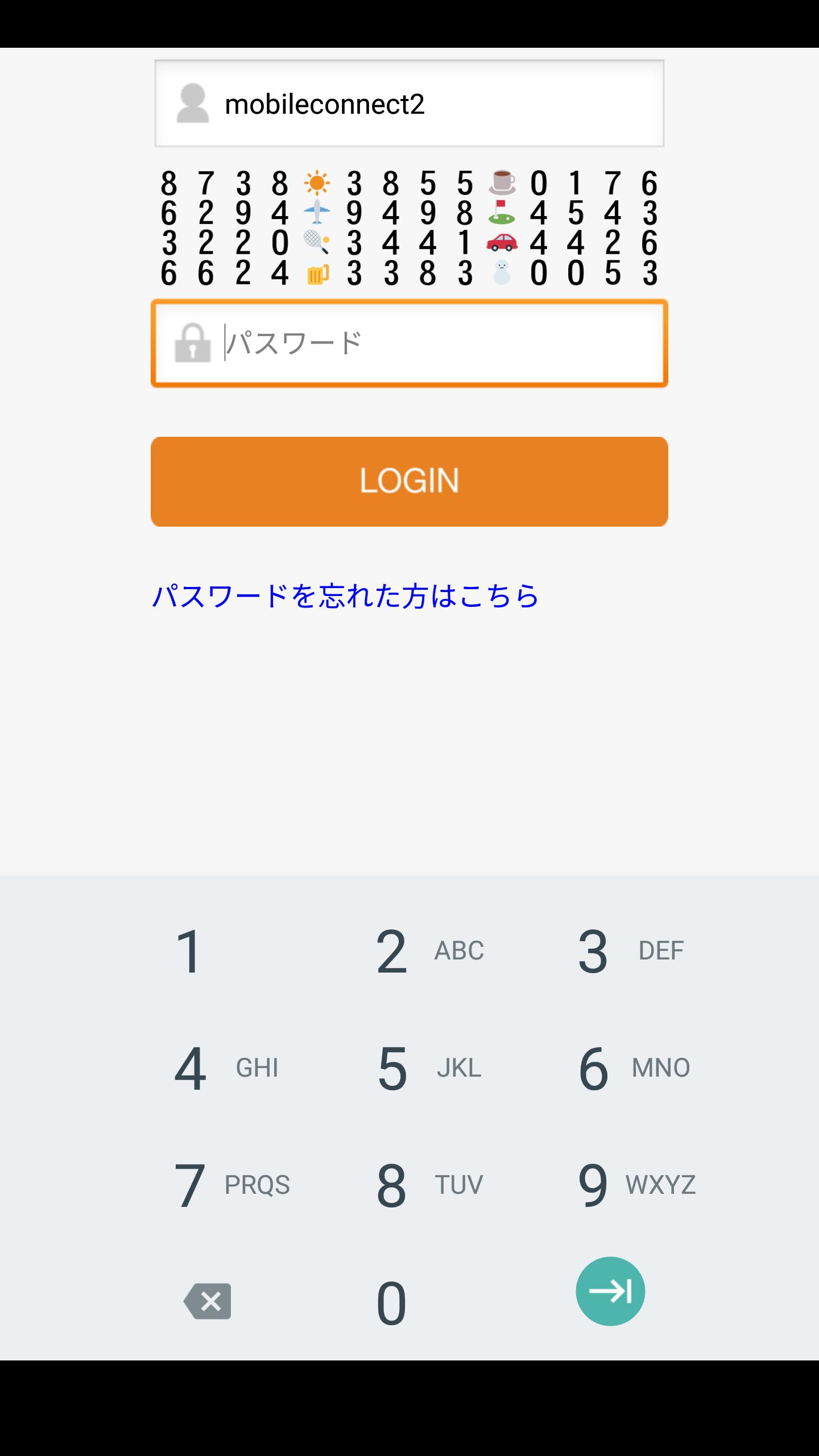
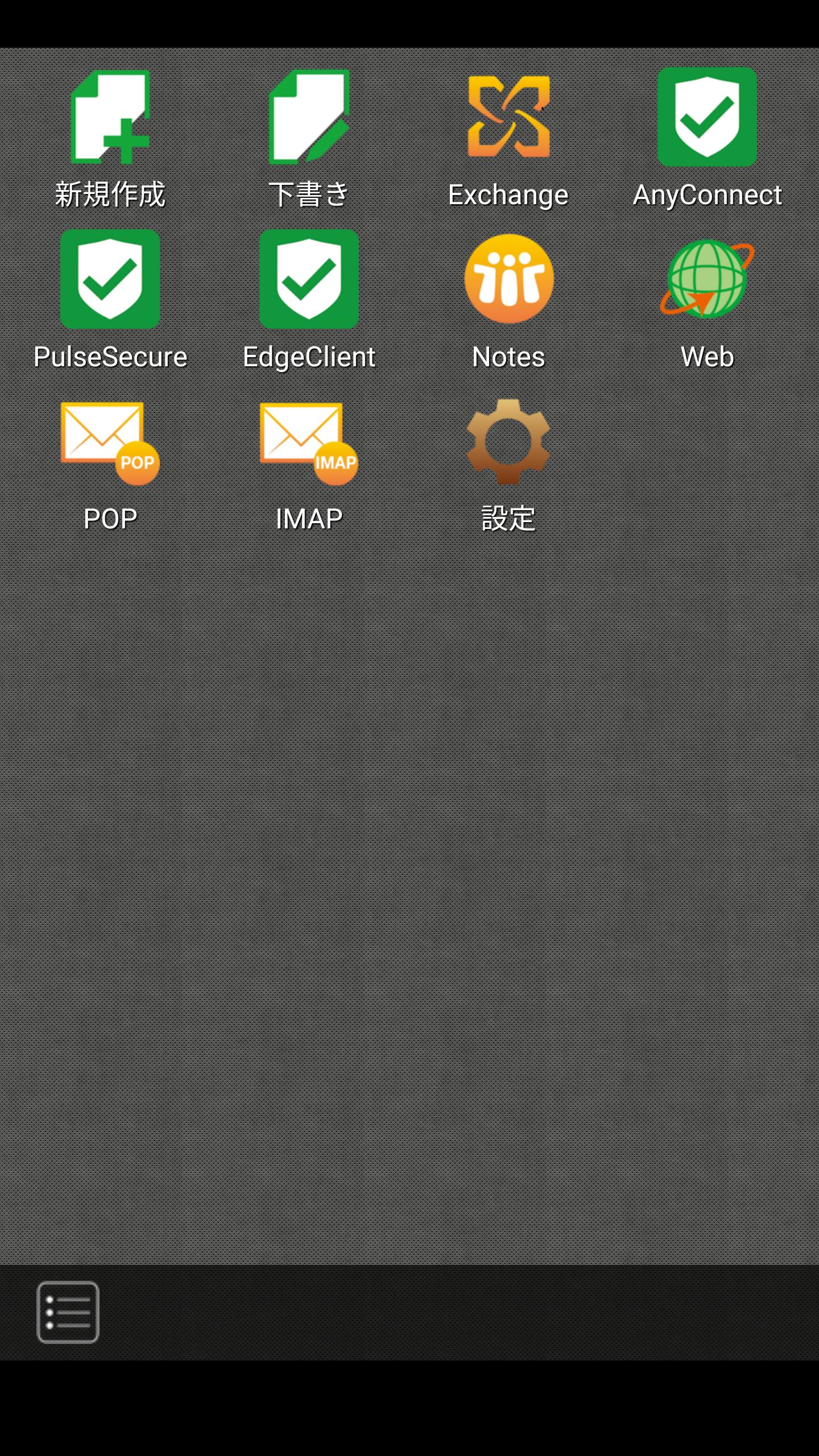
Using Mobile Connet 2 applications Biz Mobile Connect Type 2 can connect to "anytime", "anywhere", "easy" and "safe" to various business systems and applications such as mail / groupware / web server, cloud service I can do it.
In addition, a multiprotocol SSL - VPN service menu is also available.
Remote work, home work etc We will provide remote access solution that is optimal for future working way reform.
* In order to use this application, contract of Biz Mobile Connect Service Type 2 provided by NTTC Communications in advance is necessary. Please contact our sales representative.
Preview
Tags
BusinessInformation
Developer
NTT Communications Corporation
Latest Version
2.10.1.2
Last Updated
2022-10-05
Category
Business
Available on
Google Play
Show More
How to play Mobile Connect 2 with GameLoop on PC
1. Download GameLoop from the official website, then run the exe file to install GameLoop
2. Open GameLoop and search for “Mobile Connect 2” , find Mobile Connect 2 in the search results and click “Install”
3. Enjoy playing Mobile Connect 2 on GameLoop
Minimum requirements
OS
Windows 8.1 64-bit or Windows 10 64-bit
GPU
GTX 1050
CPU
i3-8300
Memory
8GB RAM
Storage
1GB available space
Recommended requirements
OS
Windows 8.1 64-bit or Windows 10 64-bit
GPU
GTX 1050
CPU
i3-9320
Memory
16GB RAM
Storage
1GB available space