
miBox PC
invida
Download miBox on PC With GameLoop Emulator
miBox on PC
miBox, coming from the developer invida, is running on Android systerm in the past.
Now, You can play miBox on PC with GameLoop smoothly.
Download it in the GameLoop library or search results. No more eyeing the battery or frustrating calls at the wrong time any more.
Just enjoy miBox PC on the large screen for free!
miBox Introduction
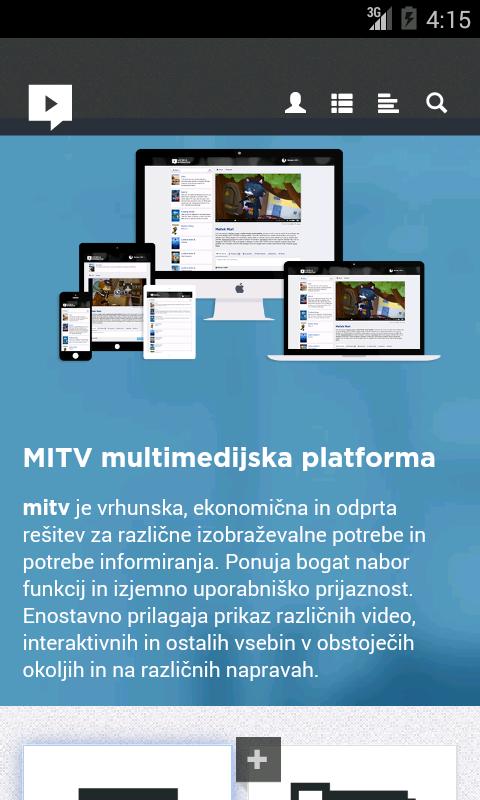
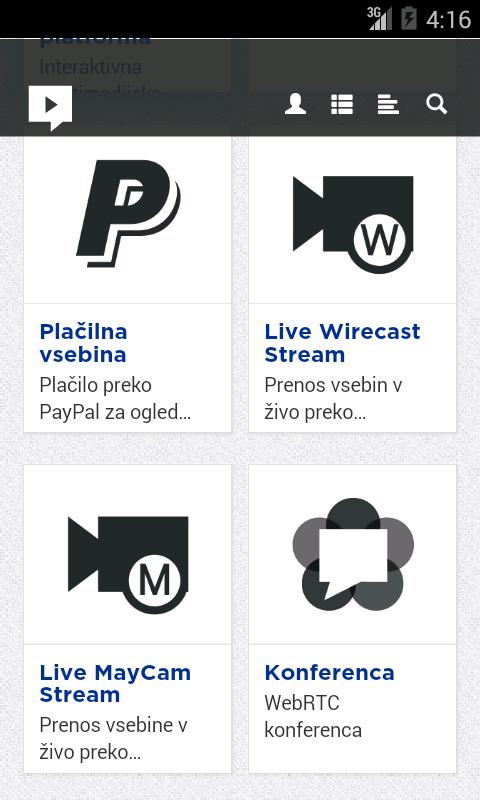
The application offers simple and quick access to MITV media platform.
MITV platform has been architected to provide highly innovative, yet practical and cost effective solutions for this multimedia “tsunami”. It integrates unique interactive multimedia system architecture with advanced state of the art functional components into flexible and scalable platform.
It is combining the best of Web interaction, TV simplicity and social collaboration with video and voice services, multimedia production and distribution capabilities into a viewer friendly, production friendly and cost friendly solution.
MITV platform architecture consists of a number of building blocks interconnected with open protocols. It includes production tools and components from leading vendors integrated into complete workflows and metadata structure and supported by knowledgeable MediaInteractive team.
Main fields of application:
- Lecture capture (school and business environment)
- Medical recording (record or stream operation)
- eLibrary (in private user friendly environment offer different tips of content)
Preview
Tags
BusinessInformation
Developer
invida
Latest Version
2.4
Last Updated
2018-12-07
Category
Business
Available on
Google Play
Show More
How to play miBox with GameLoop on PC
1. Download GameLoop from the official website, then run the exe file to install GameLoop
2. Open GameLoop and search for “miBox” , find miBox in the search results and click “Install”
3. Enjoy playing miBox on GameLoop
Minimum requirements
OS
Windows 8.1 64-bit or Windows 10 64-bit
GPU
GTX 1050
CPU
i3-8300
Memory
8GB RAM
Storage
1GB available space
Recommended requirements
OS
Windows 8.1 64-bit or Windows 10 64-bit
GPU
GTX 1050
CPU
i3-9320
Memory
16GB RAM
Storage
1GB available space