Logo Boa: app to create logos PC
Agenda BOA
Download Logo Boa: app to create logos on PC With GameLoop Emulator
Logo Boa: app to create logos on PC
Logo Boa: app to create logos, coming from the developer Agenda BOA, is running on Android systerm in the past.
Now, You can play Logo Boa: app to create logos on PC with GameLoop smoothly.
Download it in the GameLoop library or search results. No more eyeing the battery or frustrating calls at the wrong time any more.
Just enjoy Logo Boa: app to create logos PC on the large screen for free!
Logo Boa: app to create logos Introduction
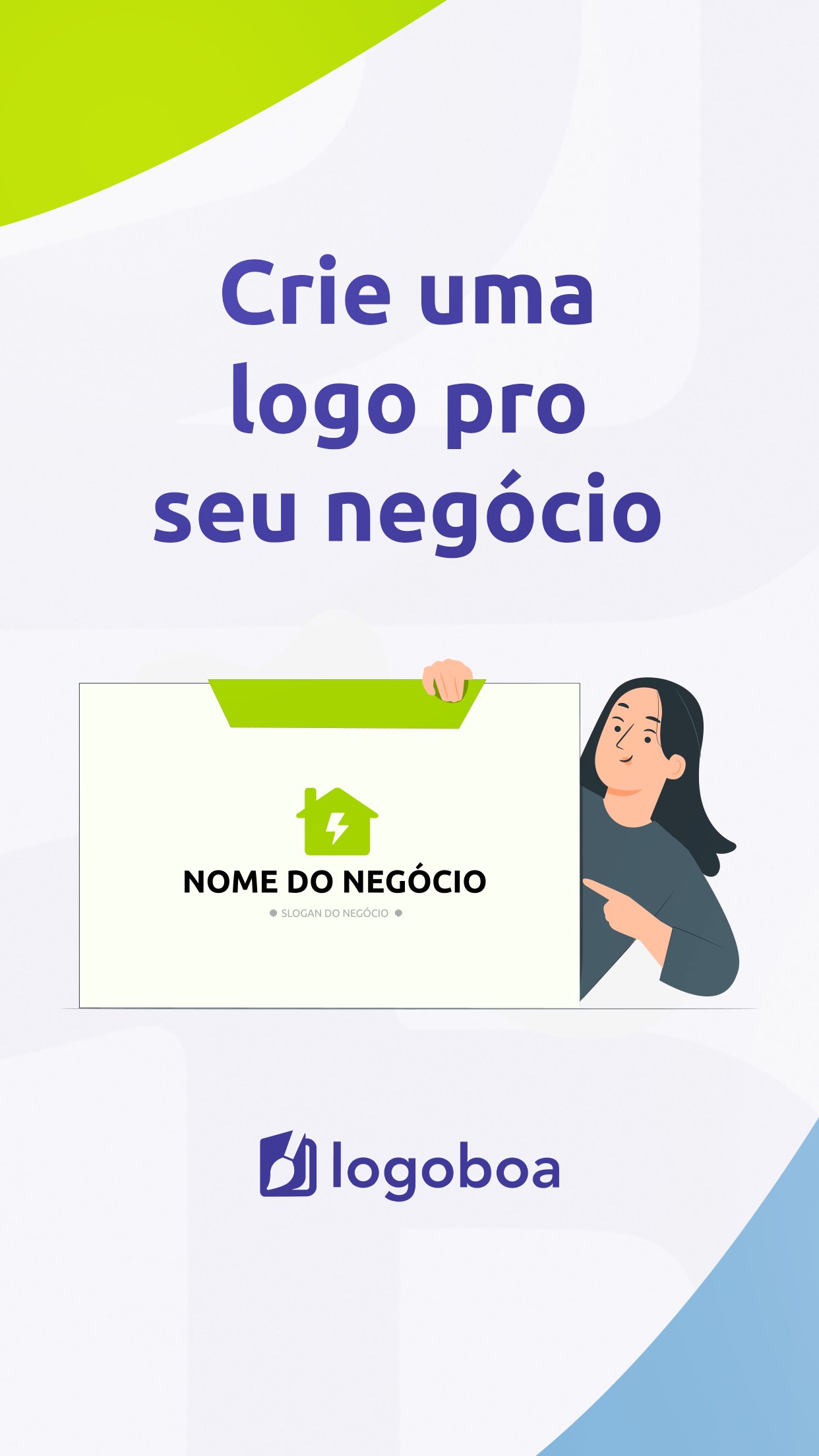
Meet Logo Boa, the revolutionary tool for creating logos aimed at freelancers, Individual Micro-Entrepreneurs (MEIs), and small businesses!
Transform the visual identity of your business practically and quickly and convey more credibility and professionalism to your clients.
Who can use Logo Boa?
Logo Boa is ideal for a variety of market segments, including:
- Electricians;
- Electronic security;
- Bars and restaurants;
- Confectionery;
- Construction and renovations;
- Delivery services;
- Electronics;
- Gardening;
- Hairdressers;
- Air conditioning and refrigeration;
- Mechanics;
- Residential and commercial painting;
- Pet shops;
- And many others!
Advantages of Logo Boa
👷♂️ Custom Logo Creation: With Logo Boa, you can create a logo that truly represents the essence of your business. Choose from a wide selection of icons, colors, and fonts to create a unique and professional design.
🎨 Easy and Intuitive Design: No design experience needed! Our user-friendly interface is easy to use, allowing you to unleash your creativity while we take care of the rest!
💰 Cost-Effective and Efficient: Save time and money by creating high-quality logos quickly and hassle-free. With just a few clicks, you'll have a logo ready to use for all your business needs.
How does it work?
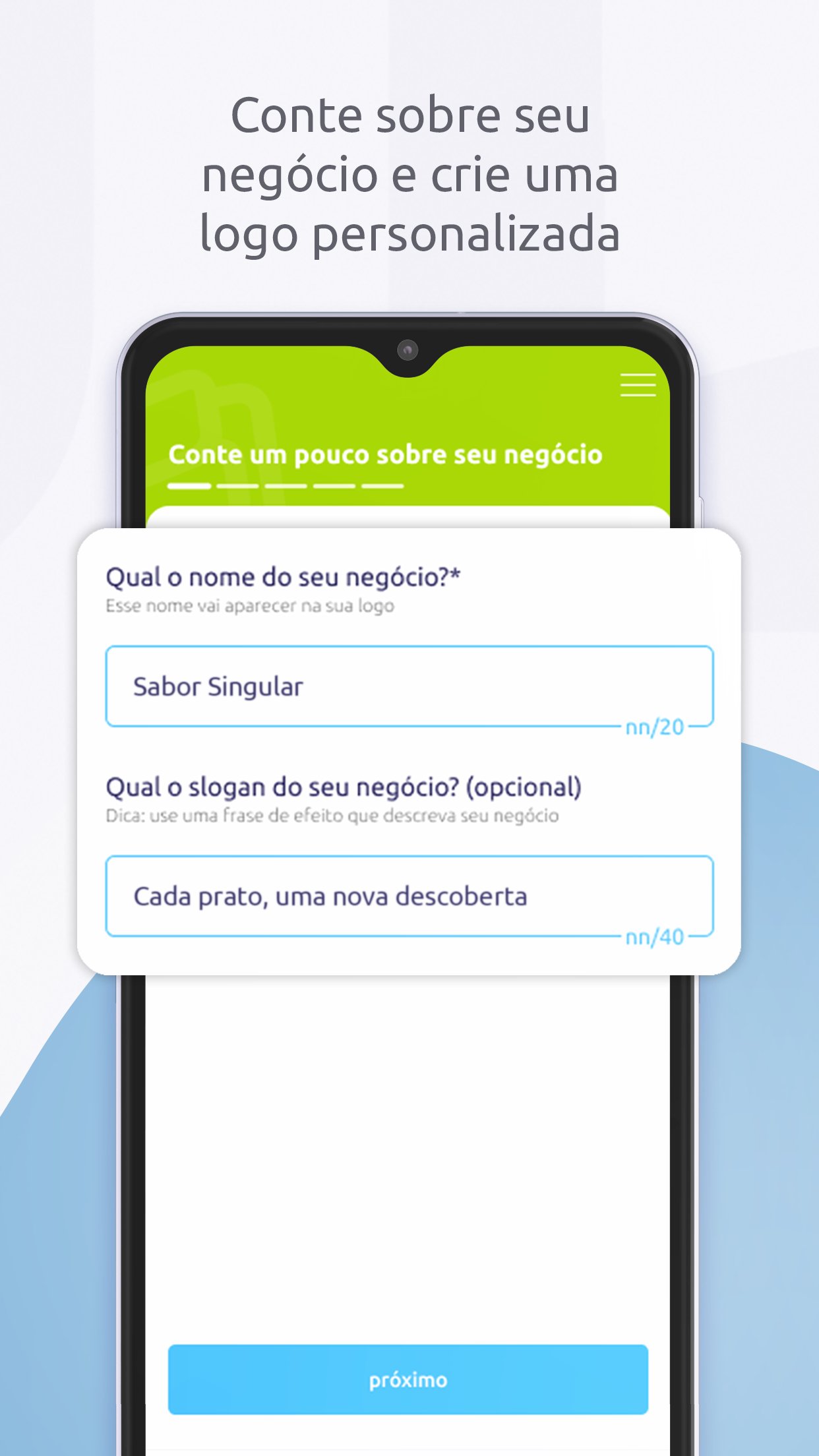
1. Tell us about your business: Enter your company name and a slogan that captures the essence of your business.
2. Select your segment: Choose the segment that best represents your area of expertise.
3. Choose a color palette: Select colors that reflect the personality and values of your brand.
4. Customize the design: Adjust icons, fonts, and layouts until your logo is just the way you want it.
5. Download and use: Download your new logo and start using it immediately on social media, the Agenda Boa app, websites, documents, business cards, and wherever else you wish!
Additional Features:
- Icon and Font Library: Access a vast library of icons and fonts to customize your logo.
- Customer Support: Need help? Our support team is available to assist you whenever you need it.
- Updates: We are continuously working hard to improve our app with tools and features, ensuring that you have an amazing logo for your business.
Join the logo design revolution for freelancers!
At Logo Boa, we believe that every entrepreneur deserves a strong and professional visual identity. Download the app now and discover how easy it is to create a logo that truly stands out. Join this revolution in logo creation and give your business the identity and visibility it deserves!
Logo Boa is an initiative by Agenda Boa, the leading management tool for freelancers.
Download now and start creating!
Don't wait! Try Logo Boa and start creating your logo today. Transform your business's image with just a few clicks and see the difference a professional logo can make.
Preview
Tags
BusinessInformation
Developer
Agenda BOA
Latest Version
1.0.2
Last Updated
2025-07-03
Category
Business
Available on
Google Play
Show More
How to play Logo Boa: app to create logos with GameLoop on PC
1. Download GameLoop from the official website, then run the exe file to install GameLoop
2. Open GameLoop and search for “Logo Boa: app to create logos” , find Logo Boa: app to create logos in the search results and click “Install”
3. Enjoy playing Logo Boa: app to create logos on GameLoop
Minimum requirements
OS
Windows 8.1 64-bit or Windows 10 64-bit
GPU
GTX 1050
CPU
i3-8300
Memory
8GB RAM
Storage
1GB available space
Recommended requirements
OS
Windows 8.1 64-bit or Windows 10 64-bit
GPU
GTX 1050
CPU
i3-9320
Memory
16GB RAM
Storage
1GB available space