
VTS Activate PC
Lane - Smart Workplaces
Download VTS Activate on PC With GameLoop Emulator
VTS Activate on PC
VTS Activate, coming from the developer Lane - Smart Workplaces, is running on Android systerm in the past.
Now, You can play VTS Activate on PC with GameLoop smoothly.
Download it in the GameLoop library or search results. No more eyeing the battery or frustrating calls at the wrong time any more.
Just enjoy VTS Activate PC on the large screen for free!
VTS Activate Introduction
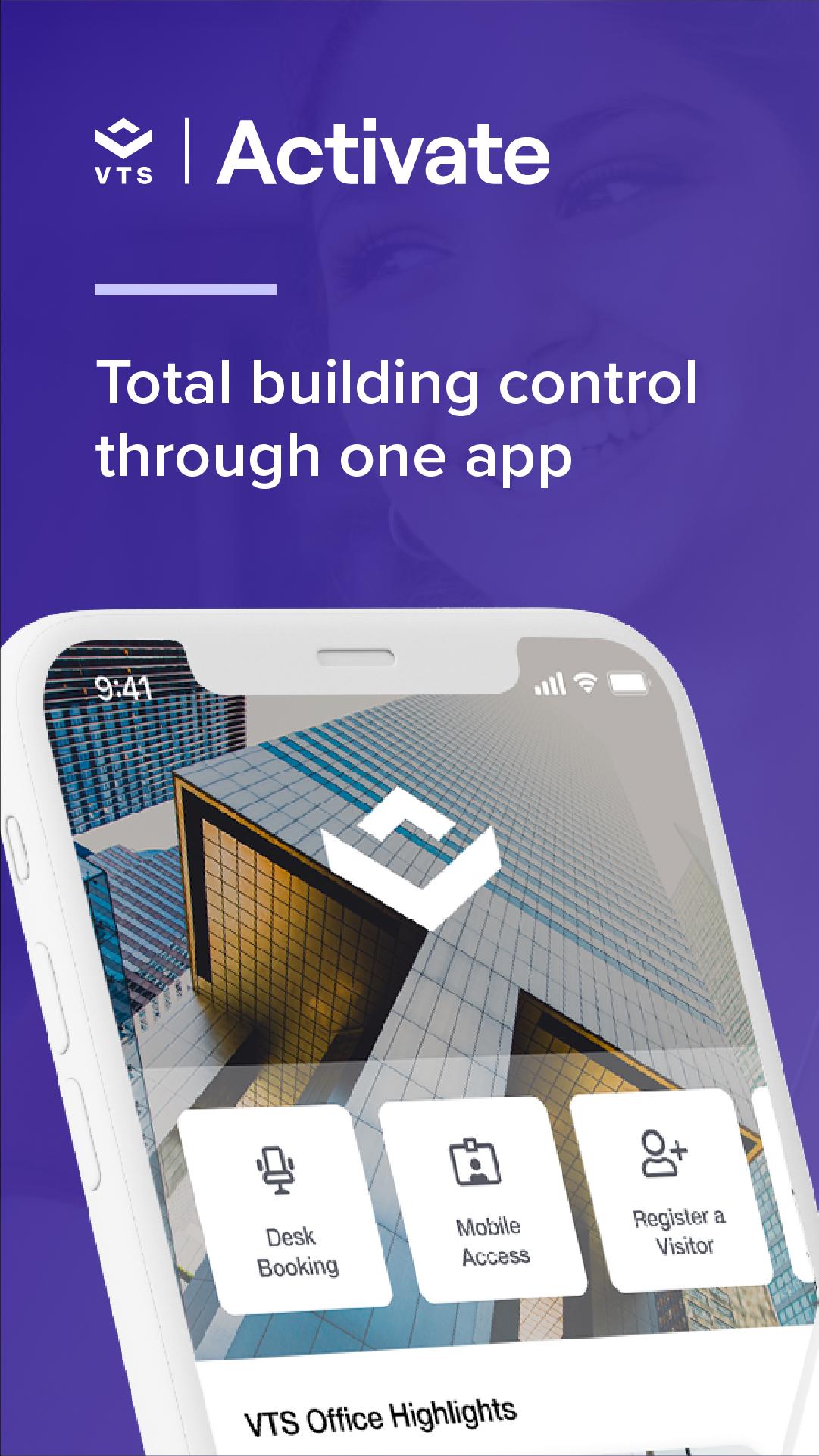
Unlock everything your workplace offers with the VTS Activate app. From building access to booking services, VTS Activate helps you get more out of your workplace. Make the most of available amenities and spaces, and get real-time updates on important updates and exclusive events through one app—VTS Activate.
ACCESS
Open doors to your building, suite, or room with the simple tap of your phone.
AMENITY RESERVATIONS
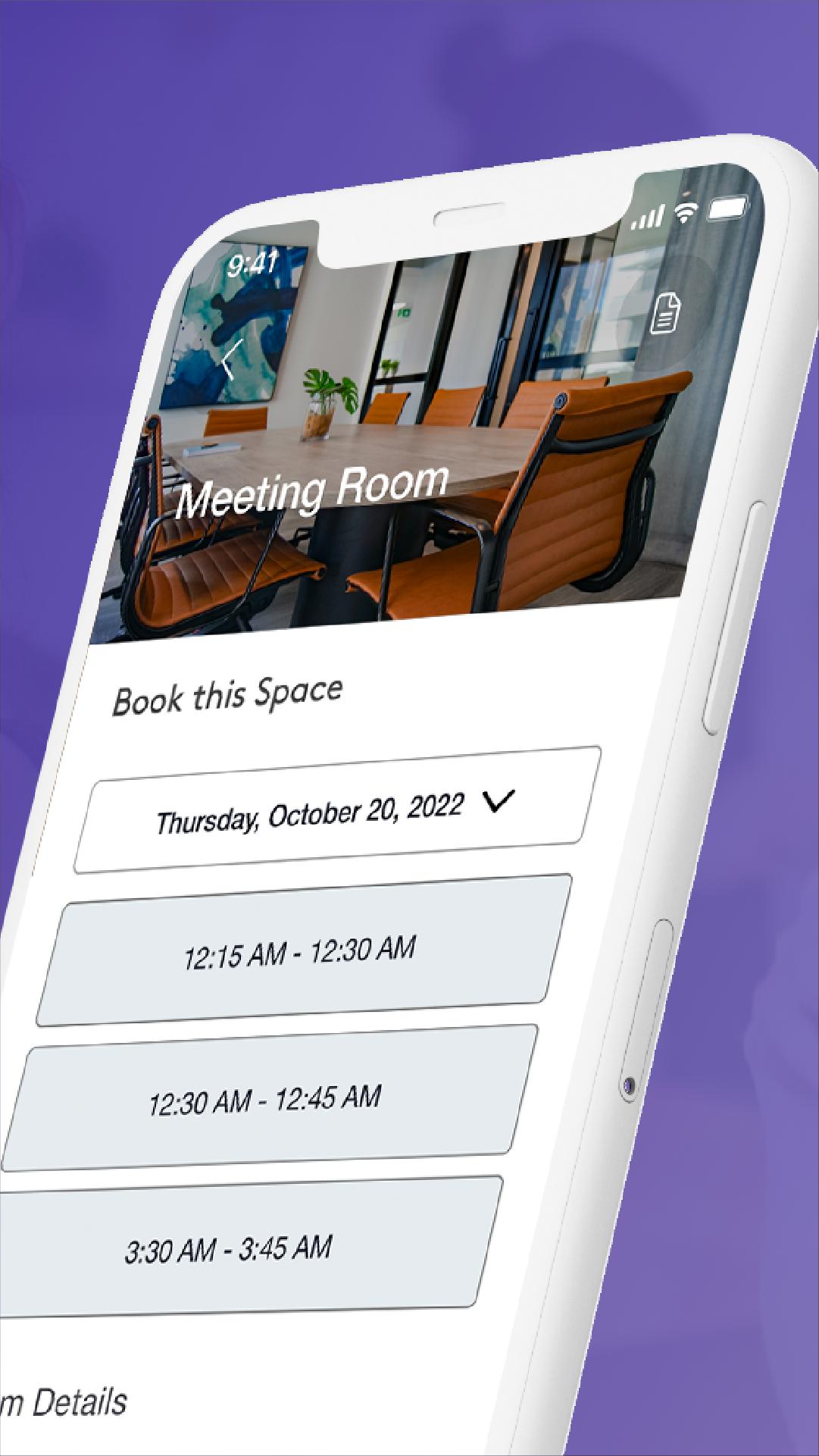
Browse and book amenities and shared spaces like meeting rooms, fitness studios, desks, and more.
VISITORS
Give guests a simple check-in experience. Invite them, sign them in, and get notified when they arrive.
INFO, UPDATES, AND ALERTS
Get updates on what’s happening in your workplace including building information, maintenance updates, alerts, and more.
EVENTS, RETAIL, AND PERKS
Elevate your office experience. RSVP to events, easily order and pay for lunch or coffee, and get more from your office, neighborhood, and community.
*Note: Not all features may be available at your location. Contact your property manager to learn more.
Preview
Tags
BusinessInformation
Developer
Lane - Smart Workplaces
Latest Version
5.205.0
Last Updated
2024-11-13
Category
Business
Available on
Google Play
Show More
How to play VTS Activate with GameLoop on PC
1. Download GameLoop from the official website, then run the exe file to install GameLoop
2. Open GameLoop and search for “VTS Activate” , find VTS Activate in the search results and click “Install”
3. Enjoy playing VTS Activate on GameLoop
Minimum requirements
OS
Windows 8.1 64-bit or Windows 10 64-bit
GPU
GTX 1050
CPU
i3-8300
Memory
8GB RAM
Storage
1GB available space
Recommended requirements
OS
Windows 8.1 64-bit or Windows 10 64-bit
GPU
GTX 1050
CPU
i3-9320
Memory
16GB RAM
Storage
1GB available space