
Kuber PC
Ritabrata Industries
Download Kuber on PC With GameLoop Emulator
Kuber on PC
Kuber, coming from the developer Ritabrata Industries, is running on Android systerm in the past.
Now, You can play Kuber on PC with GameLoop smoothly.
Download it in the GameLoop library or search results. No more eyeing the battery or frustrating calls at the wrong time any more.
Just enjoy Kuber PC on the large screen for free!
Kuber Introduction
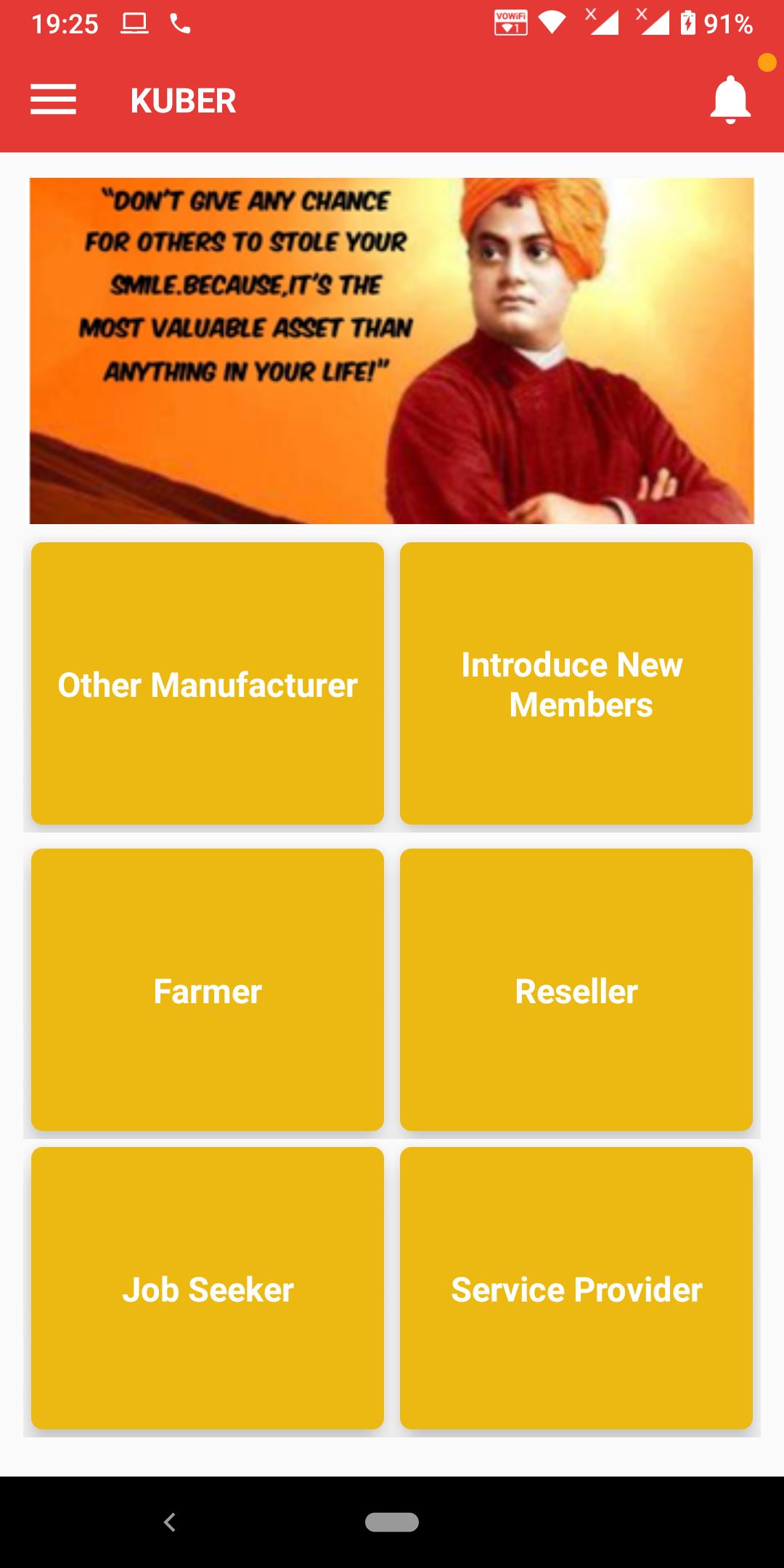
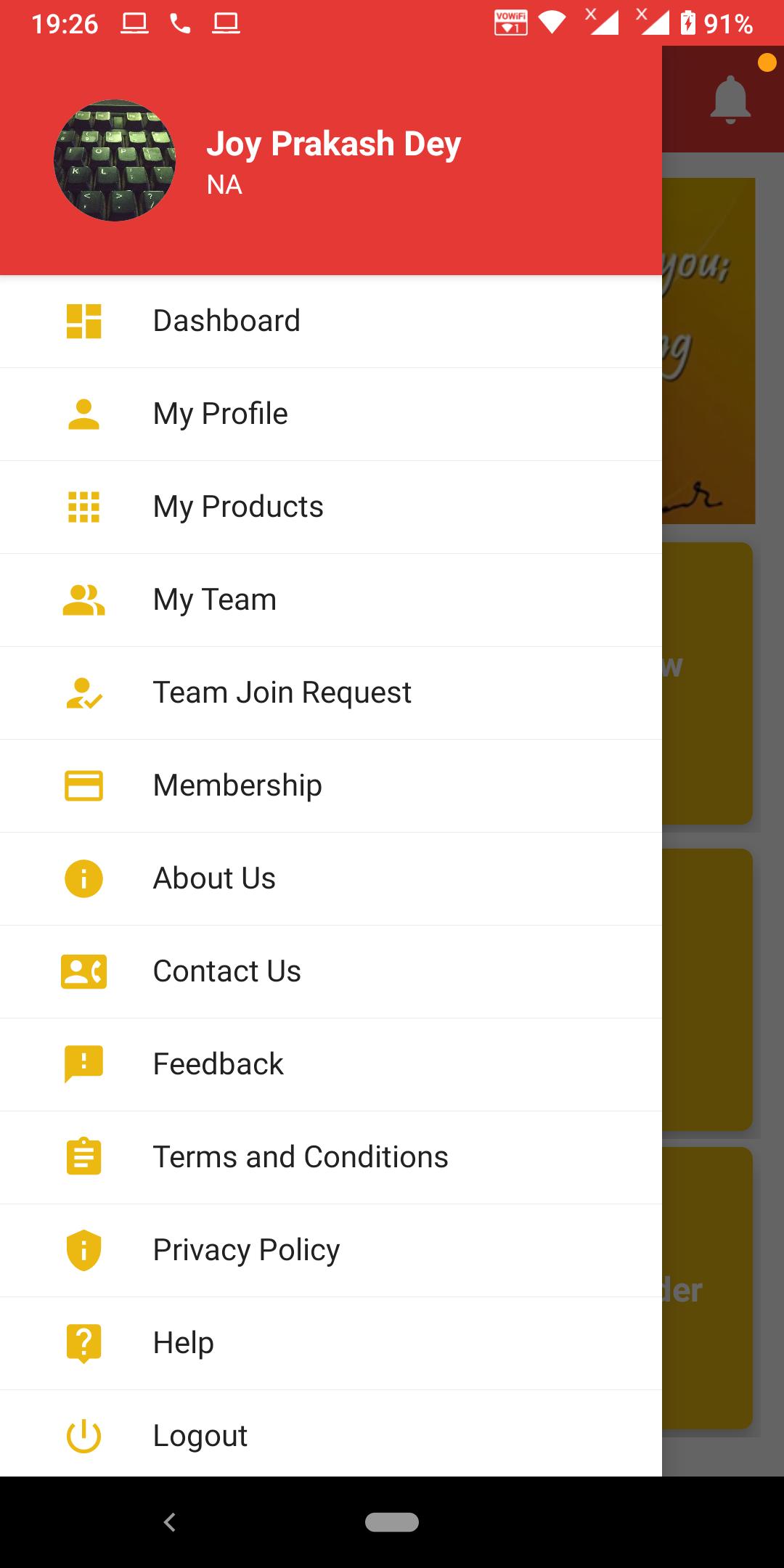
With 25+ years of extensive experience, a team of engineers, under the umbrella of Ritabrata Industries (RI), developed Kuber App for the benefit of people who are not so much familiar with information management or software application. This team of engineers designed Kuber App to give the opportunity to people to connect each other to improve their business. The goal is to provide a common platform for Indian Citizen where they can give their candidature and then give their product info. This is NOT an e-commerce app.
Our vision is to be the leading platforming in connecting Indian Citizen. To continuously strive to achieve highest standards of quality services in the concurrence with inspectors’ expectations on a professionally cost-effective manner.
Our mission is to provide a platform to connect people in most cost-effective manner.
We are committed to provide professional services and excellent customer service.
Preview
Tags
BusinessInformation
Developer
Ritabrata Industries
Latest Version
1.0.1
Last Updated
2022-05-18
Category
Business
Available on
Google Play
Show More
How to play Kuber with GameLoop on PC
1. Download GameLoop from the official website, then run the exe file to install GameLoop
2. Open GameLoop and search for “Kuber” , find Kuber in the search results and click “Install”
3. Enjoy playing Kuber on GameLoop
Minimum requirements
OS
Windows 8.1 64-bit or Windows 10 64-bit
GPU
GTX 1050
CPU
i3-8300
Memory
8GB RAM
Storage
1GB available space
Recommended requirements
OS
Windows 8.1 64-bit or Windows 10 64-bit
GPU
GTX 1050
CPU
i3-9320
Memory
16GB RAM
Storage
1GB available space