
Kerzz POS Plus PC
Veri Yazılım
Download Kerzz POS Plus on PC With GameLoop Emulator
Kerzz POS Plus on PC
Kerzz POS Plus, coming from the developer Veri Yazılım, is running on Android systerm in the past.
Now, You can play Kerzz POS Plus on PC with GameLoop smoothly.
Download it in the GameLoop library or search results. No more eyeing the battery or frustrating calls at the wrong time any more.
Just enjoy Kerzz POS Plus PC on the large screen for free!
Kerzz POS Plus Introduction
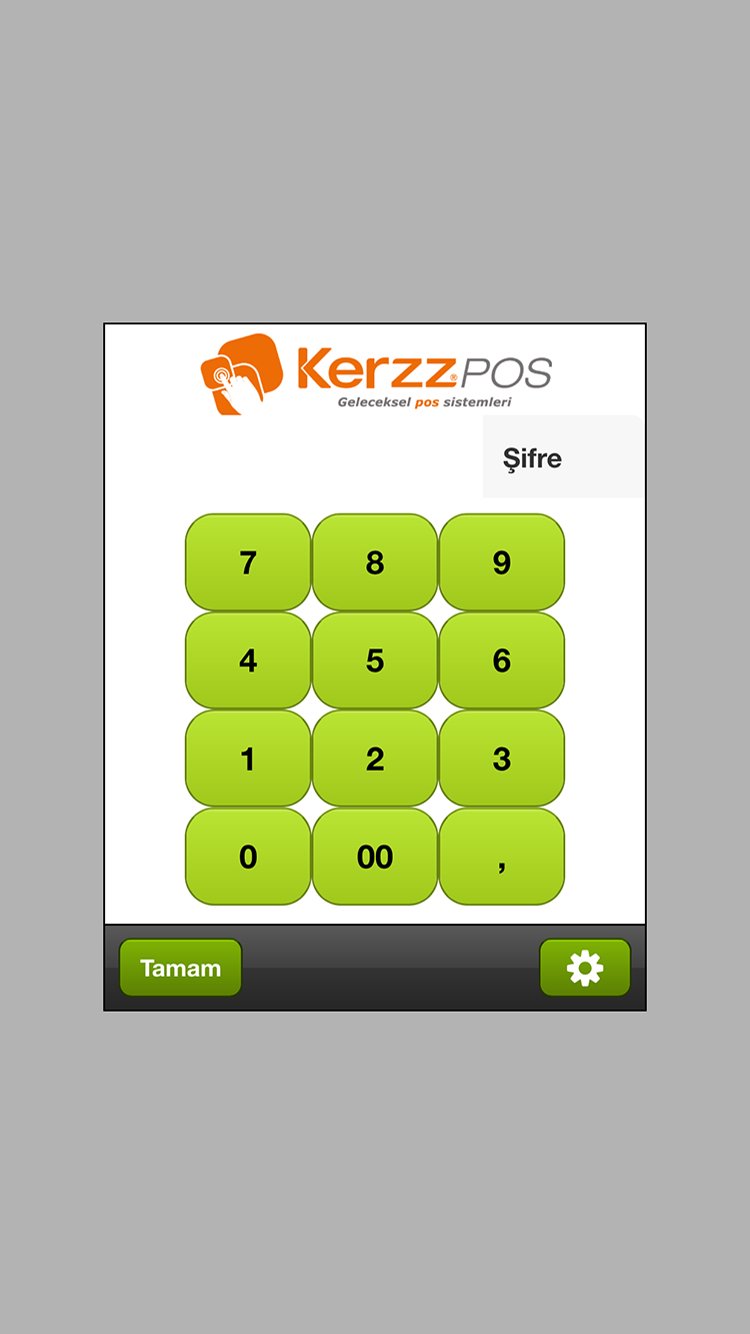
Developing technologies and innovations in the world is adding to every area of our lives. This innovation as we Kerzz® POS, we adapt to the restaurant and intelligent automation systems with easy to use solution. ikerzz®pos, personal use no longer be adapted to industrial use by moving beyond the beginning Kerzz® mobile POS technology has emerged as a result.
kerzz®pos application, taking the usual mobile handheld terminals to have come to a step forward, sleeker, has become more practical and faster.
This application was implemented for the first time in Turkey, employees can work on all Android-based devices, and offers a more contemporary solutions for your business.
Launched in the first quarter of 2012 kerzz®pos, useful structure, with practicality and aesthetics has begun to take its place in many businesses.
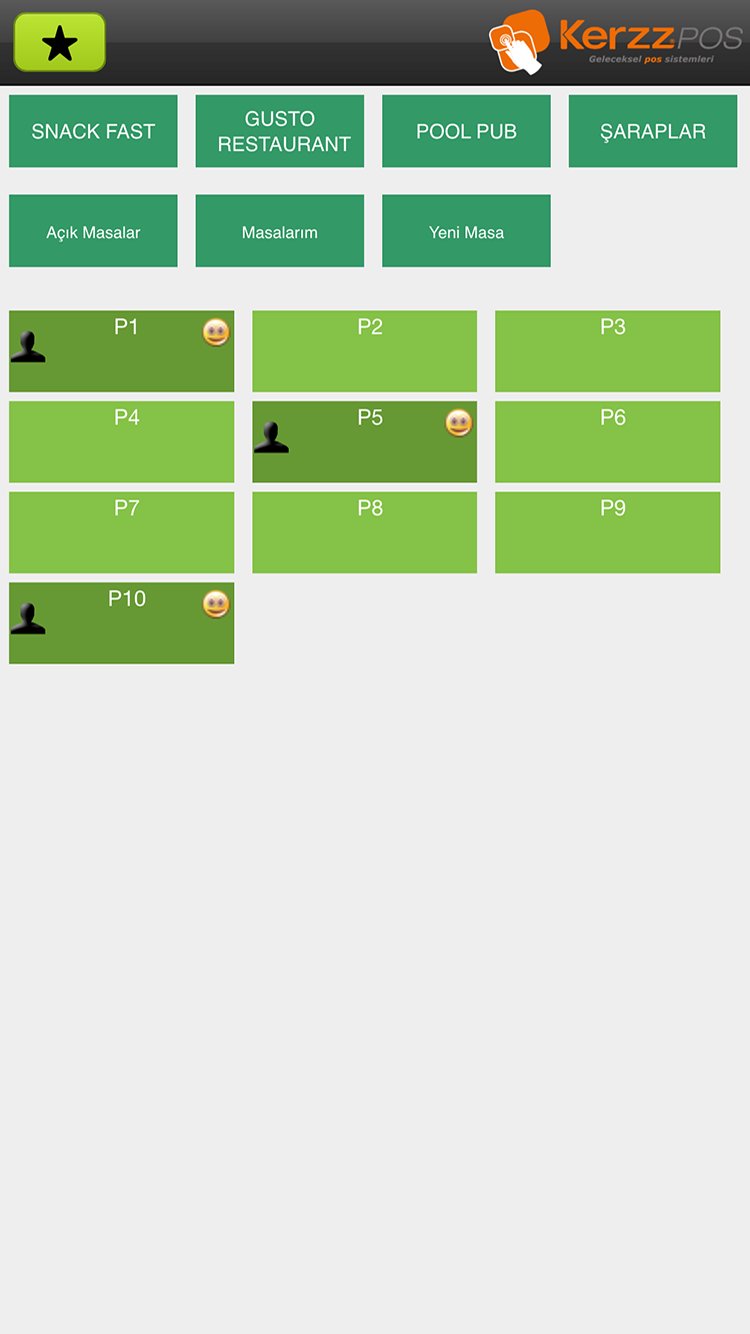
Alan also be identified and developed by experts in the enterprise needs in this sense in this application, you can view in real time the status of your business where mobile technology, and you have access to information about your business. Also on your mobile device, you can track the status of all departments of your business information in real time, table merging, changing table, creation of addition, addition and can easily do a lot of printing operations such as addition of the collection.
You prefer to take a step beyond your expectations and your tanışabilirsiz with this application.
Preview
Tags
BusinessInformation
Developer
Veri Yazılım
Latest Version
26.01.06
Last Updated
2026-01-08
Category
Business
Available on
Google Play
Show More
How to play Kerzz POS Plus with GameLoop on PC
1. Download GameLoop from the official website, then run the exe file to install GameLoop
2. Open GameLoop and search for “Kerzz POS Plus” , find Kerzz POS Plus in the search results and click “Install”
3. Enjoy playing Kerzz POS Plus on GameLoop
Minimum requirements
OS
Windows 8.1 64-bit or Windows 10 64-bit
GPU
GTX 1050
CPU
i3-8300
Memory
8GB RAM
Storage
1GB available space
Recommended requirements
OS
Windows 8.1 64-bit or Windows 10 64-bit
GPU
GTX 1050
CPU
i3-9320
Memory
16GB RAM
Storage
1GB available space