
Kameram Pro PC
Pronet Güvenlik Hizmetleri A.Ş.
Download Kameram Pro on PC With GameLoop Emulator
Kameram Pro on PC
Kameram Pro, coming from the developer Pronet Güvenlik Hizmetleri A.Ş., is running on Android systerm in the past.
Now, You can play Kameram Pro on PC with GameLoop smoothly.
Download it in the GameLoop library or search results. No more eyeing the battery or frustrating calls at the wrong time any more.
Just enjoy Kameram Pro PC on the large screen for free!
Kameram Pro Introduction
WHAT CAN YOU DO WITH PRONET KAMERAM PRO?
You can customize your application to manage the platform according to your needs and usage habits.
You can adapt your existing cameras to this platform. You can store your videos in the cloud and watch them whenever you want. (Your device backs up images in case of internet interruption and then transfers them to the Cloud.)
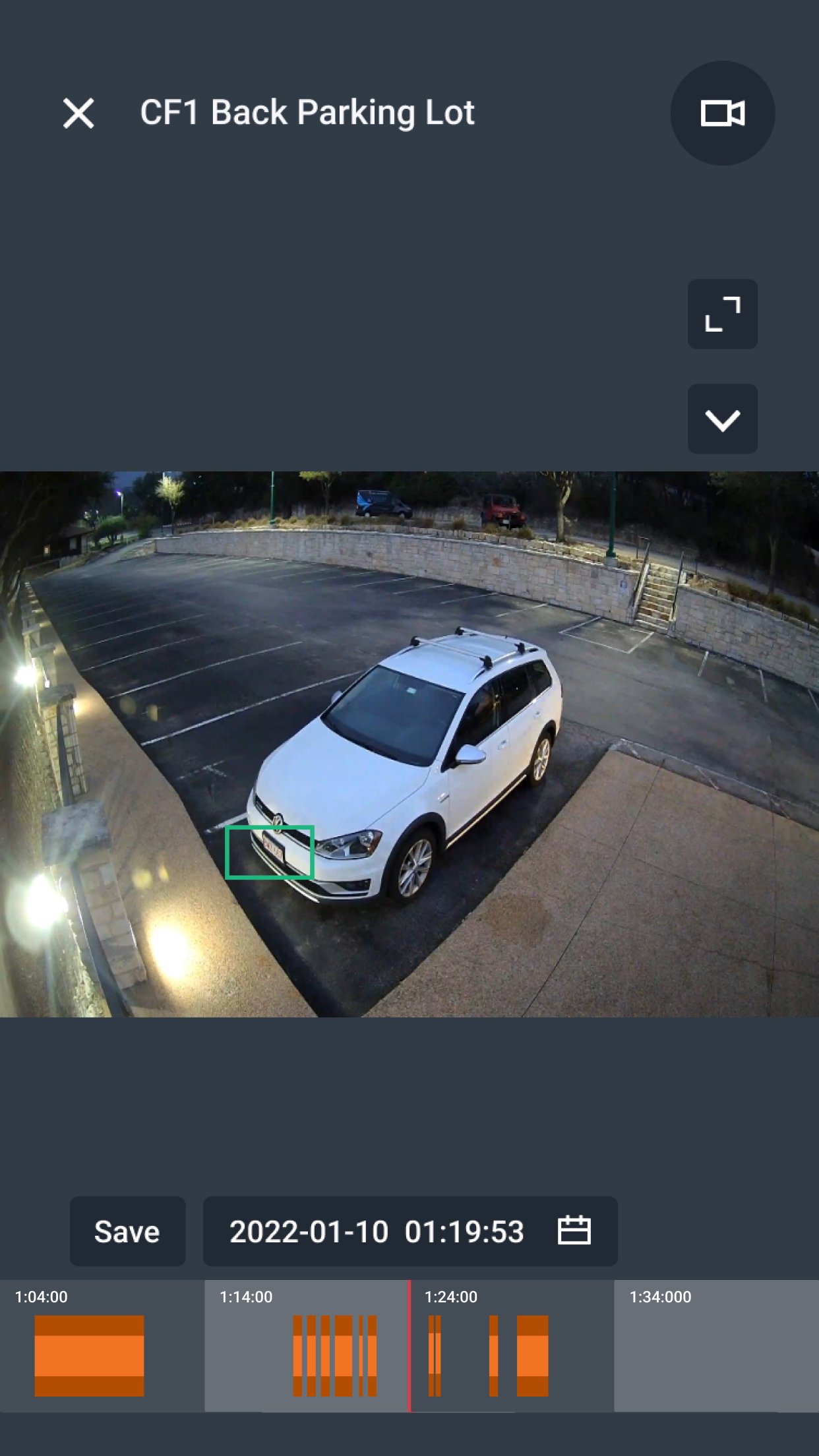
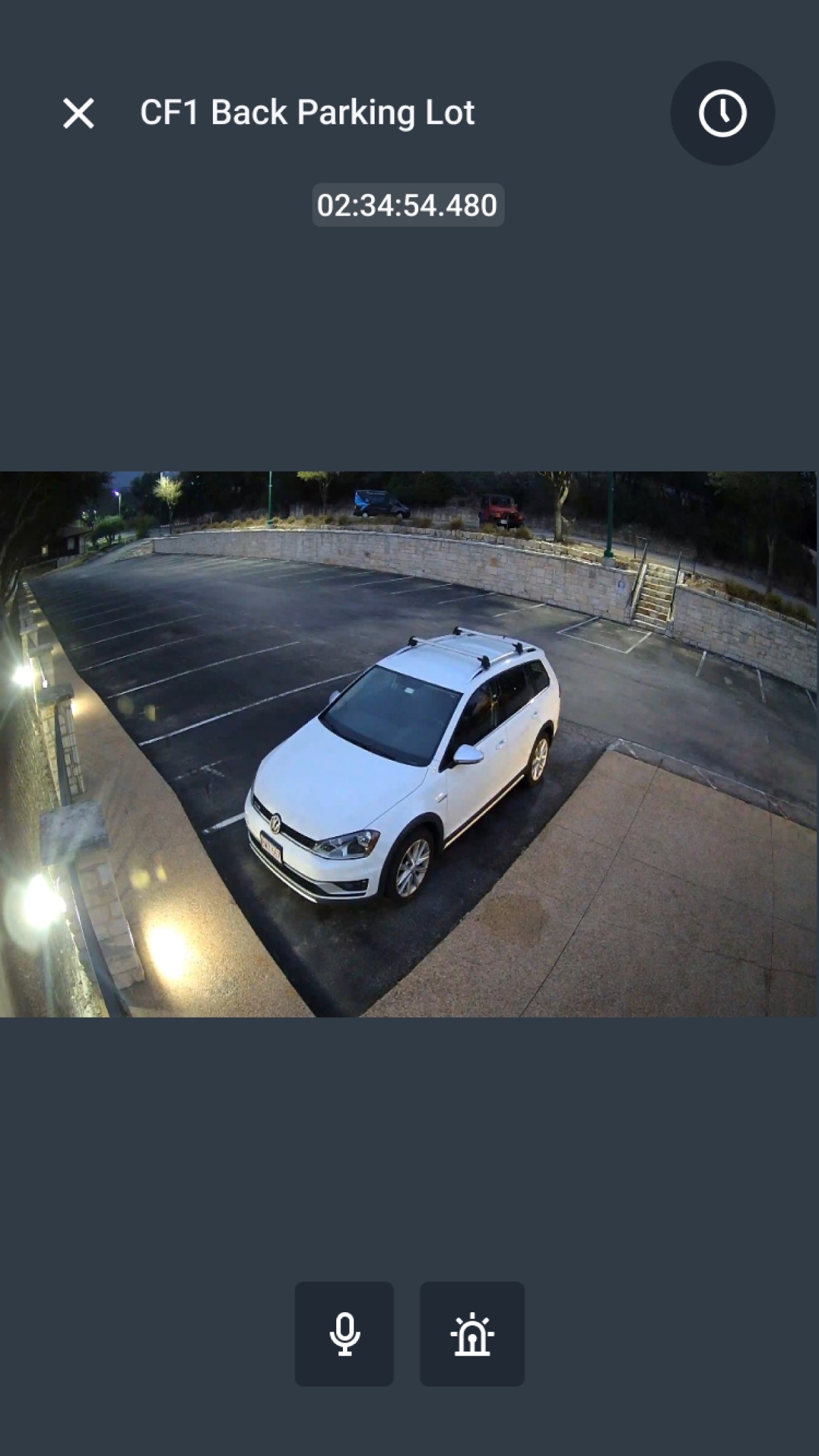
You can view live video from your mobile device. You can create unlimited motion detection areas for each camera.
-Kameram Pro Features
Live View & Playback
You can monitor all cameras live, change camera settings and send them by e-mail whenever you want from your computer or phone.
-Detailed Video Analysis
You can increase your security and operation quality by analyzing events such as object detection, person counting and space violation.
-Multi-Point Management
You can manage your cameras from multiple locations on a single platform. Moreover, you can customize this platform according to your needs. It is an ideal solution for institutions with multiple locations and centralized management, as well as for spaces such as single-family homes and farms.
-User Management
You can easily set the user hierarchy and set user permissions according to your needs.
-Motion Triggered Image Recording
The cameras can be programmed to take continuous recording or start recording only when it detects motion.
-High Image Quality
It provides the best image quality according to your needs within the technical specifications of your existing cameras.
-Data Encryption
All data is encrypted. There are no open ports to the internet. Only contacts can access.
Preview
Tags
BusinessInformation
Developer
Pronet Güvenlik Hizmetleri A.Ş.
Latest Version
10.2.4
Last Updated
2025-11-19
Category
Business
Available on
Google Play
Show More
How to play Kameram Pro with GameLoop on PC
1. Download GameLoop from the official website, then run the exe file to install GameLoop
2. Open GameLoop and search for “Kameram Pro” , find Kameram Pro in the search results and click “Install”
3. Enjoy playing Kameram Pro on GameLoop
Minimum requirements
OS
Windows 8.1 64-bit or Windows 10 64-bit
GPU
GTX 1050
CPU
i3-8300
Memory
8GB RAM
Storage
1GB available space
Recommended requirements
OS
Windows 8.1 64-bit or Windows 10 64-bit
GPU
GTX 1050
CPU
i3-9320
Memory
16GB RAM
Storage
1GB available space