
Jini PC
Jungleworks
Download Jini on PC With GameLoop Emulator
Jini on PC
Jini, coming from the developer Jungleworks, is running on Android systerm in the past.
Now, You can play Jini on PC with GameLoop smoothly.
Download it in the GameLoop library or search results. No more eyeing the battery or frustrating calls at the wrong time any more.
Just enjoy Jini PC on the large screen for free!
Jini Introduction
We at Jungleworks, are always looking to make our account owners happy. We believe in the MVP approach and are always looking forward to provide innovative ways to help new business grow using our platform.
So, we are releasing an off the shelf, Customer Facing Native Application that is a nice and easy to use extension of our existing customer facing web forms add on.
With the application (available in both iOS and Android), your customers will get the following functionalities -
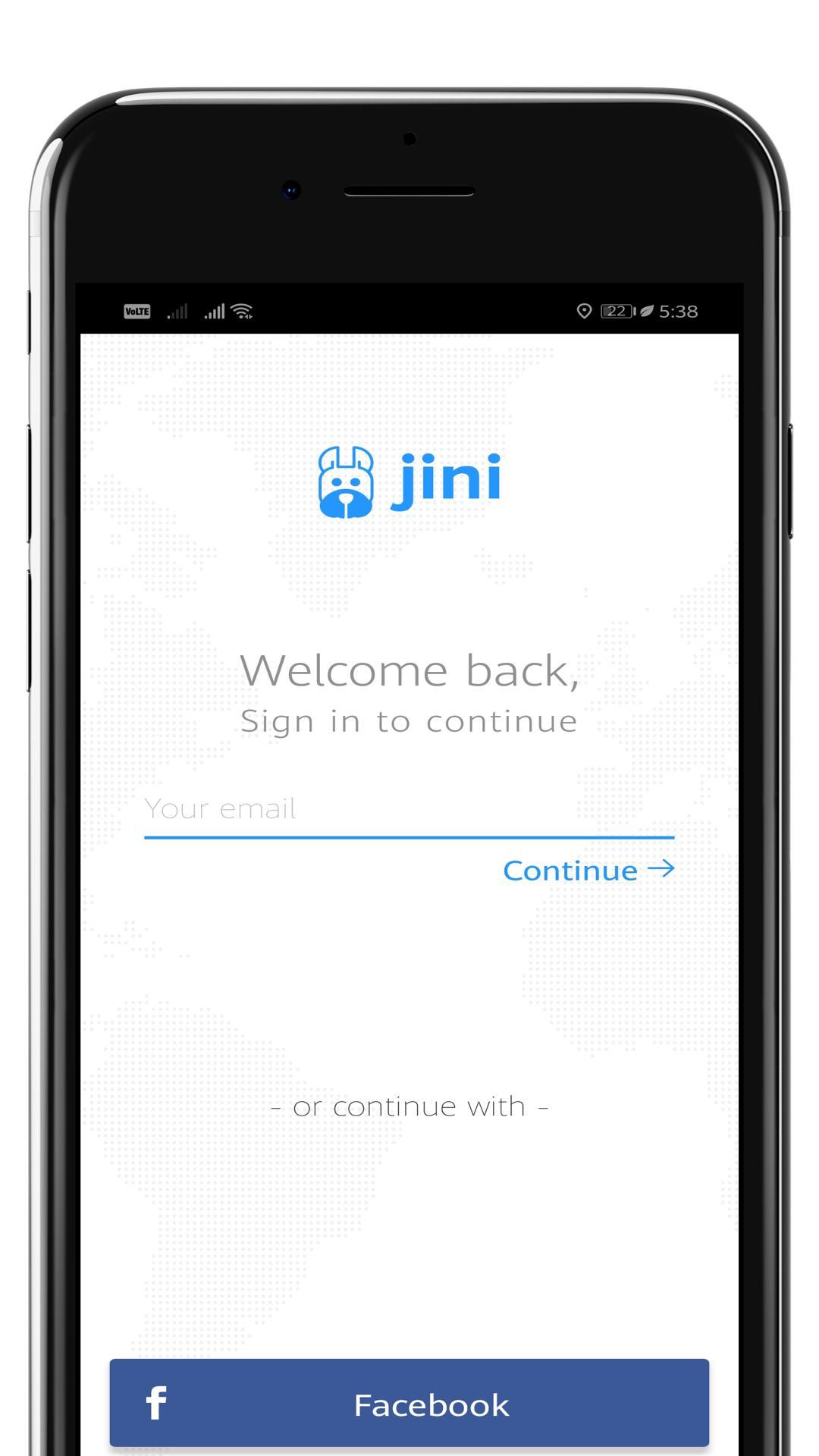
1. Sign Up and Login using Email ID and Password
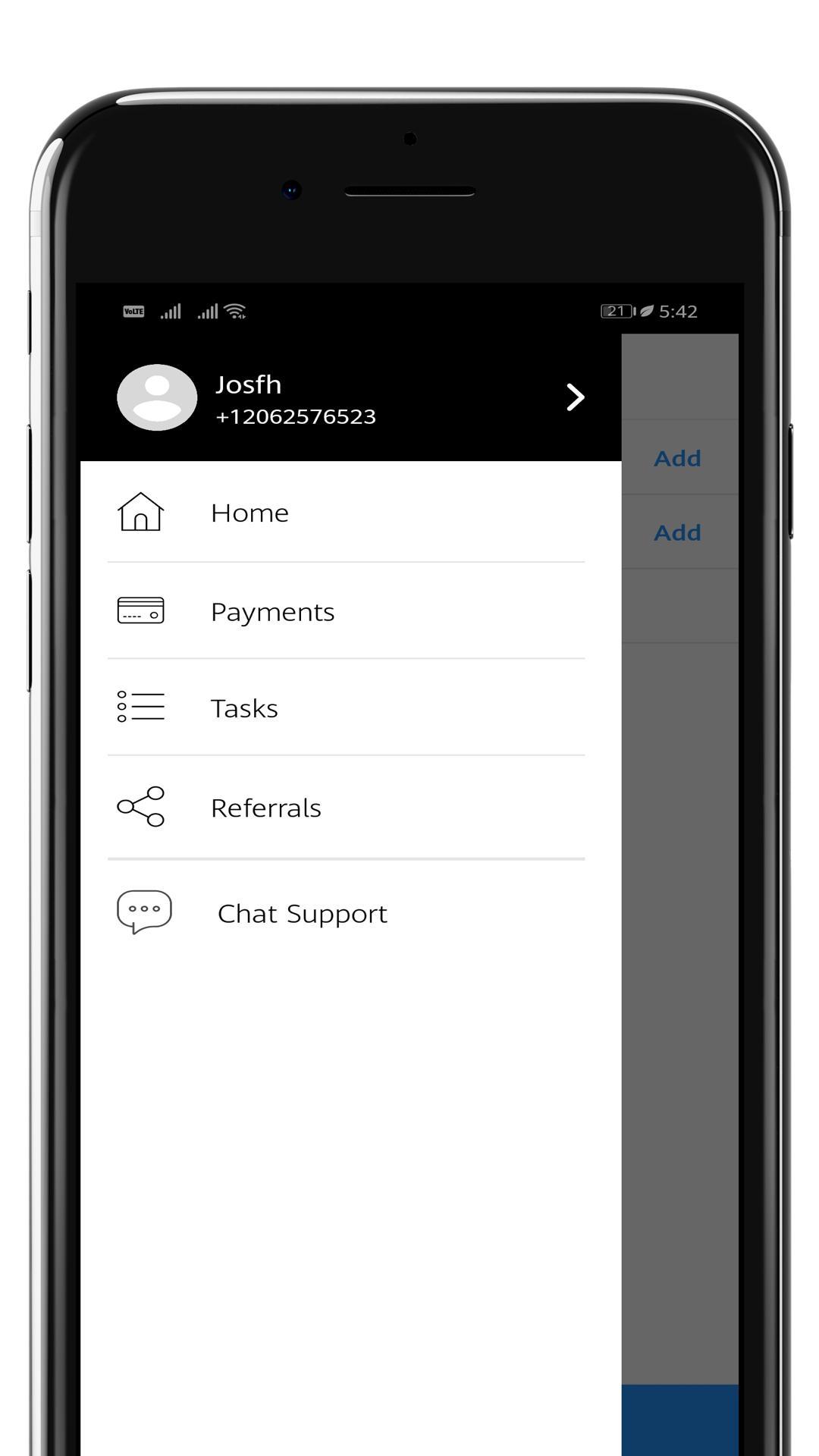
2. Place Pick up Or Delivery Orders onto your platform, by filling in the task description, contact details and location by placing a Pin on the Map
3.Support for Custom fields
4.Support to other workflows
5.Order History
6.Live Tracking
7.Order Feedback from Customers
8.Ability to update orders from the app, etc
As always, we welcome your feedback and/or comments, so please feel free to reach us at contact@jungleworks.co
Preview
Information
Developer
Jungleworks
Latest Version
1.1.6
Last Updated
2019-05-07
Category
Business
Available on
Google Play
Show More
How to play Jini with GameLoop on PC
1. Download GameLoop from the official website, then run the exe file to install GameLoop
2. Open GameLoop and search for “Jini” , find Jini in the search results and click “Install”
3. Enjoy playing Jini on GameLoop
Minimum requirements
OS
Windows 8.1 64-bit or Windows 10 64-bit
GPU
GTX 1050
CPU
i3-8300
Memory
8GB RAM
Storage
1GB available space
Recommended requirements
OS
Windows 8.1 64-bit or Windows 10 64-bit
GPU
GTX 1050
CPU
i3-9320
Memory
16GB RAM
Storage
1GB available space