
HikCentral Connect PC
HikCentral
Download HikCentral Connect on PC With GameLoop Emulator
HikCentral Connect on PC
HikCentral Connect, coming from the developer HikCentral, is running on Android systerm in the past.
Now, You can play HikCentral Connect on PC with GameLoop smoothly.
Download it in the GameLoop library or search results. No more eyeing the battery or frustrating calls at the wrong time any more.
Just enjoy HikCentral Connect PC on the large screen for free!
HikCentral Connect Introduction
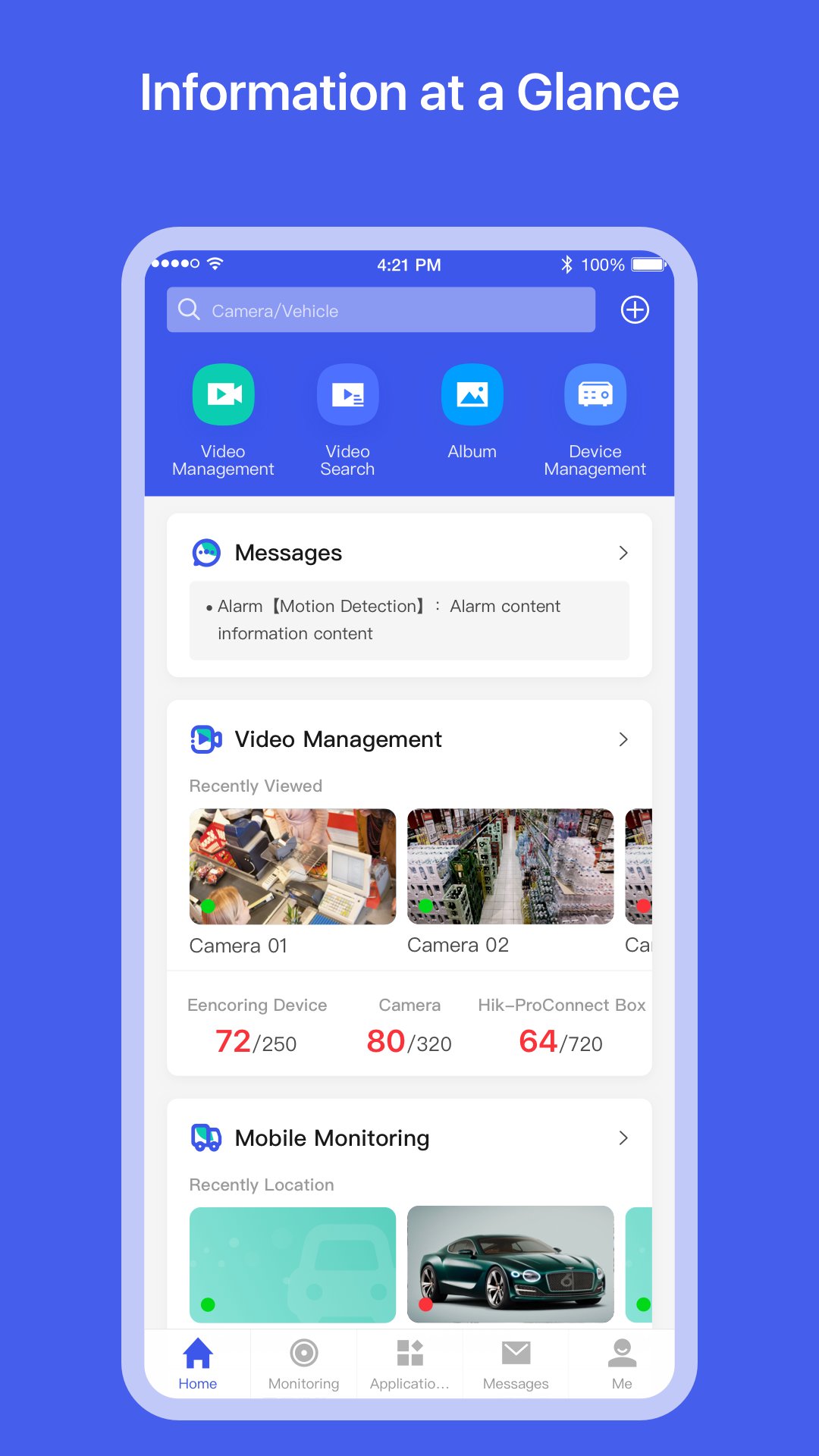
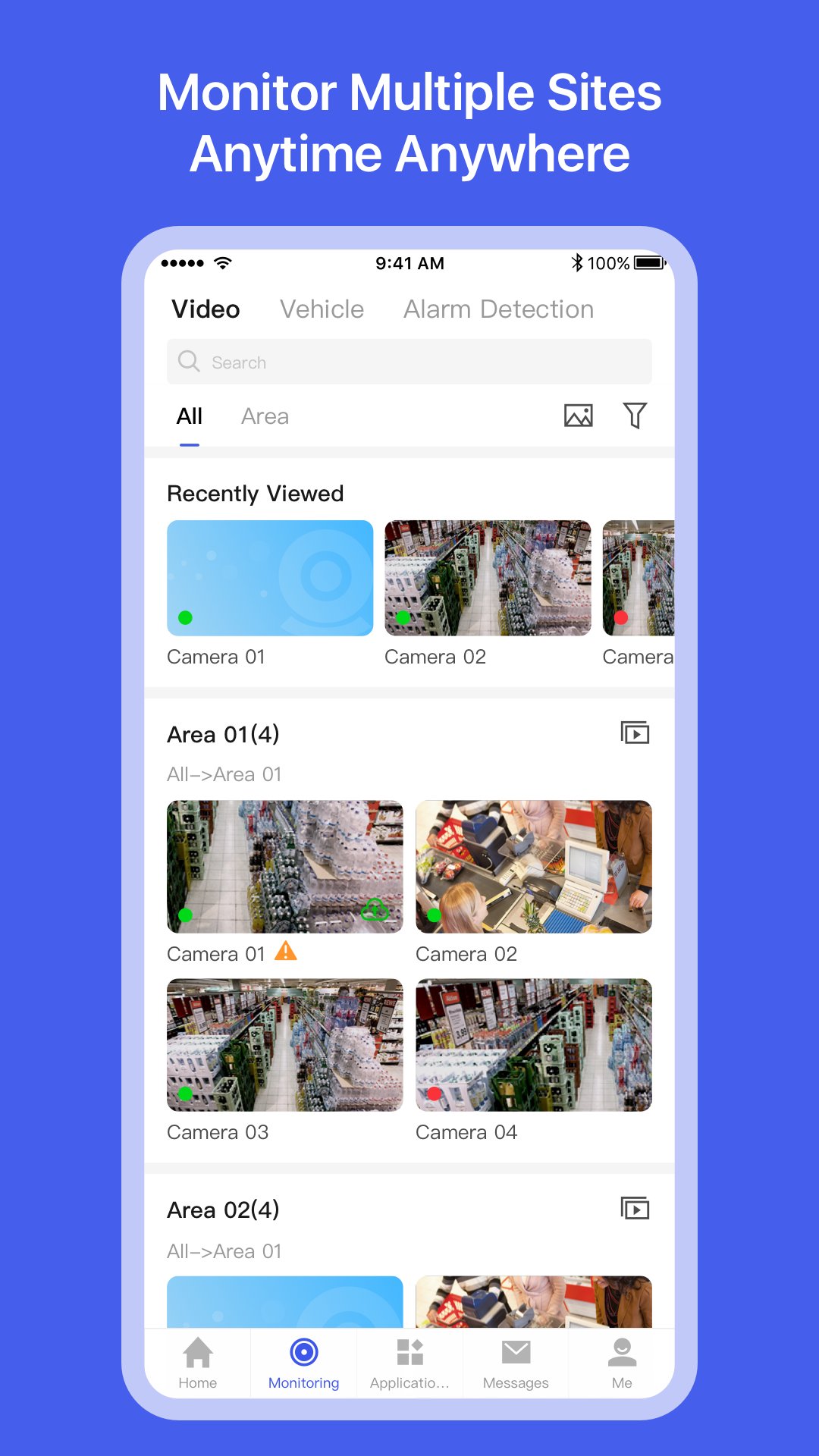
HikCentral Connect is a VSaaS platform for unified security management with boosted flexibility, scalability, and cost-effectiveness, it is ready to take your business to the next level! For enterprise users like property owners and business managers, it's never been easier to find a tailored security solution for your premises.
What are the Beneits:
● Remote management. Manage and secure your premises from anywhere, anytime.
● Budget friendly. Enhance business operation with reduced costs and environment impact.
● Highly scalable. Scale your security system easily as your business grows.
● Secure and reliable. Feel safer with secure & trusted solution.
● Easy to deploy and maintain. Powerful platform for simplified deployment and maintenance.
Preview
Tags
BusinessInformation
Developer
HikCentral
Latest Version
1.6.61
Last Updated
2025-09-01
Category
Business
Available on
Google Play
Show More
How to play HikCentral Connect with GameLoop on PC
1. Download GameLoop from the official website, then run the exe file to install GameLoop
2. Open GameLoop and search for “HikCentral Connect” , find HikCentral Connect in the search results and click “Install”
3. Enjoy playing HikCentral Connect on GameLoop
Minimum requirements
OS
Windows 8.1 64-bit or Windows 10 64-bit
GPU
GTX 1050
CPU
i3-8300
Memory
8GB RAM
Storage
1GB available space
Recommended requirements
OS
Windows 8.1 64-bit or Windows 10 64-bit
GPU
GTX 1050
CPU
i3-9320
Memory
16GB RAM
Storage
1GB available space