
GroupWise Messenger PC
Micro Focus Software Inc.
Download GroupWise Messenger on PC With GameLoop Emulator
GroupWise Messenger on PC
GroupWise Messenger, coming from the developer Micro Focus Software Inc., is running on Android systerm in the past.
Now, You can play GroupWise Messenger on PC with GameLoop smoothly.
Download it in the GameLoop library or search results. No more eyeing the battery or frustrating calls at the wrong time any more.
Just enjoy GroupWise Messenger PC on the large screen for free!
GroupWise Messenger Introduction
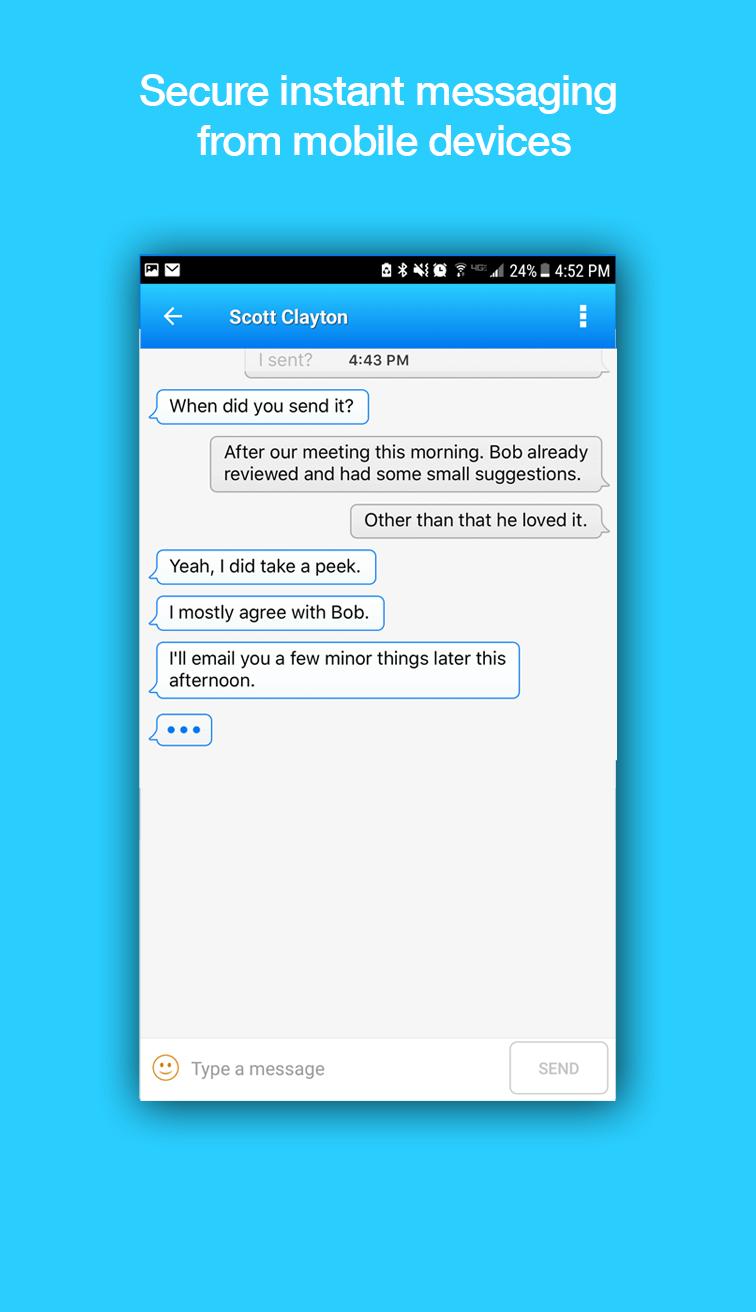
Description: Your business knows no bounds, and your instant messaging solution shouldn't either. From desktop to mobile, GroupWise Messenger gives you a cross-platform, business-class, instant messaging system that provides security and takes the risk out of using IM in the workplace.
By connecting this mobile app to your existing Messenger 18 system, Messenger uses your existing mobile data or wifi connection to instantly and securely communicate with co-workers -- no matter where they are!
No Hidden Cost - Mobile apps are included in your Messenger purchase or entitlement.
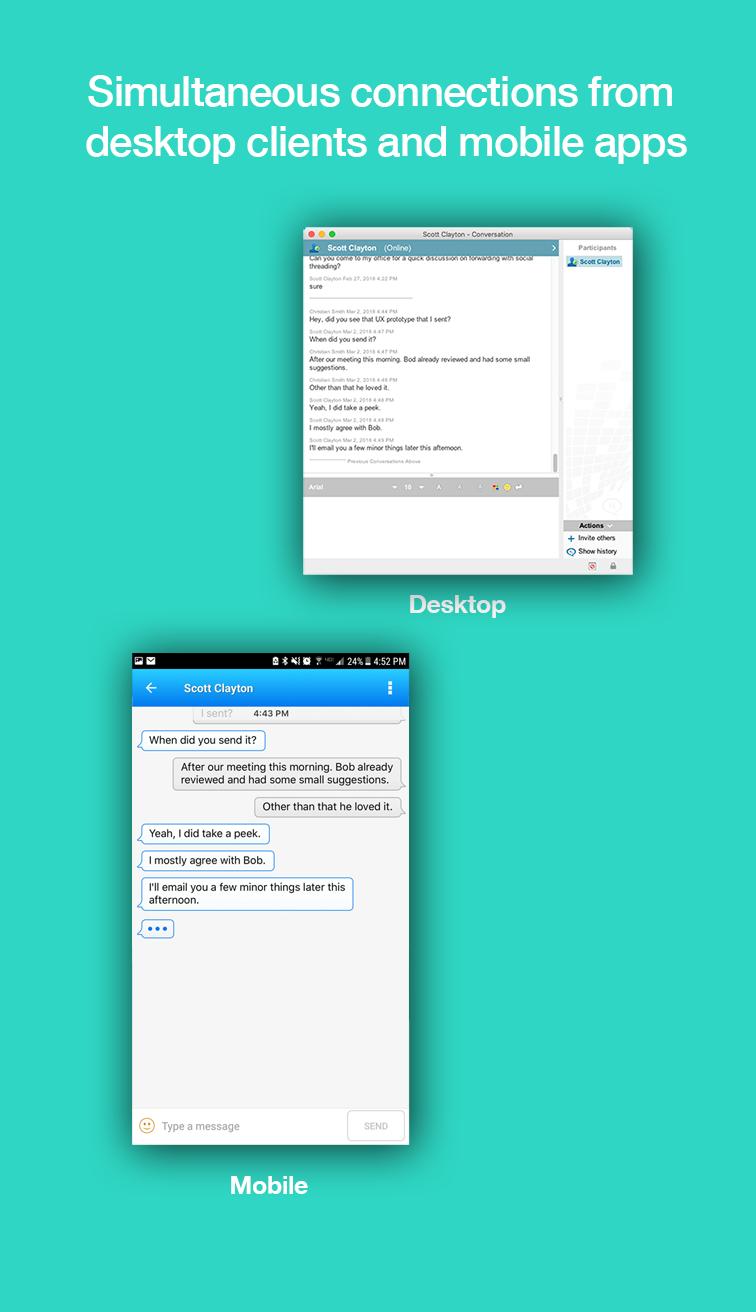
Simultaneous connections - You can be logged into Messenger on mobile, desktop, and tablet at the same time! Received messages will appear on any device where you're logged in.
Safe, Quick, Secure - SSL encrypted messages are instantly delivered to devices by your own secure on-premise Messenger system, and conversation history can be managed by admins and users.
Integrated - Connects to other Micro Focus products (like GroupWise) to show online presence (Online, Busy, Away, Idle, etc.), and allow for cross-functionality.
To use this app, your organization must have a Micro Focus Messenger system deployed. Please visit https://www.microfocus.com/products/enterprise-messaging/ for more information.
For licensing information, see https://www.microfocus.com/licensing/eula/?utm_medium=301&utm_source=novell.com#sectg.
Preview
Tags
BusinessInformation
Developer
Micro Focus Software Inc.
Latest Version
18.0.1.21
Last Updated
2018-03-26
Category
Business
Available on
Google Play
Show More
How to play GroupWise Messenger with GameLoop on PC
1. Download GameLoop from the official website, then run the exe file to install GameLoop
2. Open GameLoop and search for “GroupWise Messenger” , find GroupWise Messenger in the search results and click “Install”
3. Enjoy playing GroupWise Messenger on GameLoop
Minimum requirements
OS
Windows 8.1 64-bit or Windows 10 64-bit
GPU
GTX 1050
CPU
i3-8300
Memory
8GB RAM
Storage
1GB available space
Recommended requirements
OS
Windows 8.1 64-bit or Windows 10 64-bit
GPU
GTX 1050
CPU
i3-9320
Memory
16GB RAM
Storage
1GB available space